The barbershop management dashboard
Run the whole shop from your laptop: the book, the walk-in queue, payments, booth rent and what the shop collected.

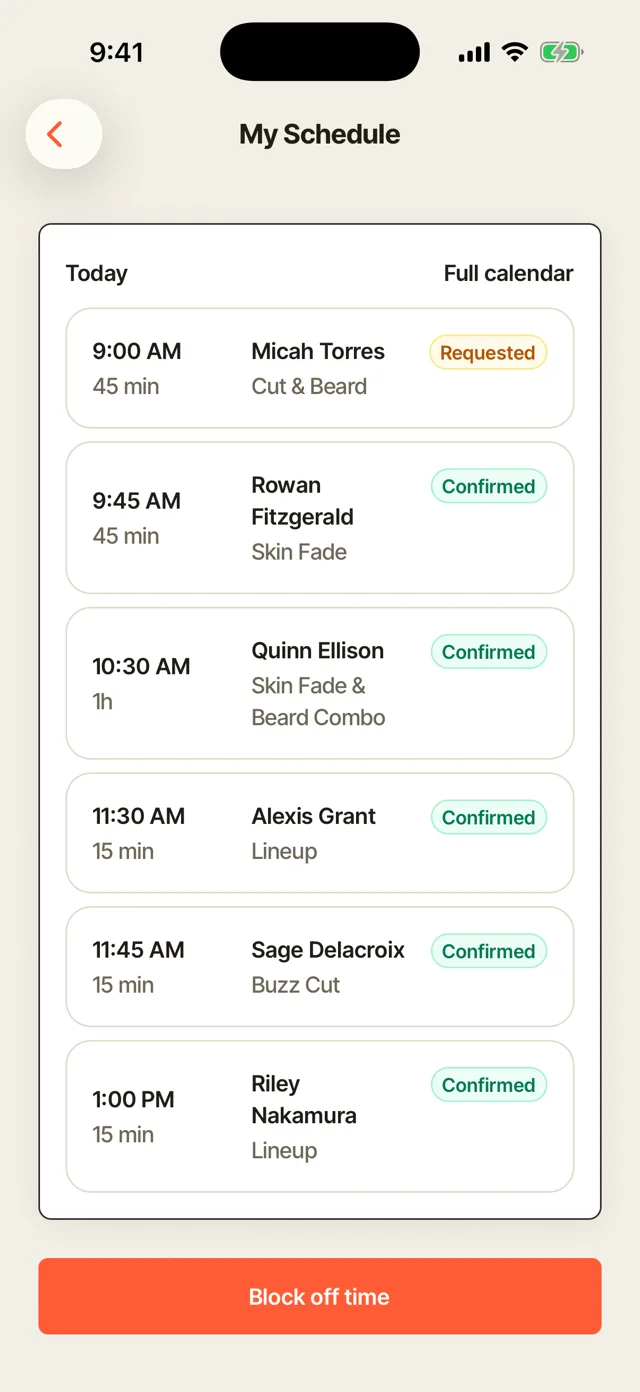
Appointment book for barbershops
See the day's appointments in order, with each client, service, barber and price. Confirm requests, check deposits and check out a client from the same screen.


Today, in order
The book lists the day in time order, each appointment with its client, service, barber and price. Each one shows where it stands, from requested to confirmed to completed, and whether the deposit is in. Filter by barber, or switch to upcoming and history. You see the whole day before the first client sits down.
Requests to confirm
When you approve bookings yourself, new requests wait under Needs confirming. Confirm a request, and it goes on the book. Nothing lands on a barber's day without the shop saying yes.
Checkout from the book
Every appointment has its own Checkout button. The service and price are already filled in.
Add an appointment
Book a client who calls or asks at the counter. The time is taken for that barber right away.
Booked value
See what everything still to come is worth. You know how the week ahead looks.
Walk-in queue and chair hours
See who is waiting, who is in each chair and the wait for the next walk-in. Seat walk-ins with the barber who is free, and see which chairs stay busy across the week.

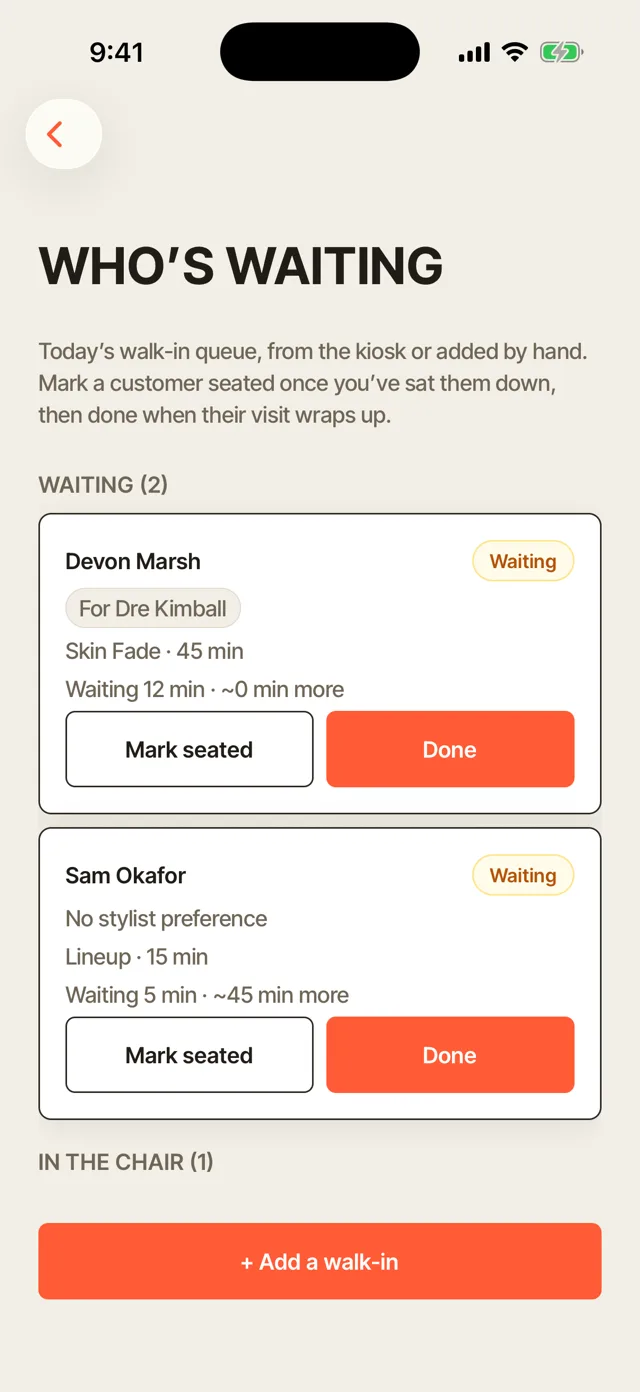
Who is waiting, and who is in each chair
The queue shows each walk-in's service, the barber they asked for and how long they have waited. Each chair shows its barber and the client in it, with a button to finish and check out. Pick a chair for the next walk-in and seat them. The front of the shop runs from one screen.
Chair hours
See each chair's booked hours against its open hours for the last seven days. A chair that sits empty on weekday mornings shows up in the numbers. You can set hours and staffing from what happened instead of a hunch.
Self check-in iPad
Walk-ins sign themselves in at the door and land in this queue. Nobody has to stop cutting to take a name.
A wait estimate
The wait comes from the services ahead and the barbers cutting. You give the next walk-in a real number, and they follow the same wait live on their phone.
Served today
See how many walk-ins you checked out today. You know how the walk-in side of the day went.
Payments and tips
See what came in, what is still owed and what is past due, with every deposit, card payment and tip listed. Take a payment or send an invoice from the dashboard.

Collected, outstanding and overdue
Switch between the day, the week, the month and the year to see what came in. Every payment is listed with its client, service, amount, tip and status. Outstanding and overdue amounts sit at the top, so nothing owed slips past you.
Collect a payment
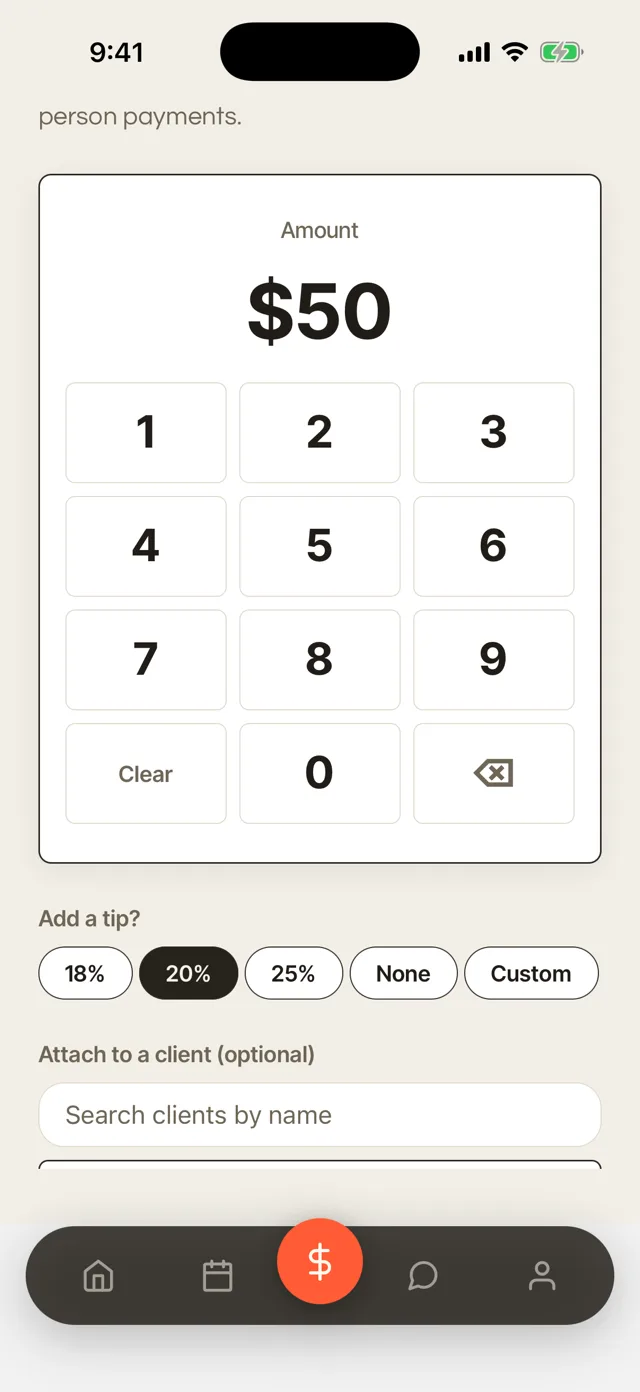
Take a payment right from the dashboard, or create a new one and send it with a pay link. Card payments go to your own Stripe or Square account. Clients get their receipt by email as soon as they pay.
Deposits
Deposits paid at booking show with the appointment they hold. You see who has paid to hold their chair.
Tips with each payment
Each tip is recorded with the cut it came with. Tips add up for each barber.
No-show fees
Charge a no-show fee to the card the client saved at booking. You are paid for the time you held.
Booth rent and commission tracking
Track each renter's rent and when it is due, marked Paid, Due or Late, with the shop's on-time rate for the month. Commission shops see what they owe each barber, with each barber's tips tracked.

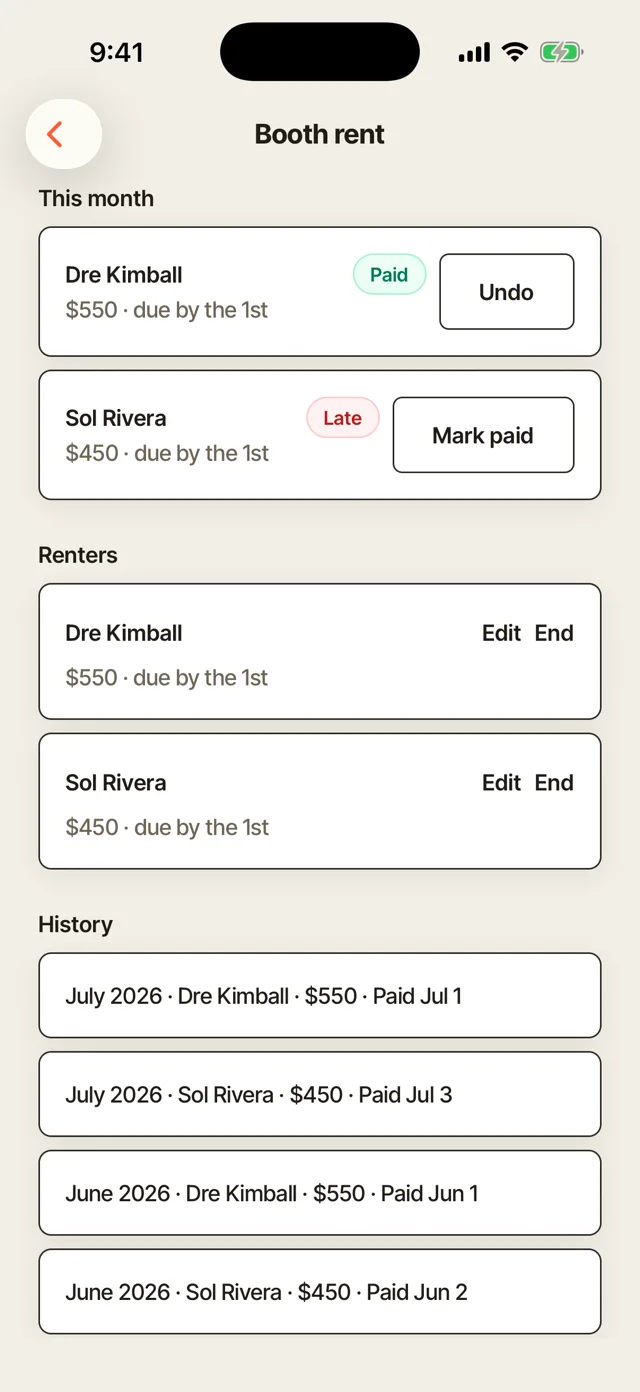
Booth rent tracking
Set each renter's rent and the day it is due. The dashboard shows who has paid, who is due and who is late, with what is collected and still owed for the month. Until a renter pays, a reminder goes out each week, and you mark the rent paid when it comes in. You stop chasing rent in a group chat.
Commission and tips per barber
For barbers on commission, see what you owe each one. Tips are tracked per barber, so you can pay each one in full. The team dashboard shows each barber's tips, so payday has no arguments.
Booth Rent Agreement
Send the Booth Rent Agreement template, and your renter signs it in the app. The terms are in writing from day one.
Renters keep their clients private
On Team, each renter's book and client list stay private unless they choose to share. You see totals and rent. If a renter leaves, their clients go with them.
Renter card payments
Each renter is one of the nine people on Team. When a renter takes a card payment, the money goes to their own payout account, not the shop's.
Team accounts
Give each barber their own sign-in, with the permissions you choose. Nobody shares your password.
Barbershop earnings and expenses
See what the shop collected this week and this month, your average ticket and what went out. Log every expense with its receipt, so tax time is a filter instead of a shoebox.

Your week on the home screen
The dashboard home shows what you collected this week with tips, this month and your average ticket. Requests waiting and today's appointments sit right under it. You know how the shop is doing the moment you sign in.
Expenses with receipts
Log each expense with its vendor, category and amount, and attach a photo or PDF of the receipt. Filter by barber or by category, such as clipper and blade supply or booth rent. You see the month's spend and the biggest category at a glance.
Needs attention
Requests still waiting on a deposit show on the home screen. You see what needs you first.
Upcoming birthdays
Clients with a birthday coming up show on the home screen. A birthday note is an easy reason to rebook.
CSV export
Take your client list with you as a CSV file anytime. Your records stay yours.
More of Turbo Link for barbers


Questions barbers ask
Can my barbers see each other's clients?
On Team, each booth renter's book and client list stay private, and the owner sees totals and rent, never a renter's clients. Barbers on commission get their own sign-in with the permissions you choose.
Does the dashboard track tips for each barber?
Yes. Each tip is recorded with the cut it came with, so you can pay each barber their tips in full, and the team dashboard shows each barber's tips.
Can I take a payment from the dashboard?
Yes. Collect a payment from the dashboard or send a pay link by text or email. At the chair, use the app with Tap to Pay on iPhone.
Can I export my data?
Yes. Your clients are yours, and you can export them as a CSV file whenever you want.
See your whole shop on one screen
Set up your book, your queue and your barbers yourself. You add a card to start, and you are not charged today.