A photography website with your booking page built in
Still telling people to ask about dates by DM? Pick a look for your site, and every page takes a booking.
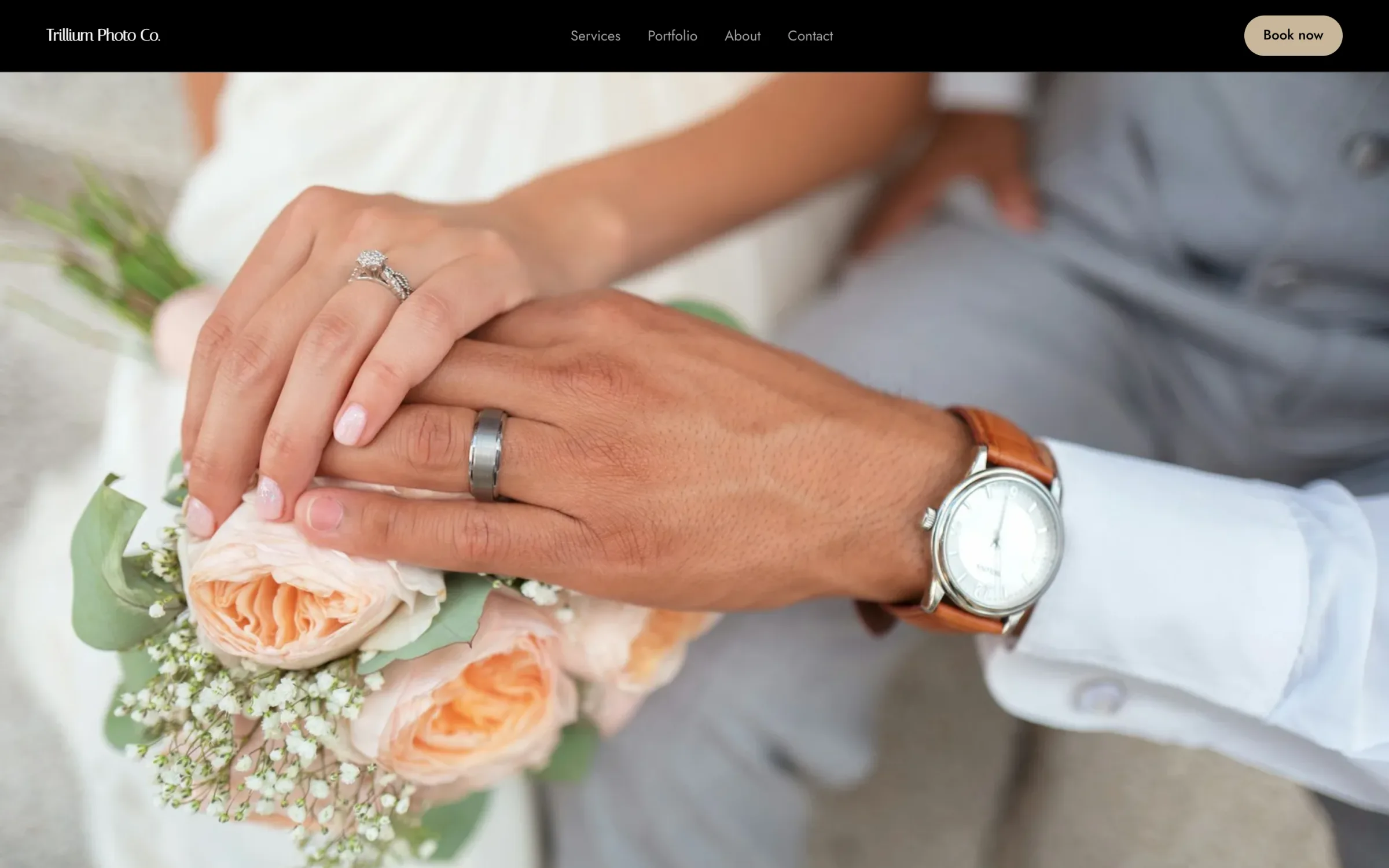
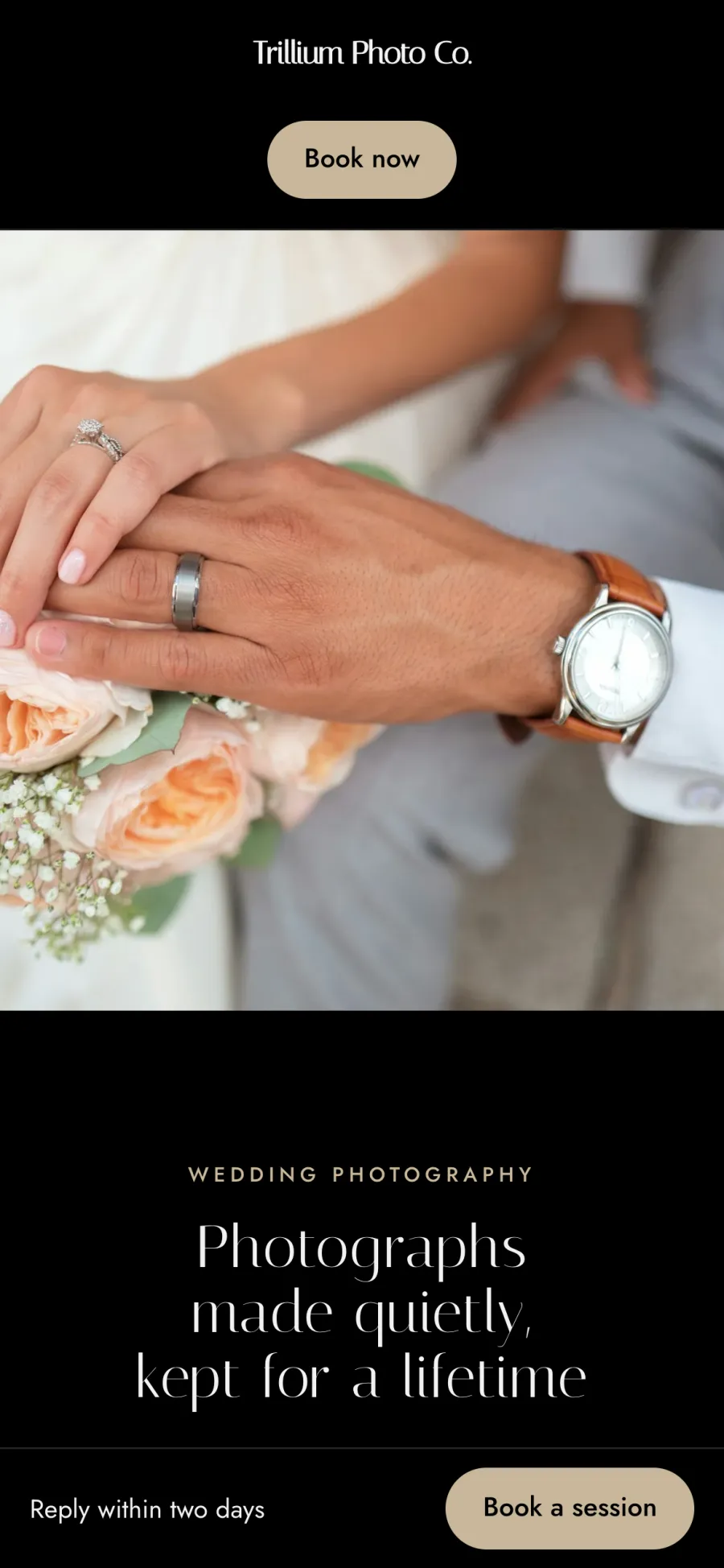
Photography website templates
Pick a design made for photographers, add your photos and words, and publish. Switch to another design whenever you like. Your photos and words carry over, so a new look never means rebuilding your site.
-
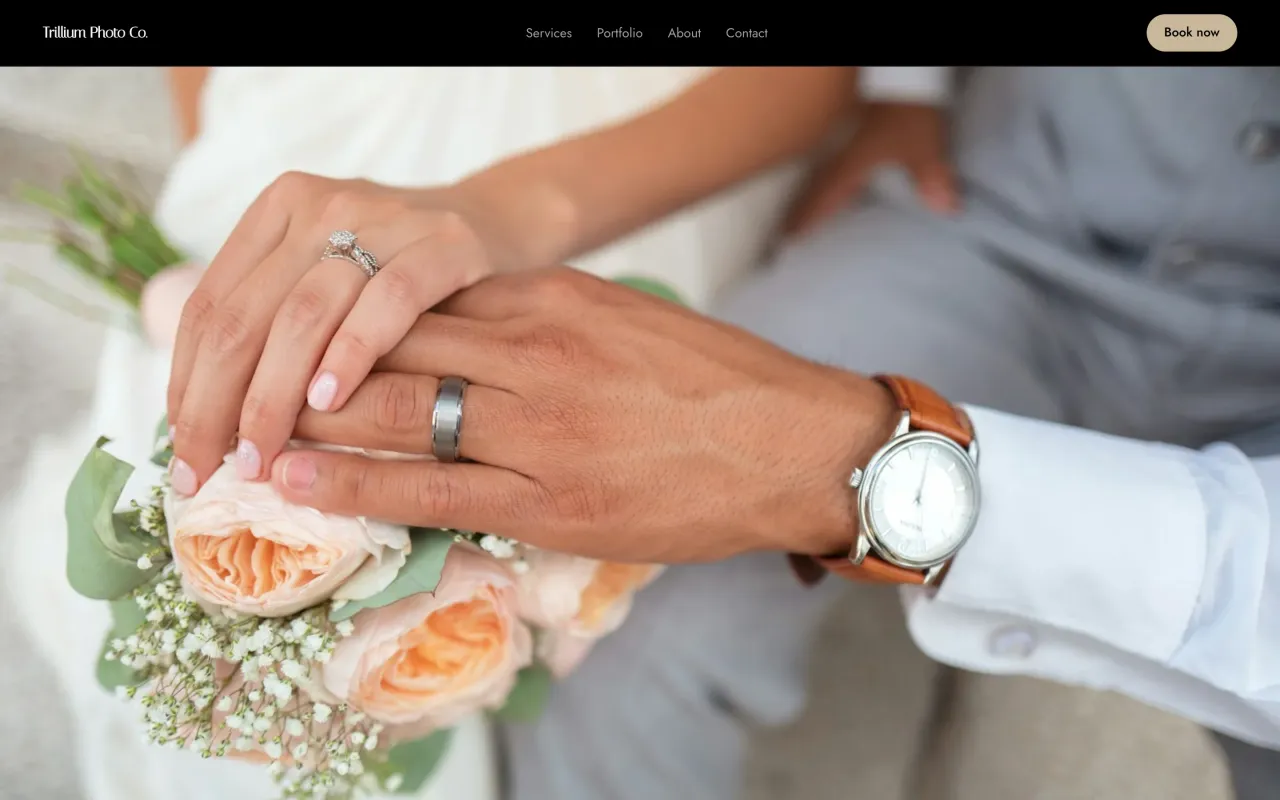 SableSee it live (opens in a new tab)
-
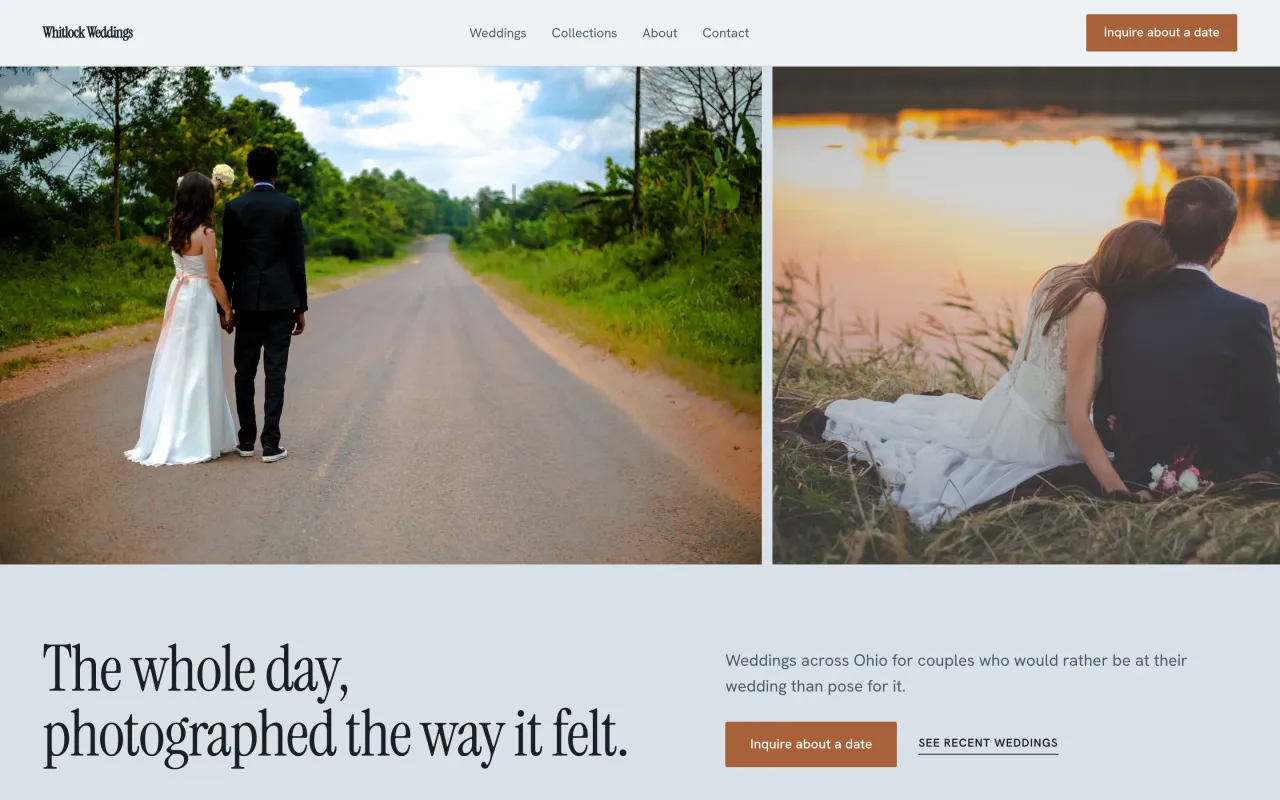 HeirloomSee it live (opens in a new tab)
-
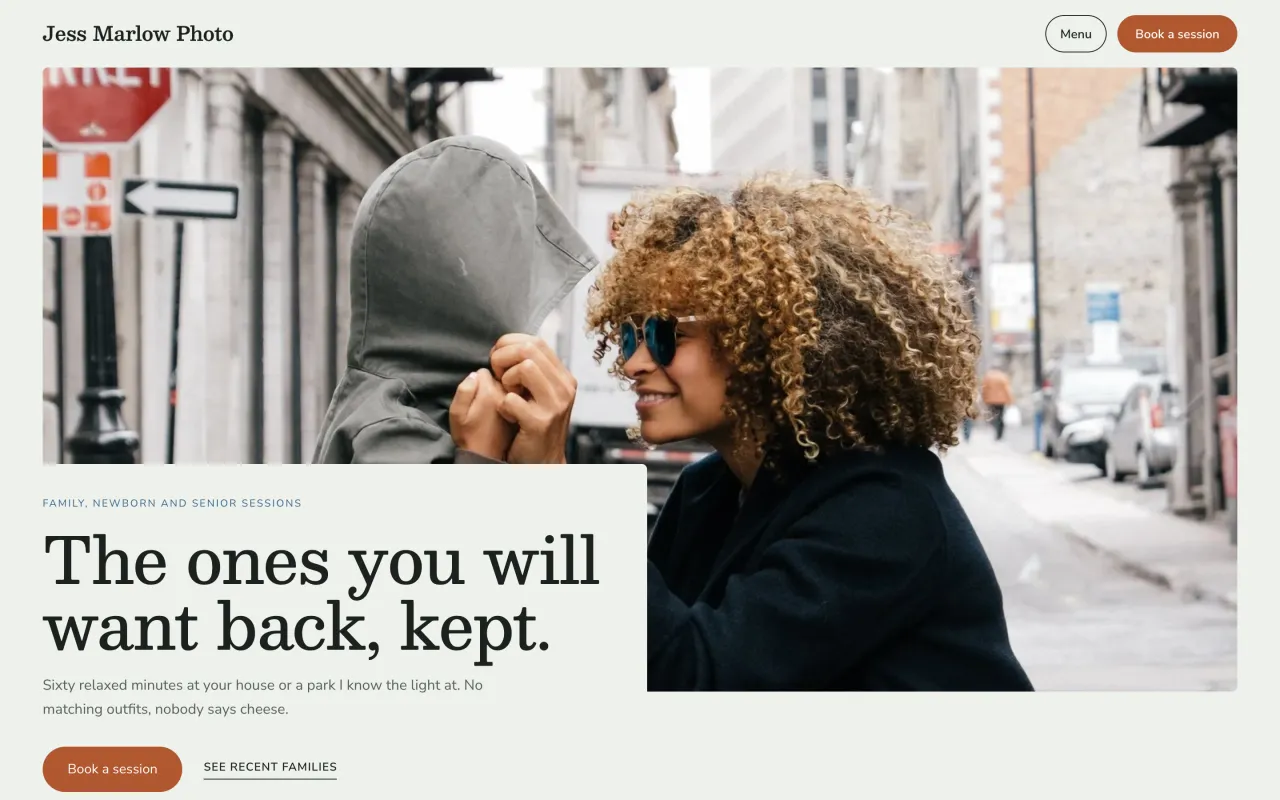 PorchSee it live (opens in a new tab)
-
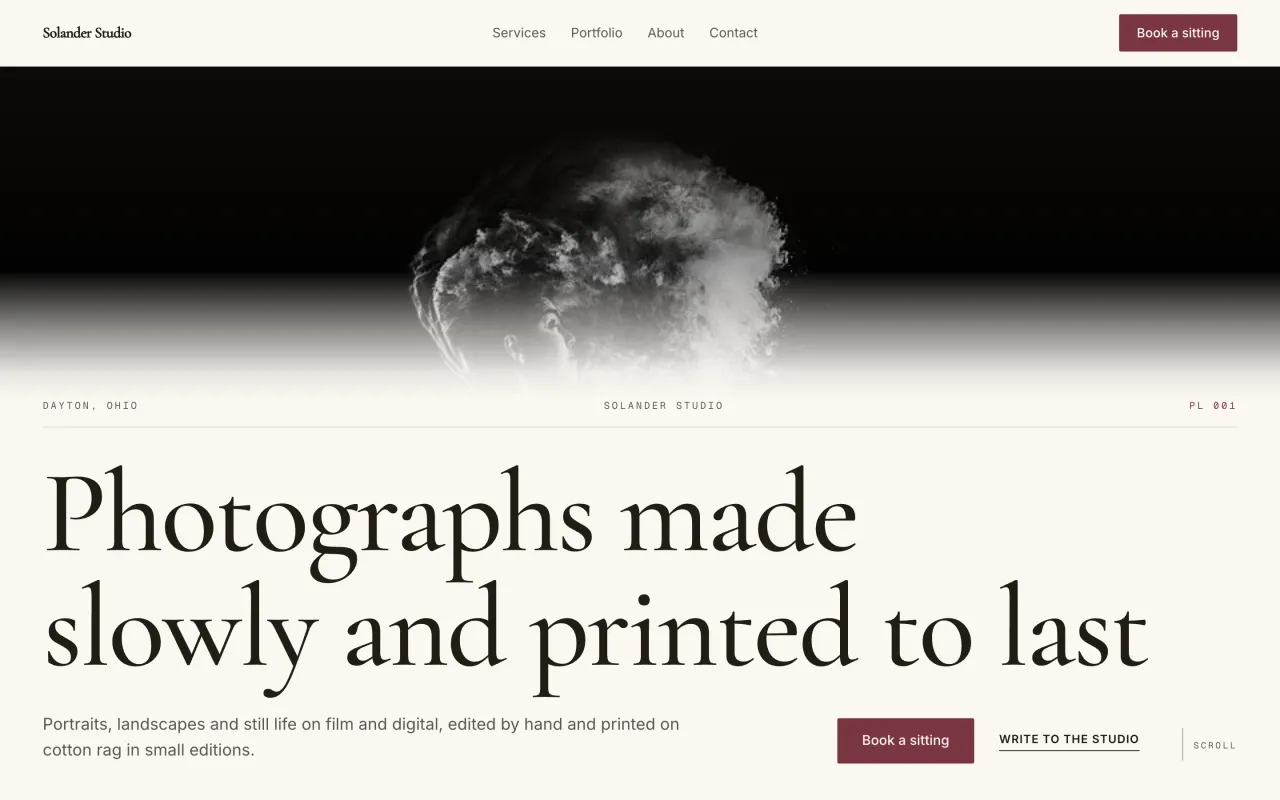 FolioSee it live (opens in a new tab)
-
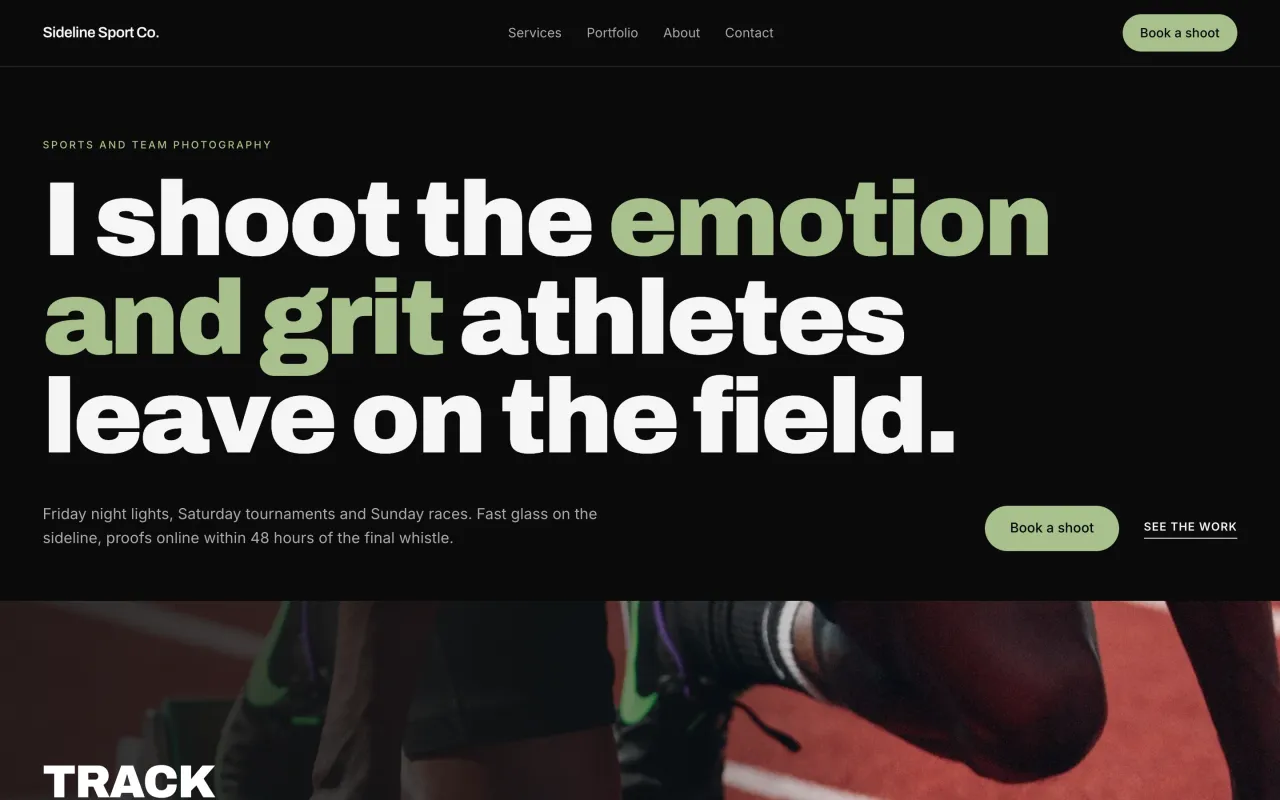 PodiumSee it live (opens in a new tab)
-
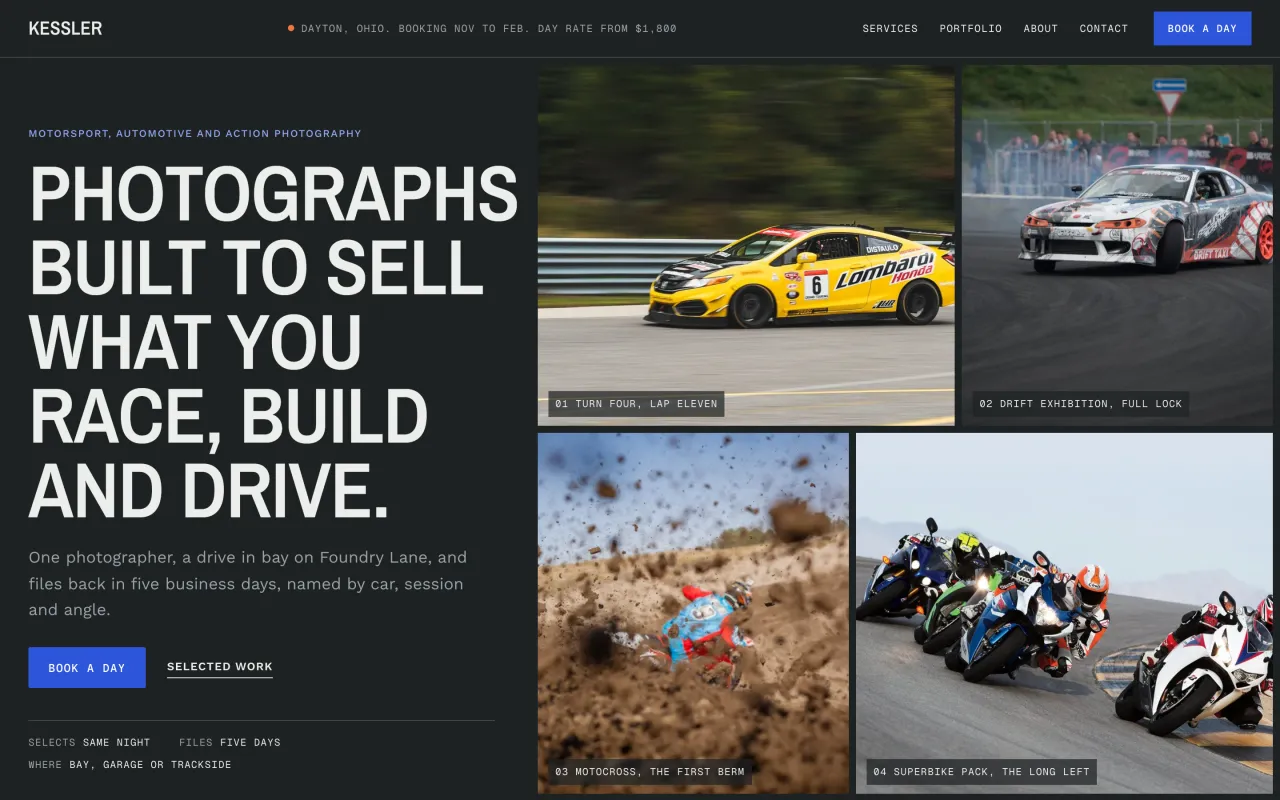 BasaltSee it live (opens in a new tab)
-
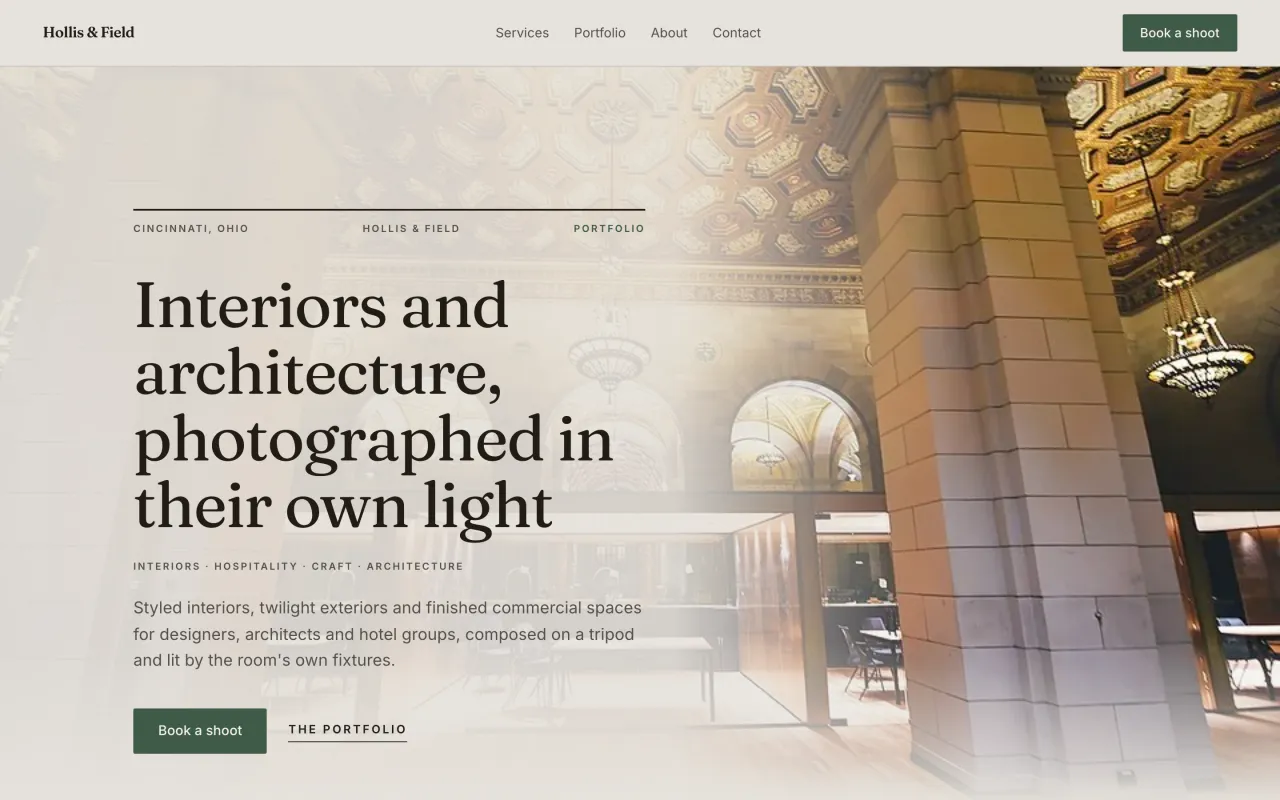 CurtainSee it live (opens in a new tab)
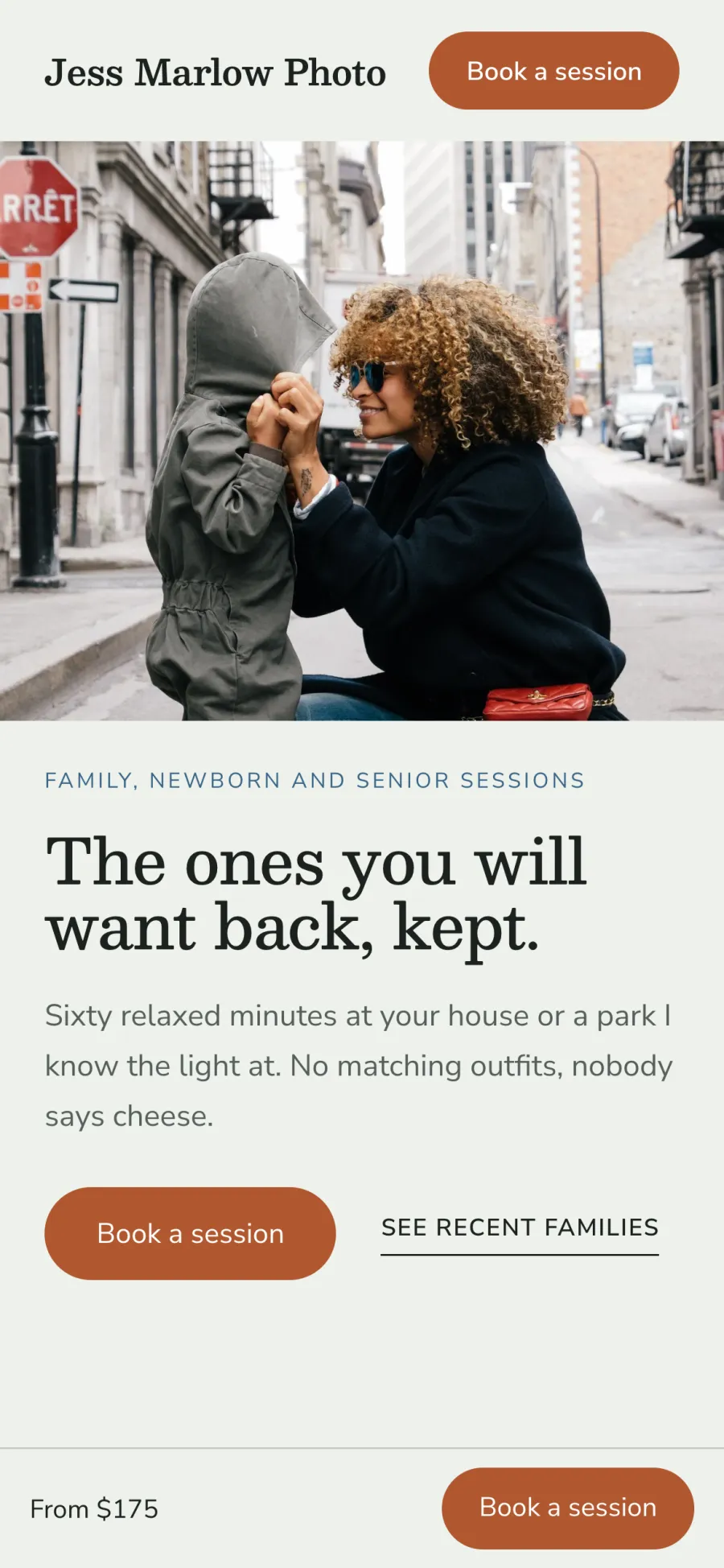
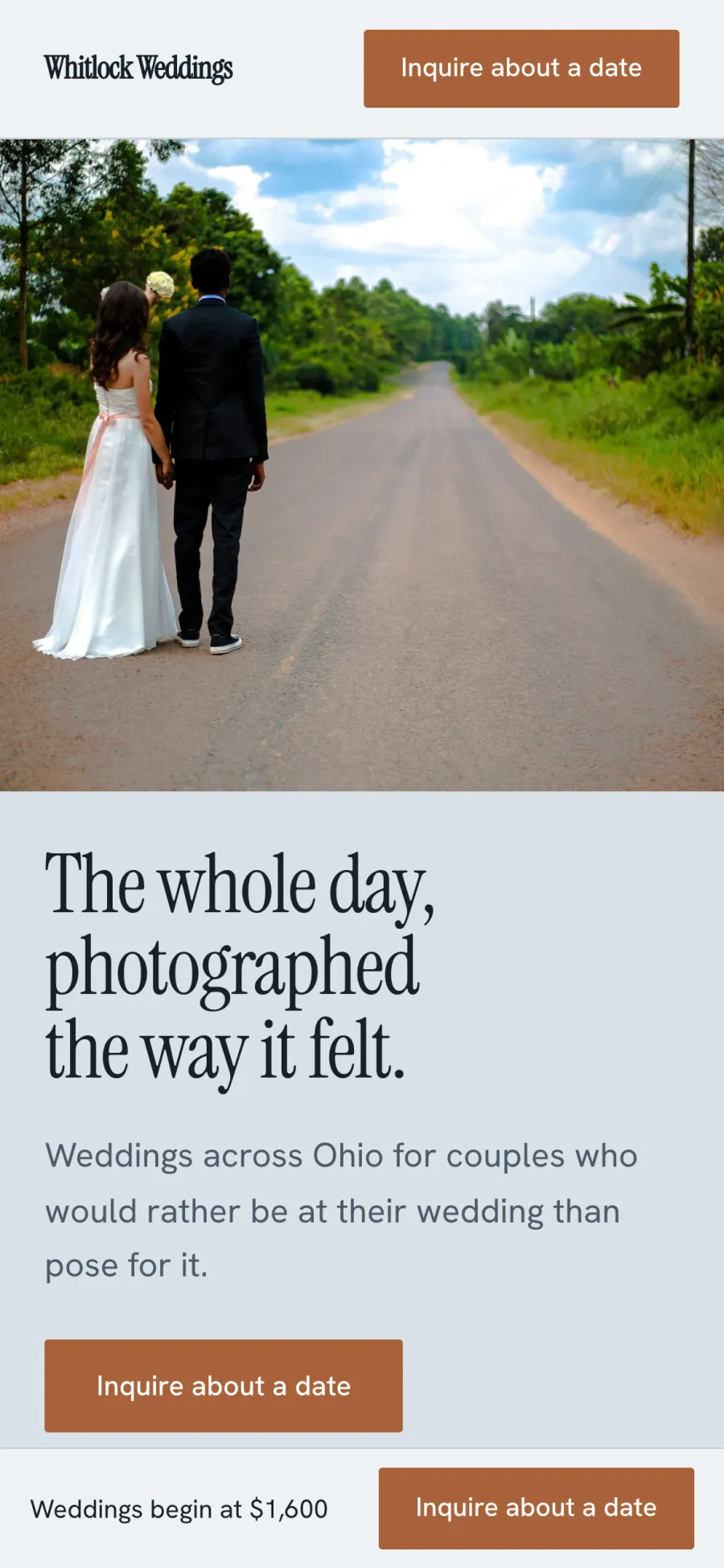
Switch designs anytime
Pick another design and the site changes around your photos and words. Nothing needs rebuilding. Try a new look when your style changes or a new season of work comes in. If you change your mind, switch back.
Every design works on a phone
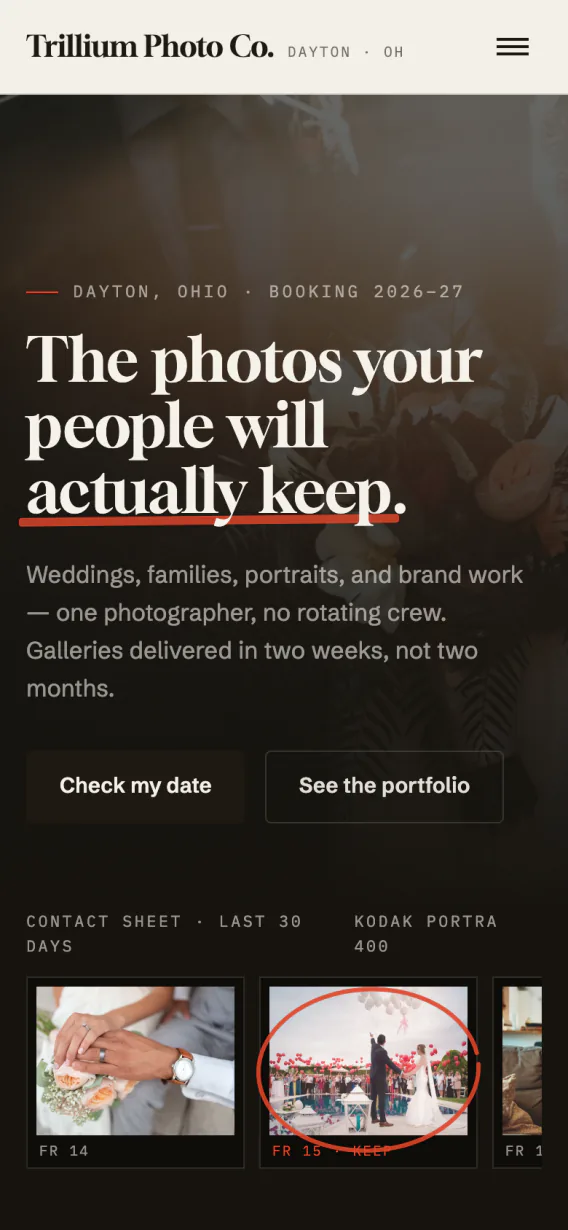
Each design reads as well on a phone as it does on a laptop. Clients who find you from Instagram or a text land on a site that fits their screen, with your button to book in reach. You never build or update a separate mobile site.
A page for each design
Open any design on its own page before you choose. You pick a look with the full design in front of you.
Link in bio page
A page for your Instagram bio with your booking link and your best work. Followers who tap your bio land one step from booking.
Custom design from $349
Our designers build custom sites from $349 on the same platform. Your photos, galleries and bookings carry over, so there is nothing to migrate.
Online booking on your website
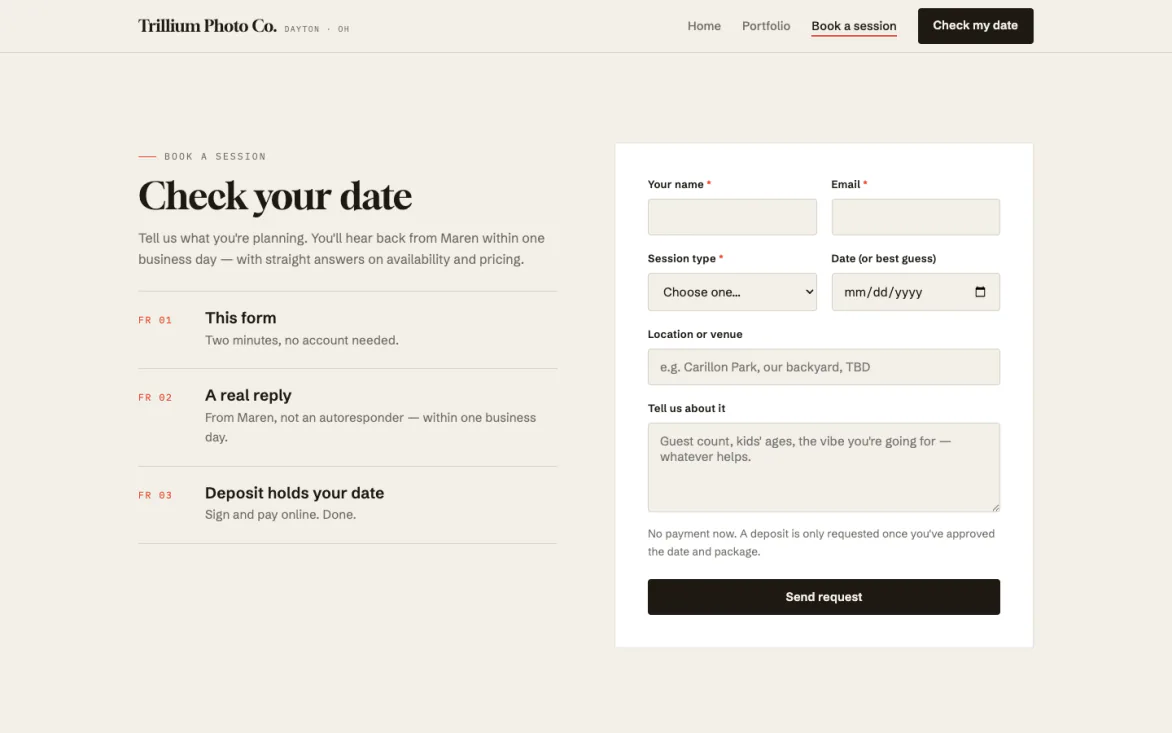
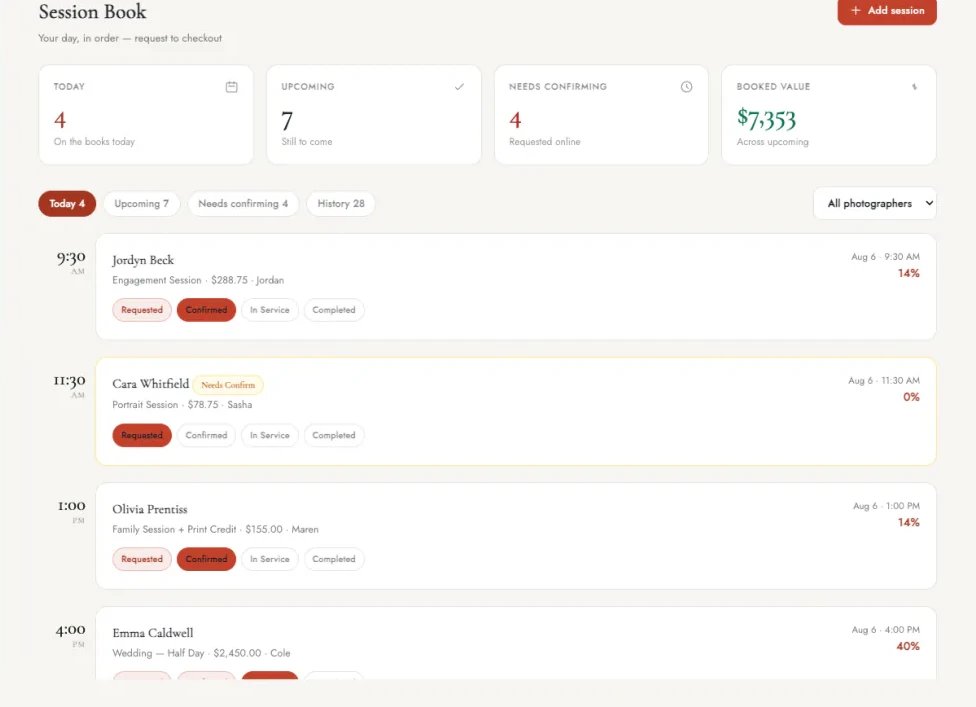
Clients book a session right from your website instead of asking about dates by DM. They pick an open date, send their details and pay your deposit without leaving your site. Each booking arrives with what you need to know, so there is less back and forth.
A button to book on every page
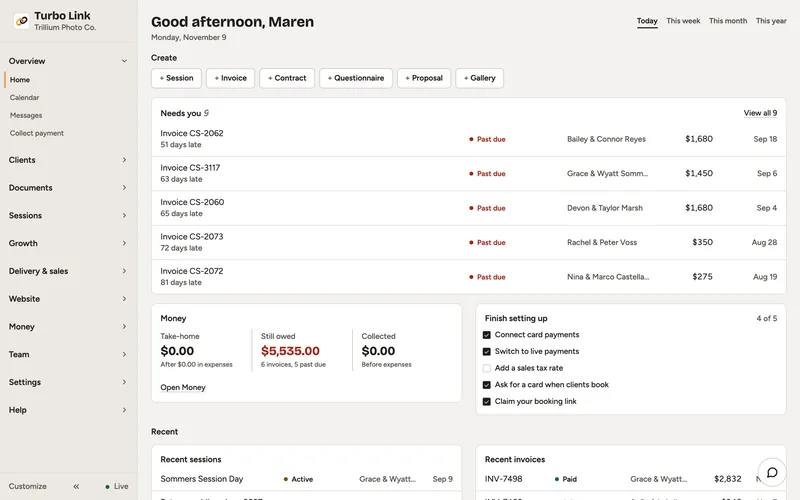
Every page of your site carries a button to book a session, so a visitor who likes your work can act on it right away. They pick an open date and send the session details from the same page. The request lands in your dashboard, in the requests inbox and on the calendar.
Deposits that hold the date
Clients pay a deposit to book, at the percentage you set for each session type. The deposit holds the date, so a booking comes from a client who has committed. You spend less time on inquiries that never turn into sessions.
Session types and packages
Set the length, the price and what is included for each kind of session. Clients see what they are booking before they send a request.
Instant booking or approval
Let clients book straight away, or approve each request yourself. You decide how much say you want over your calendar.
No double bookings
A second booking for a time that is already taken is refused. Notice times and buffers between sessions keep each day workable.
Mini sessions
Open a day of short sessions and let clients pick a slot. A whole mini session day fills from one link.
Waitlist
When your dates are full, clients can join your waitlist. When a date opens up, you already know who wants it.
Reminders and calendar sync
Clients get reminders before their session, and bookings land on your calendar. Fewer clients forget, and you see every session where you already plan your week.
Portfolio galleries
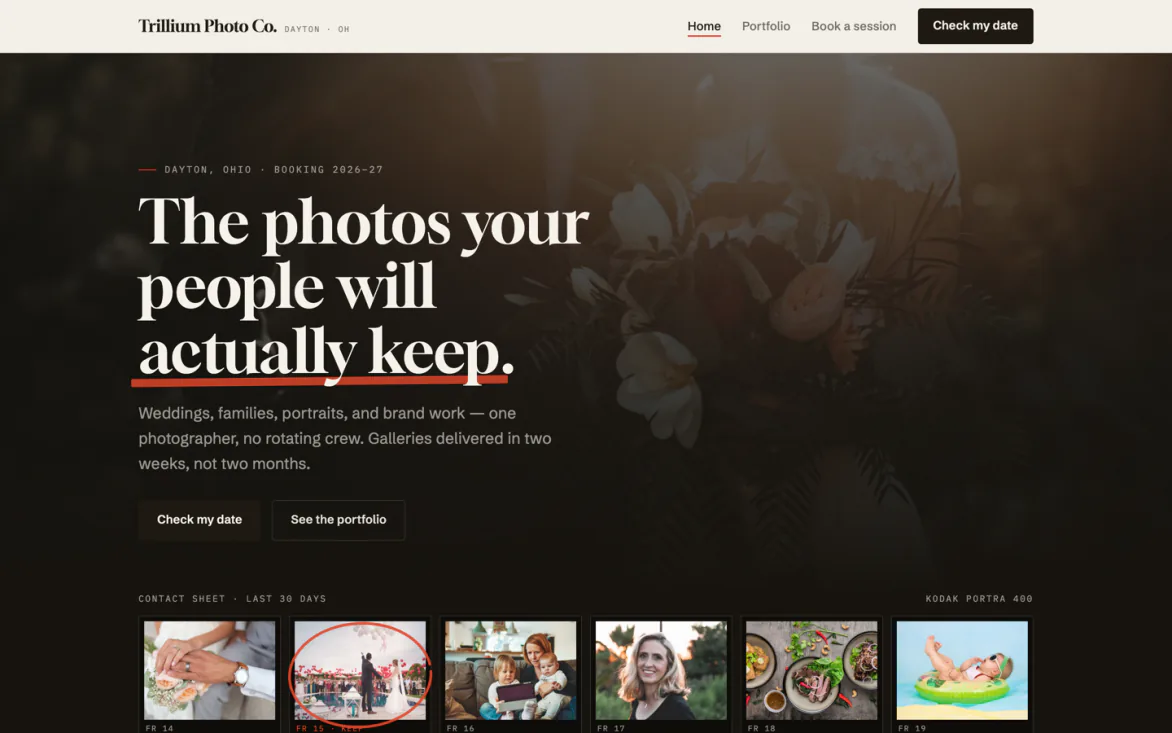
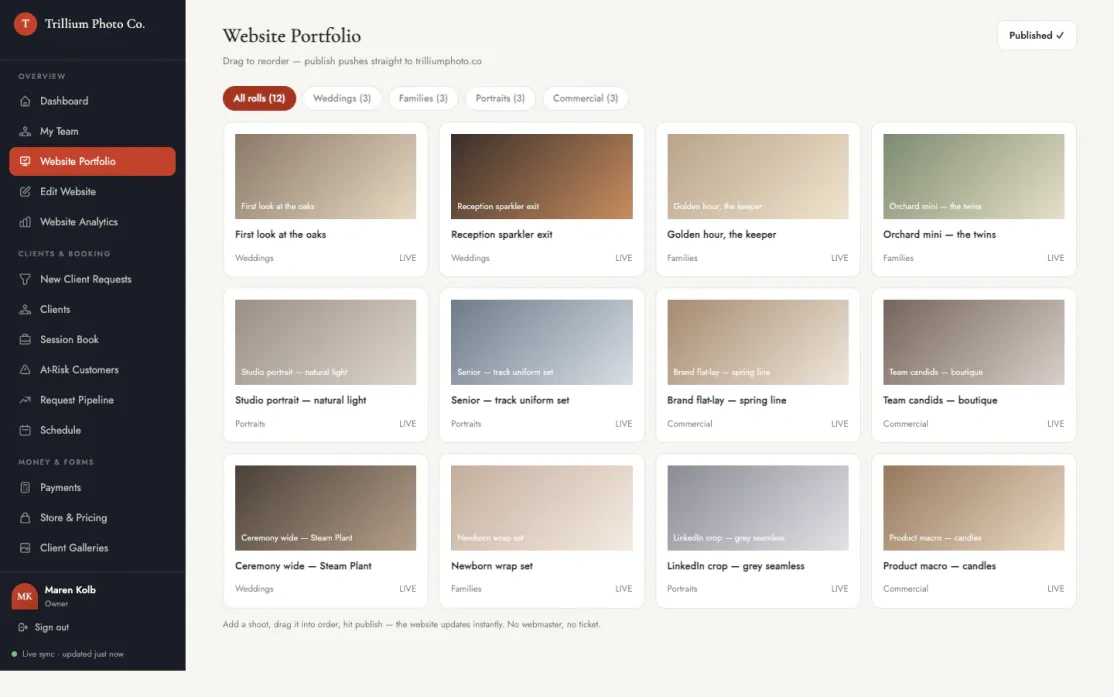
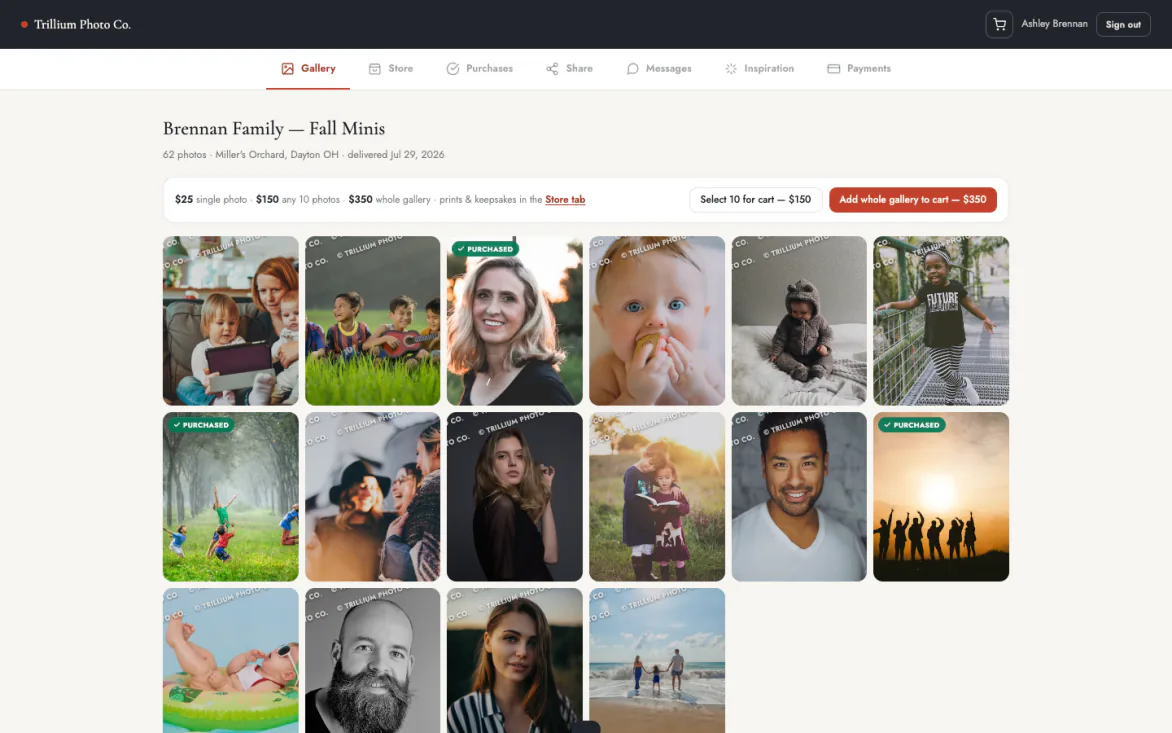
Show your best work in galleries sorted by the kind of session you shoot. Update the portfolio yourself from the dashboard, and the site changes as soon as you publish. Your newest work can go up as soon as it is edited.
Drag to reorder, then publish
Drag galleries into order, swap in a new shoot and publish from the dashboard. The site updates right away. Lead with the work you want more of, and change the order when your bookings shift.
Categories for each kind of session
Sort your work into categories such as weddings, families or portraits. Visitors find the kind of session they came for without scrolling past everything else. A family looking for fall photos sees your family work first.
A caption on each photo
Add a caption to any photo in your portfolio. A line about the place or the moment helps a client picture their own session.
Edit from anywhere
Change your site from the web or from your phone. Add a shoot between sessions without waiting until you are back at your desk.
Version history
Every edit is kept in version history. You always have a record of how your site looked before a change.
SEO for photography websites
Each service you offer gets its own page and its own address, so a search for that kind of shoot can land on it. You write the page titles and descriptions that search results show. Clients searching for a wedding or family photographer find the page that matches.
A page for each service
Weddings, families and portraits each get their own page with their own address. A search for that kind of shoot can land on the page that matches it instead of your home page. The visitor starts on the work they came for, with the button to book right there.
Page titles and descriptions
Write the title and description for each page in your own words. You choose the words clients use when they look for a photographer like you. Change them anytime as your services change.
Sitemap made for you
Your sitemap is made for you. That is one less technical job on your list.
Your own domain
Your site runs on your own domain at no extra cost, registered in your name. We connect a domain you already own and handle the certificate, and if you leave, you take the domain with you.
Free Turbo Link address
Every site also gets a free Turbo Link address. It keeps working after you connect your domain, so nothing you already shared breaks.
More of Turbo Link for photographers
Questions about photography websites
Can I use my own domain?
Yes, at no extra cost. Every site also gets a free Turbo Link address. Connecting a domain you already own is included: we point it at the site and handle the certificate. The Turbo Link address keeps working, so nothing you already shared breaks.
Who owns the domain?
You do. It is registered in your name, and if you leave, you take it with you. We manage the DNS while you are a customer.
Can I change my website's look later?
Yes, any time. Your photos and words carry over.
Can I edit the website myself?
Yes. The portfolio and the Edit Website screen live in the dashboard. Reorder galleries, swap a shoot and publish, and the site updates right away.
Can I get a custom photography website?
Yes. Our designers build custom sites from $349 on the same platform. Your photos, galleries and bookings carry over, so there is nothing to migrate.
Where do bookings go?
Every request lands in the studio dashboard, in the requests inbox and on the calendar.
Start with a look, then make it yours
Pick a look and put your booking page online.