A tattoo CRM with every piece, session and signed consent
Look a client up before they walk in, and know what you did last time.

Tattoo client records
Each client's pieces, sessions, piece notes and signed consent forms sit on one record, with their lifetime spend and last visit at the top. You walk into a repeat session remembering what you did last time.


Every piece and session
The record lists every piece the client has with you and every session on it. Open a piece to see its photos, notes and approved design. You never dig through old messages to find what you did last time.
Signed consent on the record
Every consent form and ID check the client signed is stored on their record. You can find any form again in seconds when you need it.
Lifetime spend and last visit
See what each client has spent with the shop and when they were last in. You know your regulars at a glance.
Piece notes
Keep notes on each piece: the inks, the placement, what to watch on the next sitting. The next session starts from your notes.
Touch-ups and rebooking
Book a touch-up against the piece it belongs to, and invite clients back when they are due. Repeat clients book their next piece without you having to chase them.

Touch-ups linked to the original
A touch-up is booked on the same project as the original piece. The healed photos, the notes and the touch-up stay together. You see the full history of the piece in one place.
Due to rebook
Clients show as due once enough time has passed since their last session. Send the invite yourself, or let the rebook email go out in your own words.
Birthday emails
Send each client a note on their birthday, automatically. A small touch keeps you in mind before their next piece.
Email your clients in one send
Announce a flash day or open dates to your whole client list in one email.
Client tags for tattoo shops
Tag clients as consultation, deposit paid, touch-up, cover-up, custom design or numbing. Filter the list by any tag to find who needs what before the day starts.
Tags made for tattoo work
The tags start out written for tattoo shops. A cover-up consult or a client who asked for numbing is easy to spot. You prepare for each session before it starts.
Filter by any tag
Pick a tag to see only those clients. Find everyone with a deposit paid this week, or every cover-up still at the consult stage.
Tattoo request pipeline
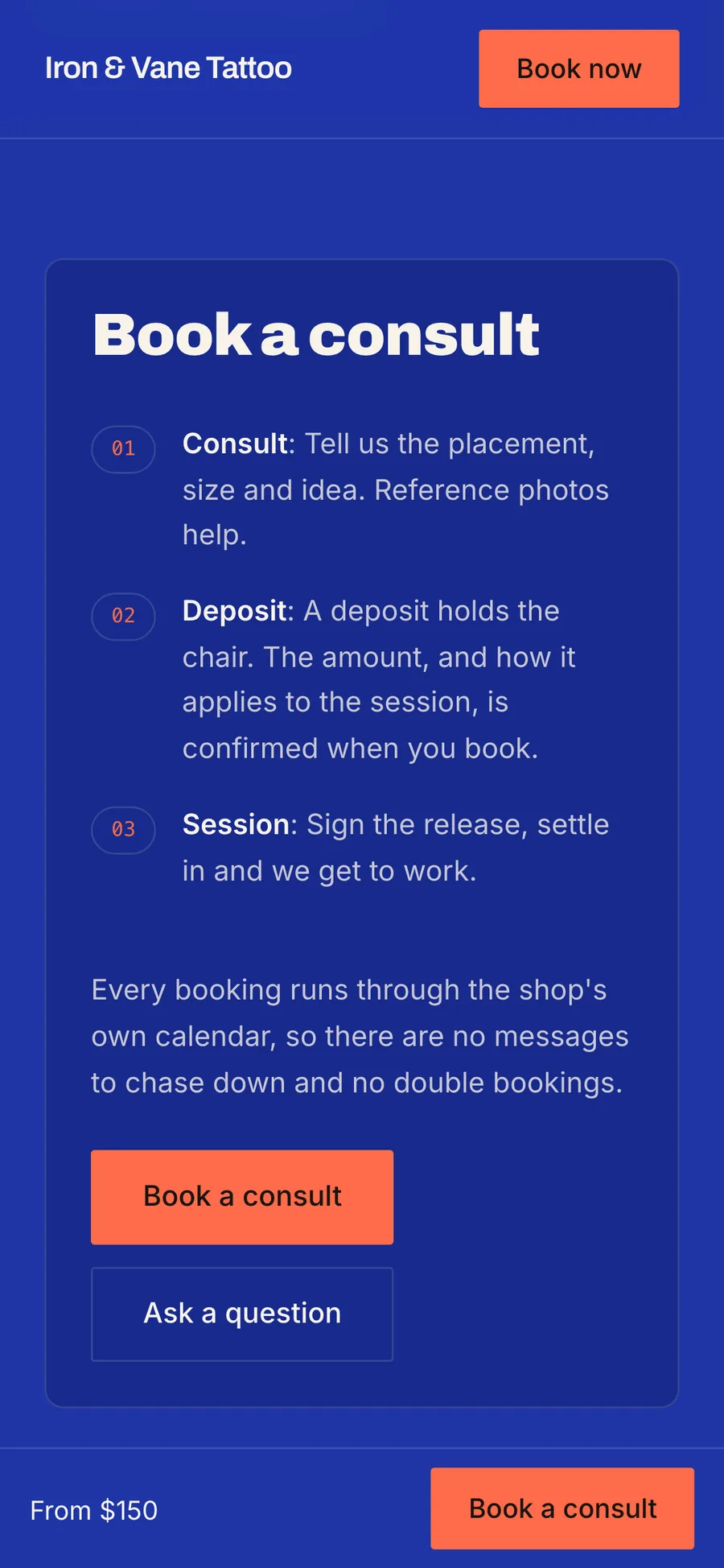
Every request moves from New to Contacted to Booked, so none of them stall. Your website's booking page feeds the pipeline, and requests from DMs or walk-ins can be logged by hand.

From New to Booked
Each request shows where it stands. Move it along as you reply and book. You see at a glance which requests still need an answer.
Every request in one place
Requests from your website land in New with the client's idea, placement and reference photos. Log a DM or a walk-in in seconds, and it joins the same pipeline.
Win back cold clients
Filters show who is overdue and who is at risk of not coming back. Send a win-back message to the clients you have not seen in a while.

Overdue and at-risk filters
An at-risk list sorted by the longest gap since a client last booked. You see who has drifted before they forget about you.
A win-back email in your words
Reach out by hand from any flag, or switch on the win-back email and it goes on its own. Past clients already know your work, so an invite back is often all it takes.
Import from CSV
Bring your client list in from a CSV file. Moving to Turbo Link does not mean starting your client list over.
A CRM for shops with several artists
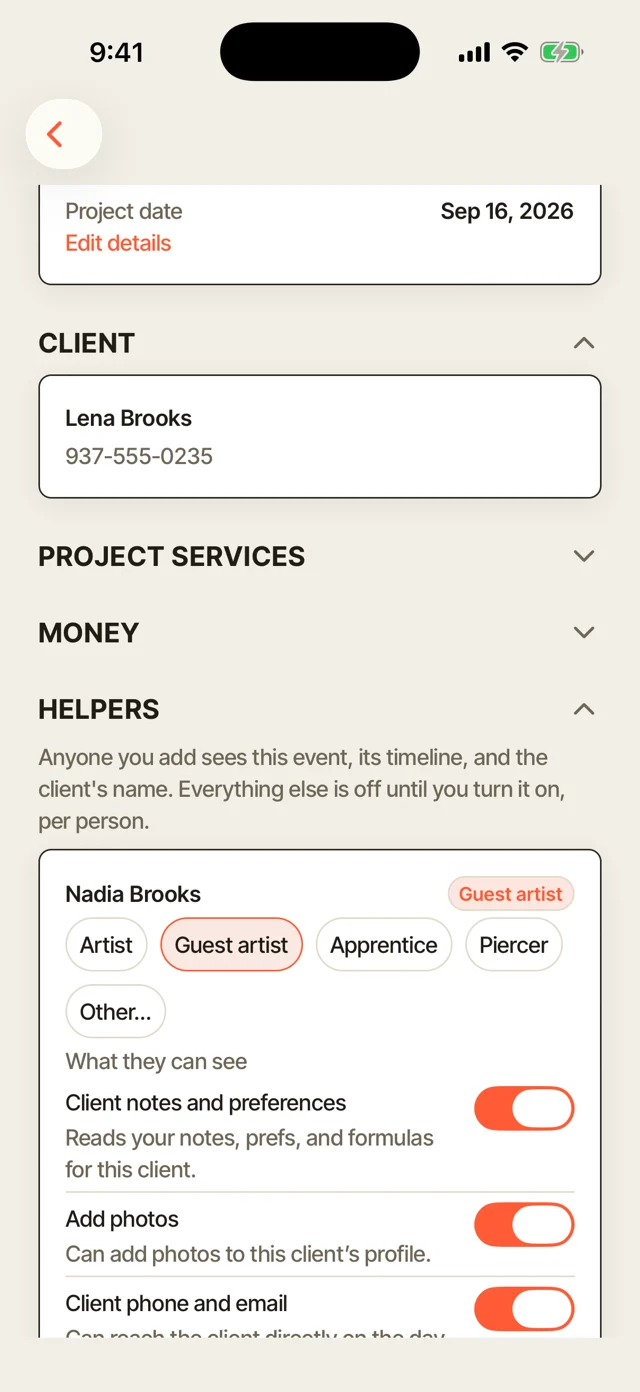
Each artist sees their own clients and flags, and the owner sees the whole shop. Keep each artist to the clients they work with, and the rest stay private.
Limit artists to their own clients
Turn on the setting, and each artist sees only the clients they work with. The shop's full list stays with the owner.
Roles for your team
Set each person as an artist, guest artist, apprentice or piercer. Each role sees what that job needs.
More of Turbo Link for tattoo shops


Questions about the tattoo CRM
Is any of this automatic?
The flags are. Due, overdue, at-risk, birthdays and the pipeline update on their own. Sending is your call: reach out by hand from any flag, or switch on the win-back message and it goes on its own.
Can I bring my clients from another app?
Yes, yourself: import your client list from a CSV file. Your clients land in your list ready to tag and rebook.
Can each artist keep their own client list?
Yes. Each artist sees their own clients and flags, and the owner sees the whole shop.
Where do the requests come from?
Your website's booking page feeds the pipeline, and DMs or walk-in requests can be logged in seconds. Either way, they land in New with the client's details attached.
Know who to invite back this week
See who is due back for a touch-up or their next piece.