Salon booking software with deposits, client records and payments
Clients pick a service and an open time from their phone, and your deposit holds it. For salons, independent stylists, booth renters, and nail and lash studios, from $29 a month billed annually.
Online booking
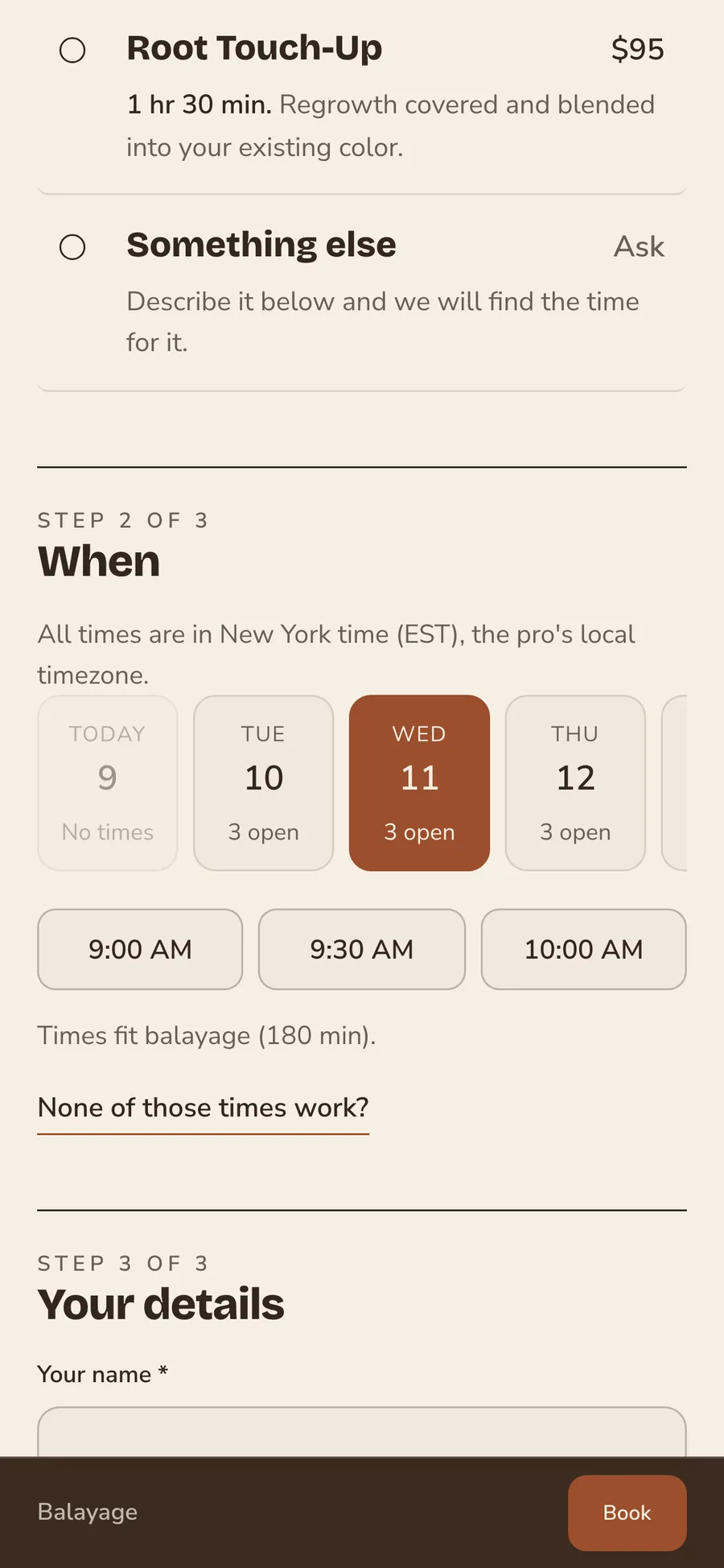
Turbo Link is salon booking software for hair, nail, lash and brow businesses. Share one booking link, and clients pick a service and an open time from their phone. On a team page they choose their stylist too. Every booking lands on the right stylist's calendar, so nobody has to book by DM.
One booking link for every stylist and service
Put one link in your Instagram bio, your texts and your Google profile. Clients pick the service, see its price and length, and choose an open time. On a team page they choose their stylist first, and a solo stylist's page skips that step.
Instant booking or approval, set per service
Let a blowout book straight away and send a color correction to you for approval first. New clients can go to approval while regulars book instantly. Requests wait in the app until you confirm them. You keep a say over long services without slowing down the quick ones.
No double bookings
Notice times, buffers between appointments and daily limits protect each stylist's day. A time that is taken never shows as open.
Waitlist
When a day is full, clients join the waitlist. When a time opens up, it is offered to them by email and text.
Calendar sync
Bookings sync to Google Calendar, or you can subscribe to the calendar feed. You see the salon where you already plan your week.
Inspiration photos
Clients add up to five photos of the look they want. You see it before they sit down.
Block off time
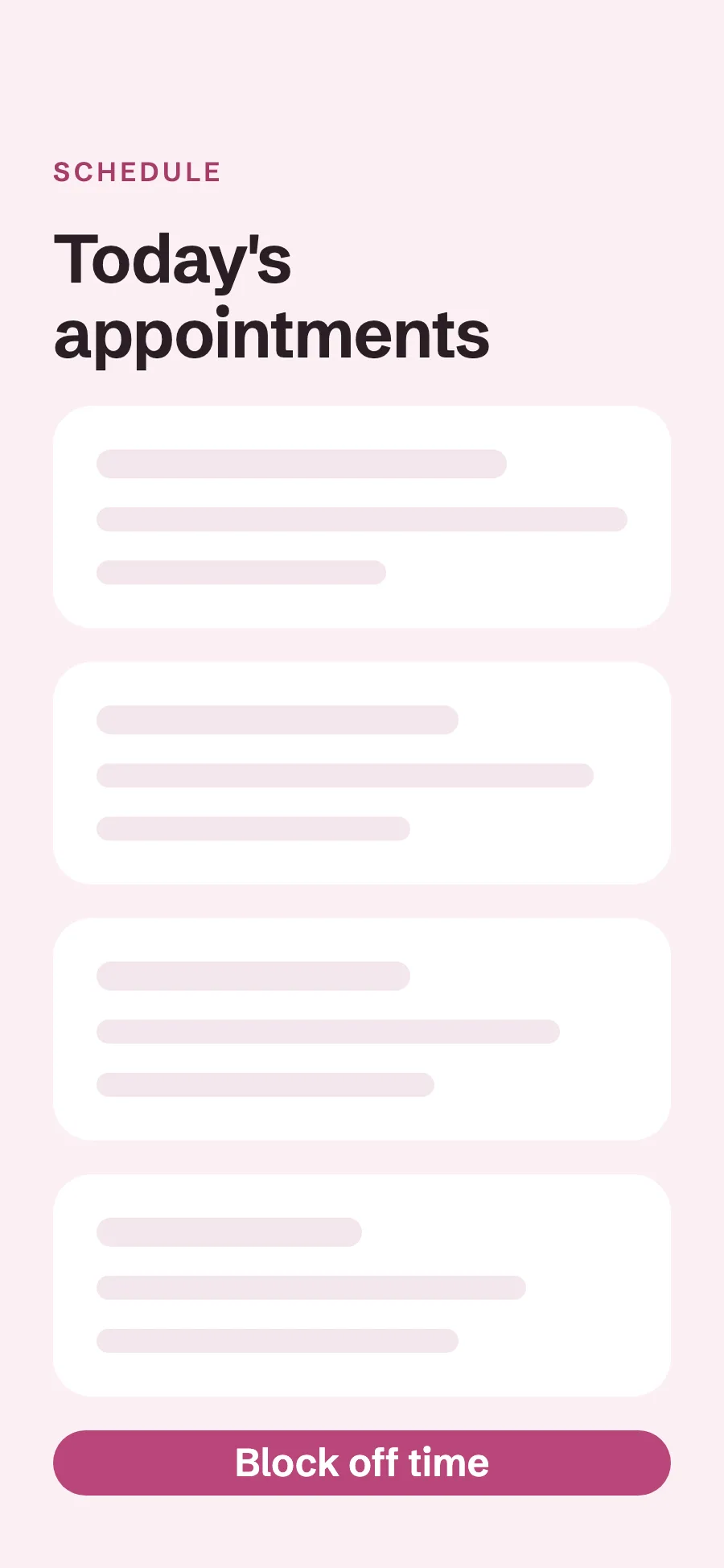
Block off a lunch, a class or a vacation from the app. Those hours stop showing as open.
Event requests
Clients planning a wedding or a party send an event request from the same booking page. You answer one request instead of a long DM thread.
Deposits and no-show fees
Set a deposit for each service as a share of its price, and ask clients to save a card when they book. When someone misses an appointment, you keep the deposit and can charge a no-show fee to the card on file.
Deposits set per service
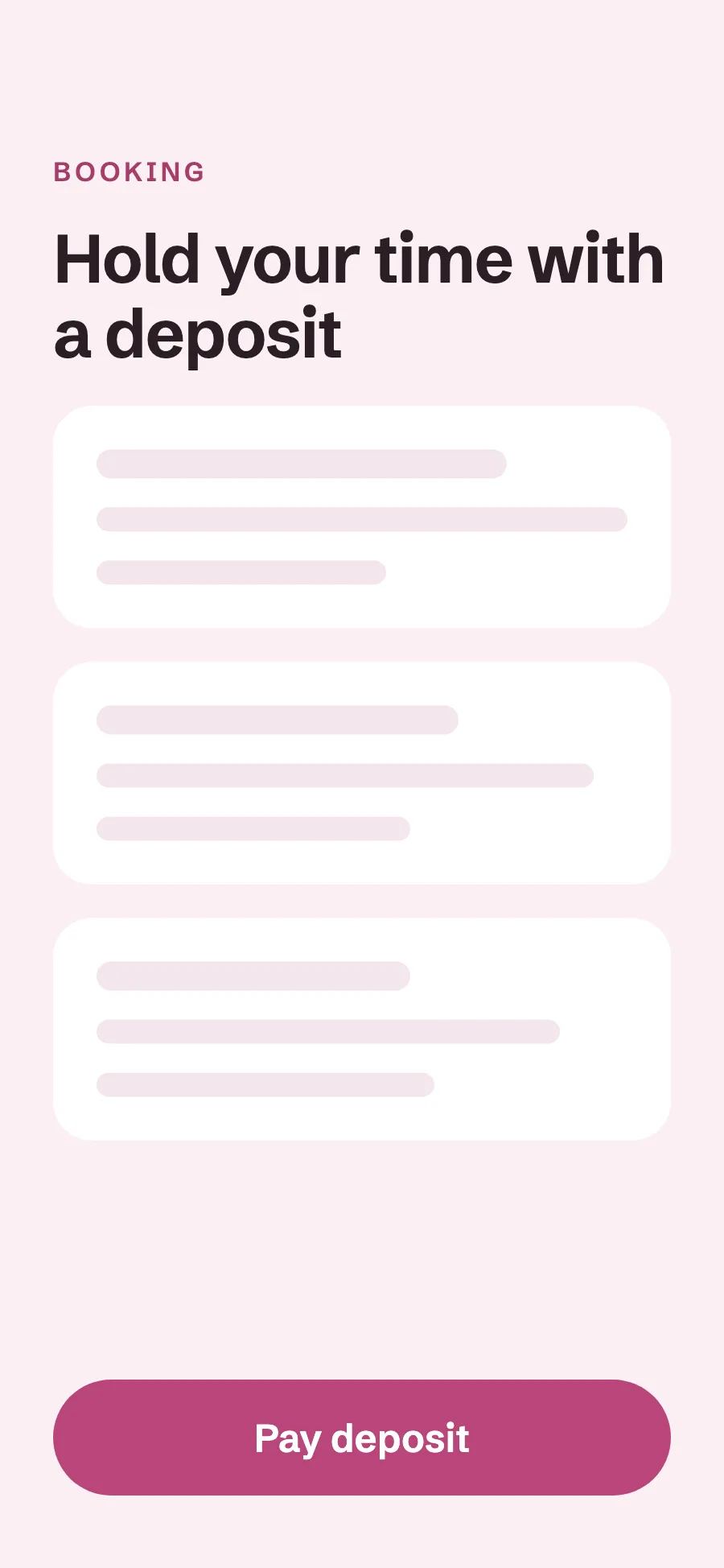
Choose the share of the price each service asks for, such as 25 percent for color and nothing for a trim. Clients pay it from their phone right after they book, or later from their client portal. The deposit is recorded against the appointment, and a client who cancels late or misses the time does not get it back.
Card on file and no-show fees
You can ask clients to save a card when they book, either every client or only new ones. If they miss the appointment or cancel late, you charge your no-show or late-cancel fee to that card from the dashboard or the app. You decide each time whether to charge it.
Your cancellation policy on the booking page
Write your policy once, and it shows on your booking page. Clients read your terms before they book.
Reminders 48 hours ahead
Clients get a reminder by email and text two days before, and you can change the timing.
Confirmations
Clients get a confirmation by email as soon as a booking is made or approved. They know the time is theirs.
Client records and color formulas
Each client's formulas, patch tests, notes and photos live on one record. Pull it up before the client sits down, so nothing depends on a paper card.
Color formulas with every change kept
Write the formula on the client's record in your own shorthand. Each change is kept and dated, so you can see what you used three visits ago. Any stylist who sees the client works from the same formula. The formula stays with the client even when they switch chairs.
Patch tests with a valid-until date
Record each patch test with the date it stays valid until. When it lapses, a warning shows on the client's next appointment. You see it before the color is mixed.
Notes log
Add a dated note after every visit. The next stylist reads what happened last time.
Before and after photos
Keep photos of the work on the client's record. You can show a client their last result before you start.
Consultation forms
Clients fill in your intake or consultation form before the visit. Their answers wait on the record when they arrive.
Nail and lash records
Nail notes, a lash map and a fill cycle that sets when each client is due. Nail and lash techs keep the details their work depends on.
Visit history
Every past appointment and service on one record. You see how often a client comes in.
Lifetime spend and last visit
See what each client has spent and when they were last in. You know your regulars at a glance.
Salon POS and payments
Check clients out at the end of the visit, with a tip on every ticket, from your phone or the dashboard. The money goes to your own Stripe or Square account.
Checkout with tips
Ring up the service, and the client adds a tip of 18, 20 or 25 percent, or a custom amount. Each tip is recorded with the stylist who did the service. Charge a card on file, send a pay link or record cash from the same screen. The day's money adds up without a spreadsheet.
Tap to Pay on iPhone
Take a card in person with your iPhone. No reader needed. The client taps their card or their phone to pay. The money lands with your other card payments.
Pay links
Send a pay link by text or email, and the client pays by card from their phone. It works for a balance or a product they forgot to buy.
Paid to your own account
Money goes to your own Stripe or Square account. You keep your own payment history and payouts.
Automatic receipts
Clients get a receipt by email as soon as they pay. Their records and yours match without extra work.
Rebooking reminders and win-back
Earn more from the regulars you already have. See who is due back on each client's own cycle, and invite them before they book somewhere else.
Due to rebook list
Set a rebook cycle for each client, such as six weeks for a root touch-up. When a client is due, they show up under Due a rebook in your client list, and a rebook nudge goes out in your words.
Win-back emails
Filter your clients by last visit, such as not seen in 60 or more days, and send them all a win-back email in your own words, in one send.
Birthday emails
Send a note on each client's birthday, automatically. A small touch keeps you in mind for the next visit.
Lifetime spend and last visit
See what each client has spent with you and when they were last in. You know who your best clients are.
Email clients in one send
Announce an open Saturday or a new stylist to your client list at once.
Booth rent and commission
See which renters have paid this month's rent and who is due, and work out commission for the stylists on your payroll. Each renter keeps their own book and client list.
Booth rent per renter
Set each renter's rent and see who has paid and who is due. Year-end 1099 payout totals are ready for every renter.
Private books for renters
Each booth renter keeps their own book and client list. You see totals and rent, never a renter's clients. Renters know their clients stay theirs.
Commission payouts
Work out commission for each stylist on your payroll.
Revenue per stylist
See what each stylist brings in. You know who is busy and who has room.
Renter and employee roles
Give renters and employees their own sign-in with the right access. Nobody shares a password.
Salon website templates
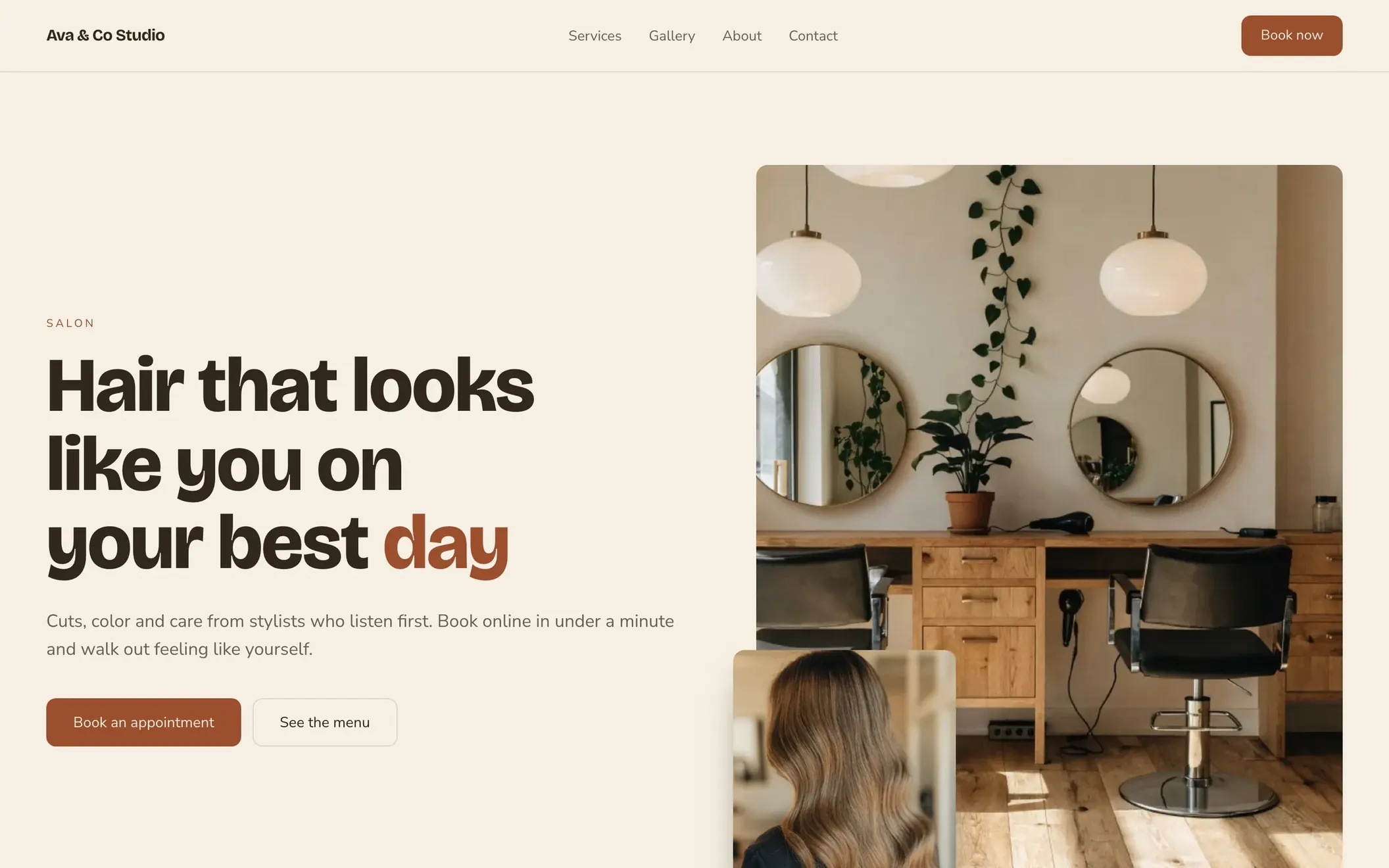
Pick one of ten designs made for hair, nail, lash and brow businesses, each with your booking page built in. Visitors see your services and prices and book from the same site.
-
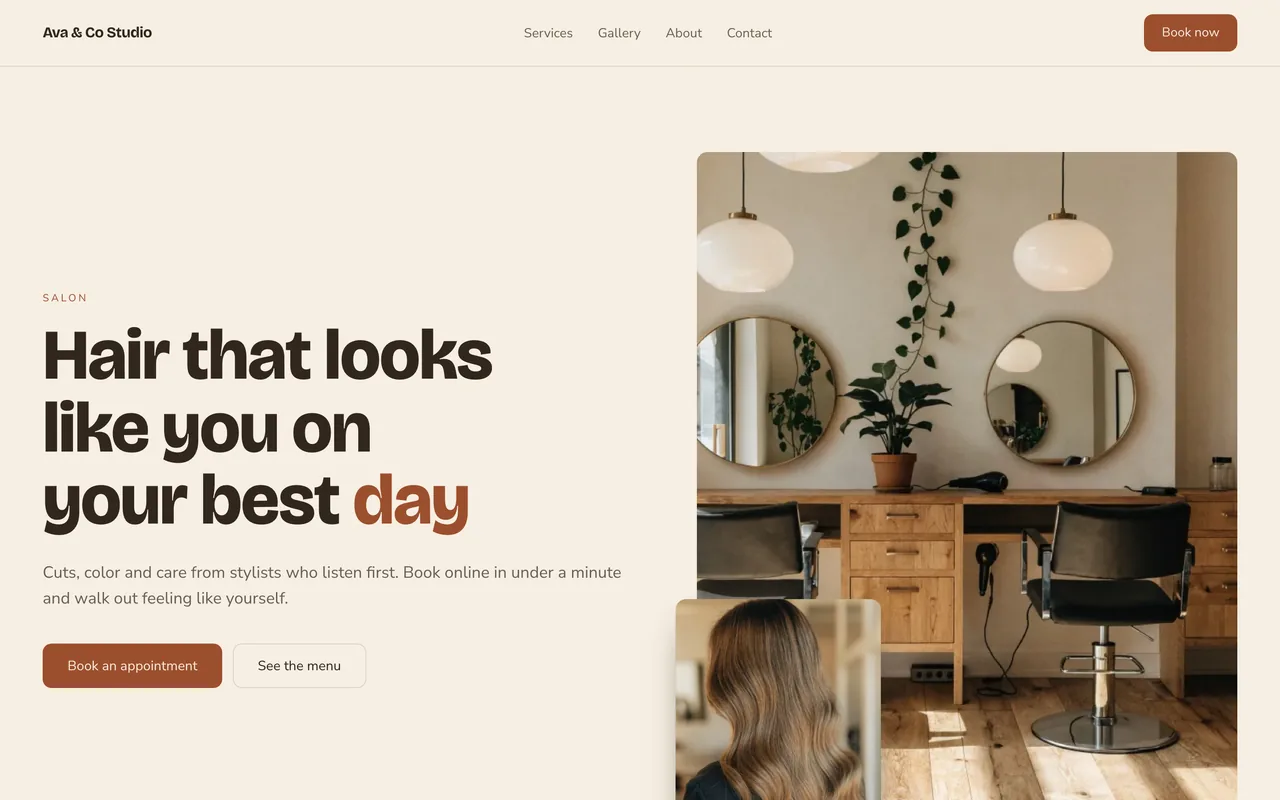 HarborSee it live (opens in a new tab)
-
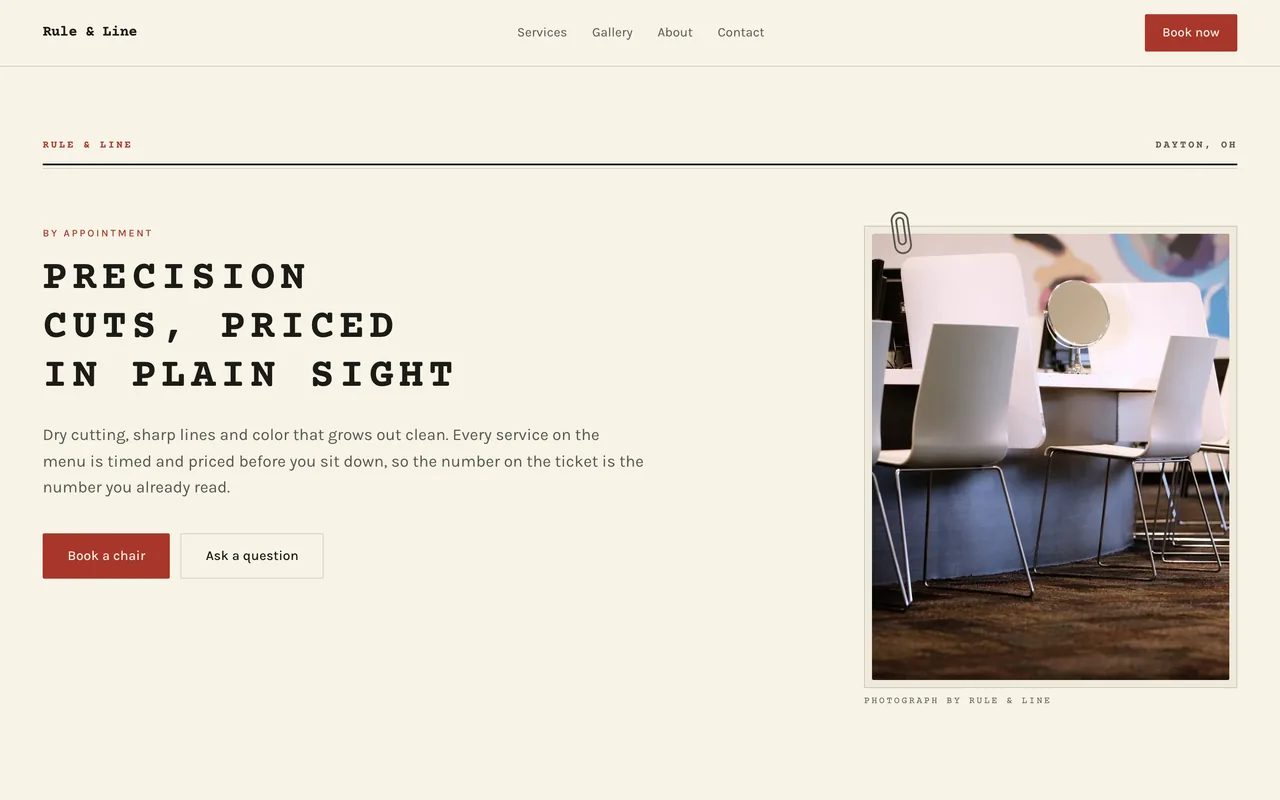 TypewriterSee it live (opens in a new tab)
-
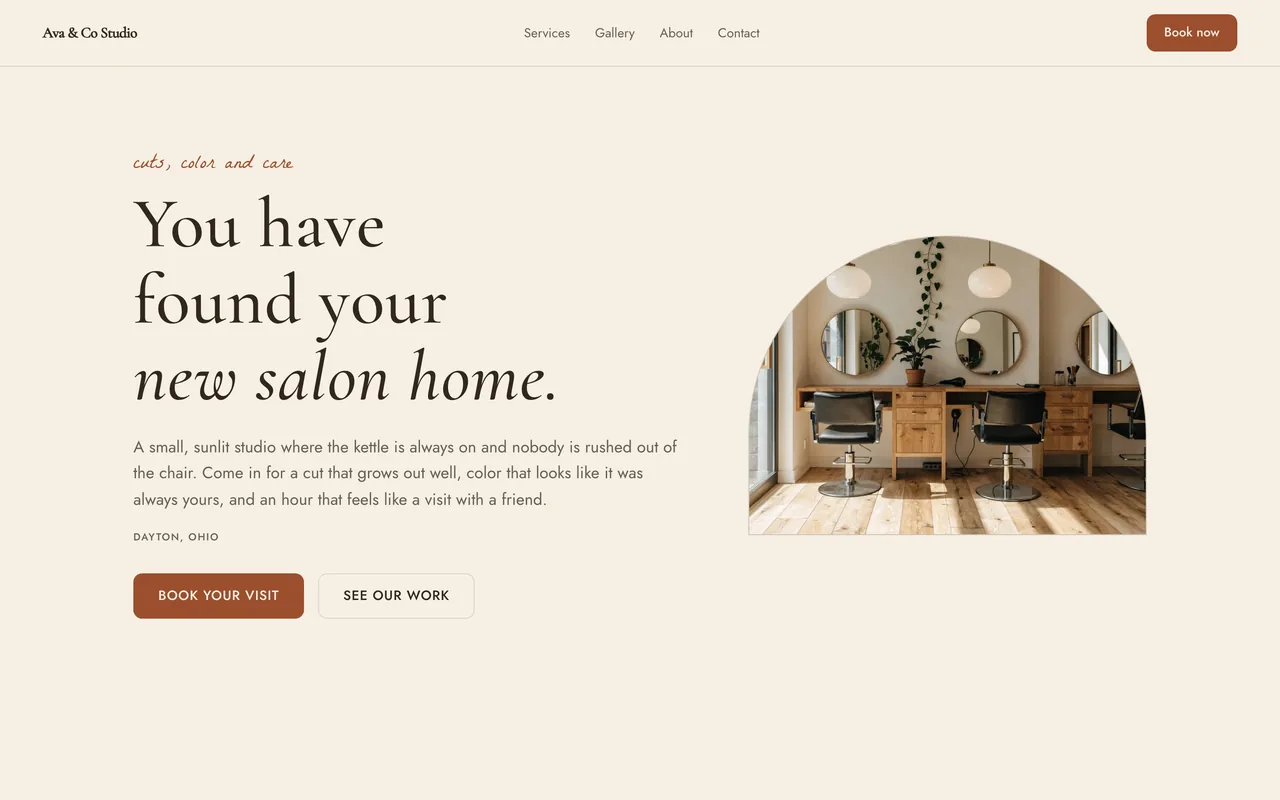 ArborSee it live (opens in a new tab)
-
 MastheadSee it live (opens in a new tab)
-
 PolishSee it live (opens in a new tab)
-
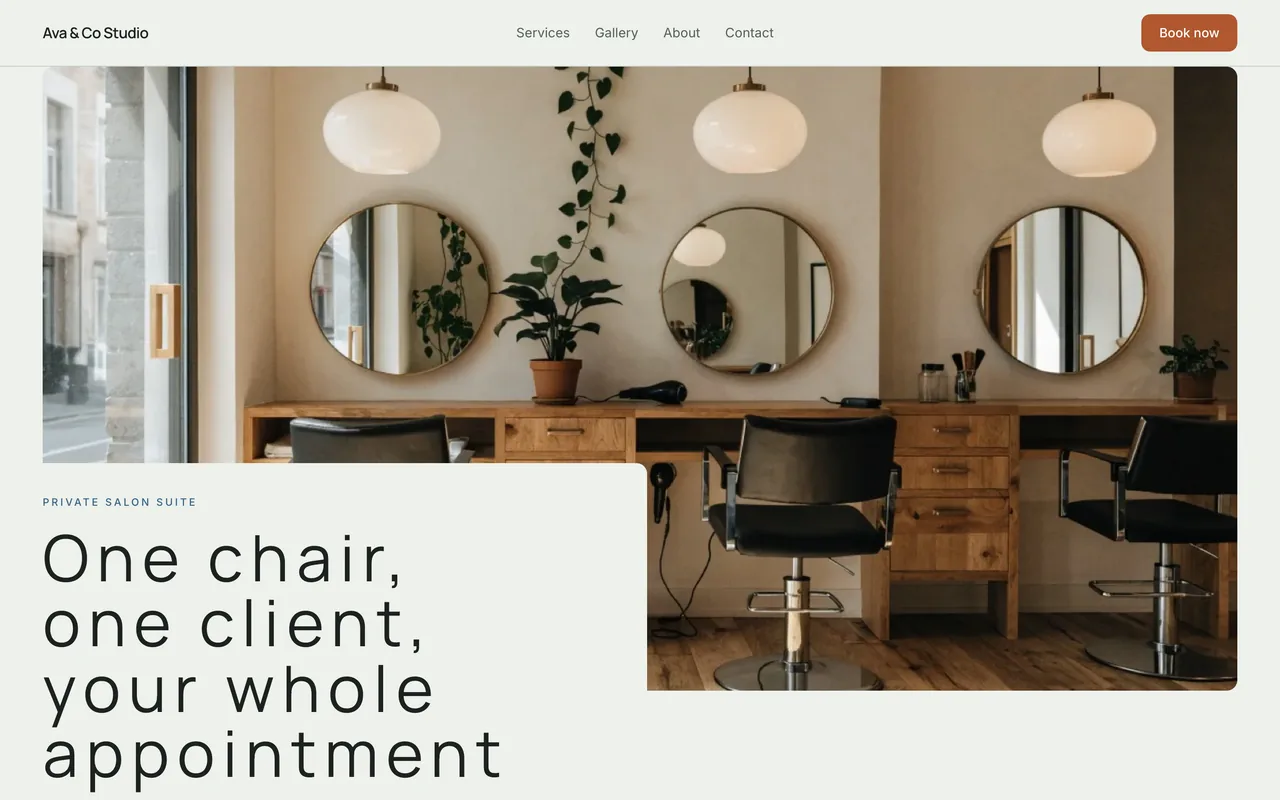 SuiteSee it live (opens in a new tab)
-
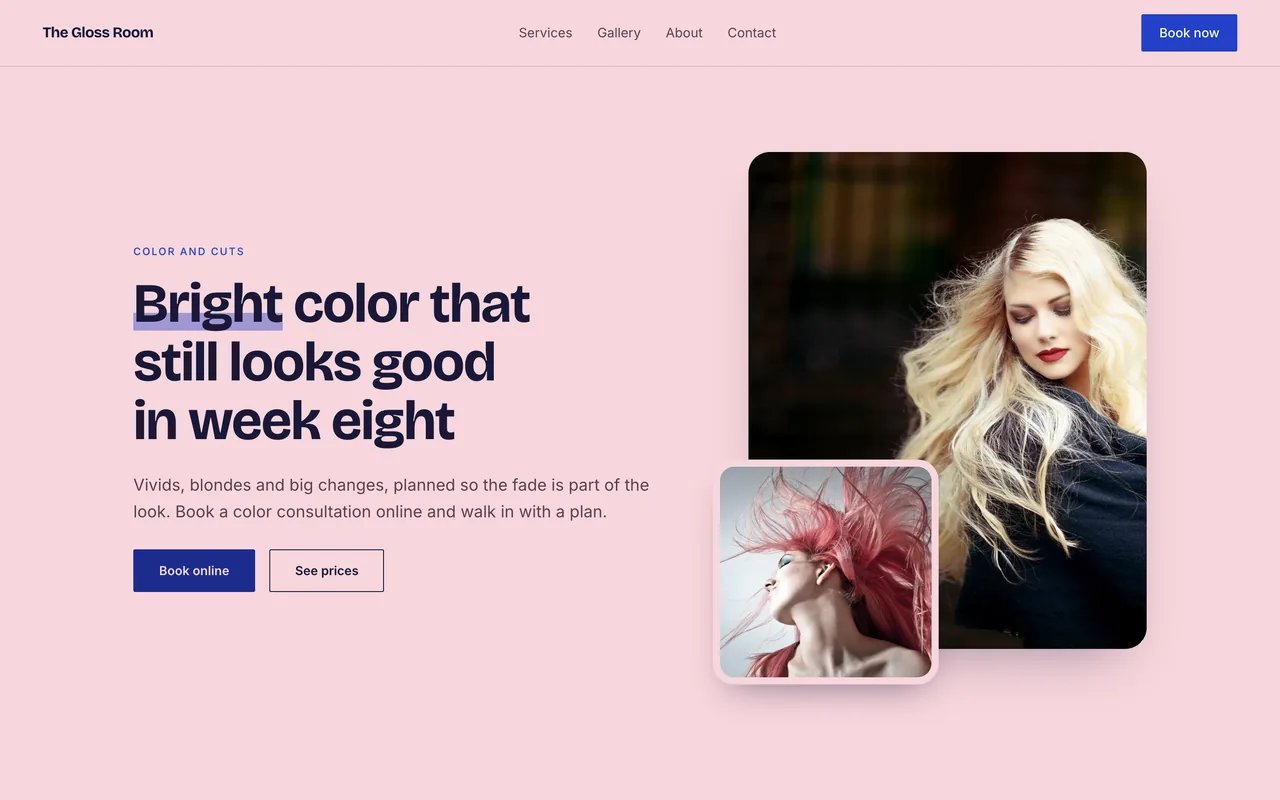 BloomSee it live (opens in a new tab)
-
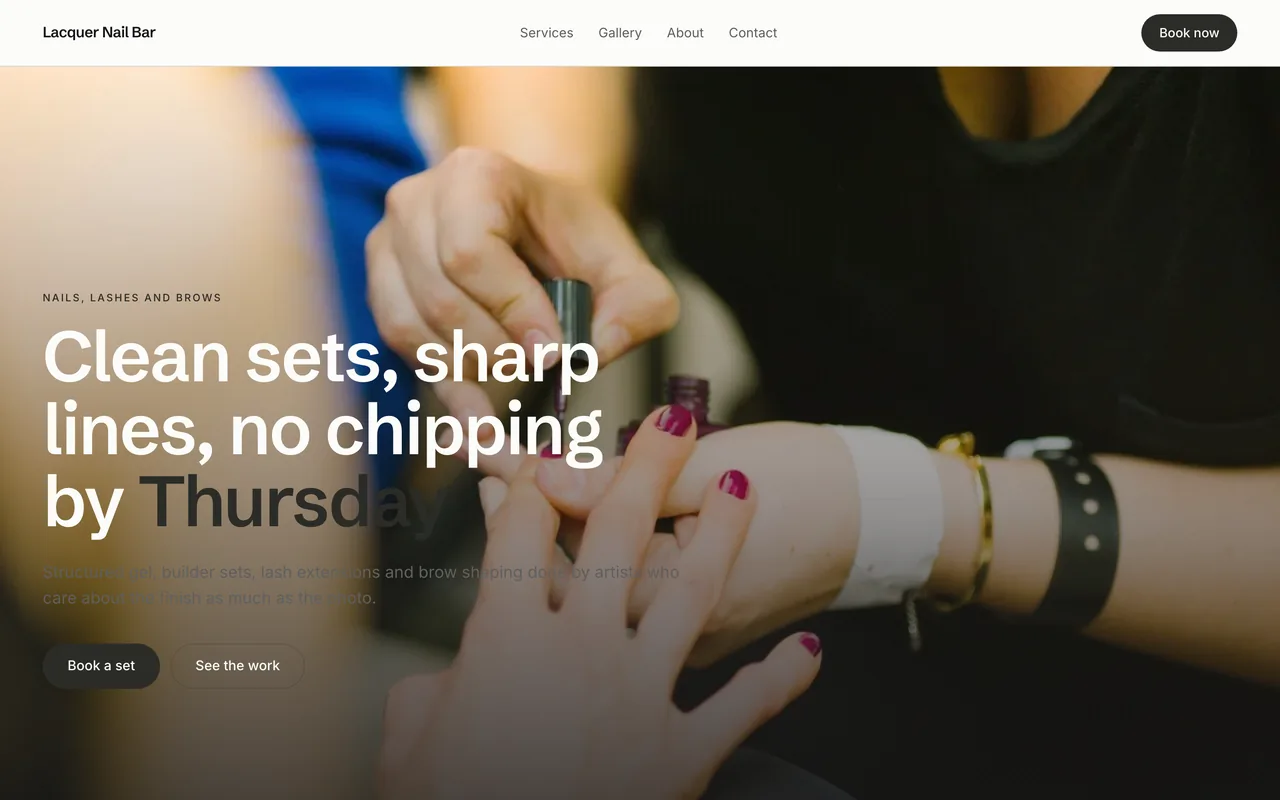 PlinthSee it live (opens in a new tab)
-
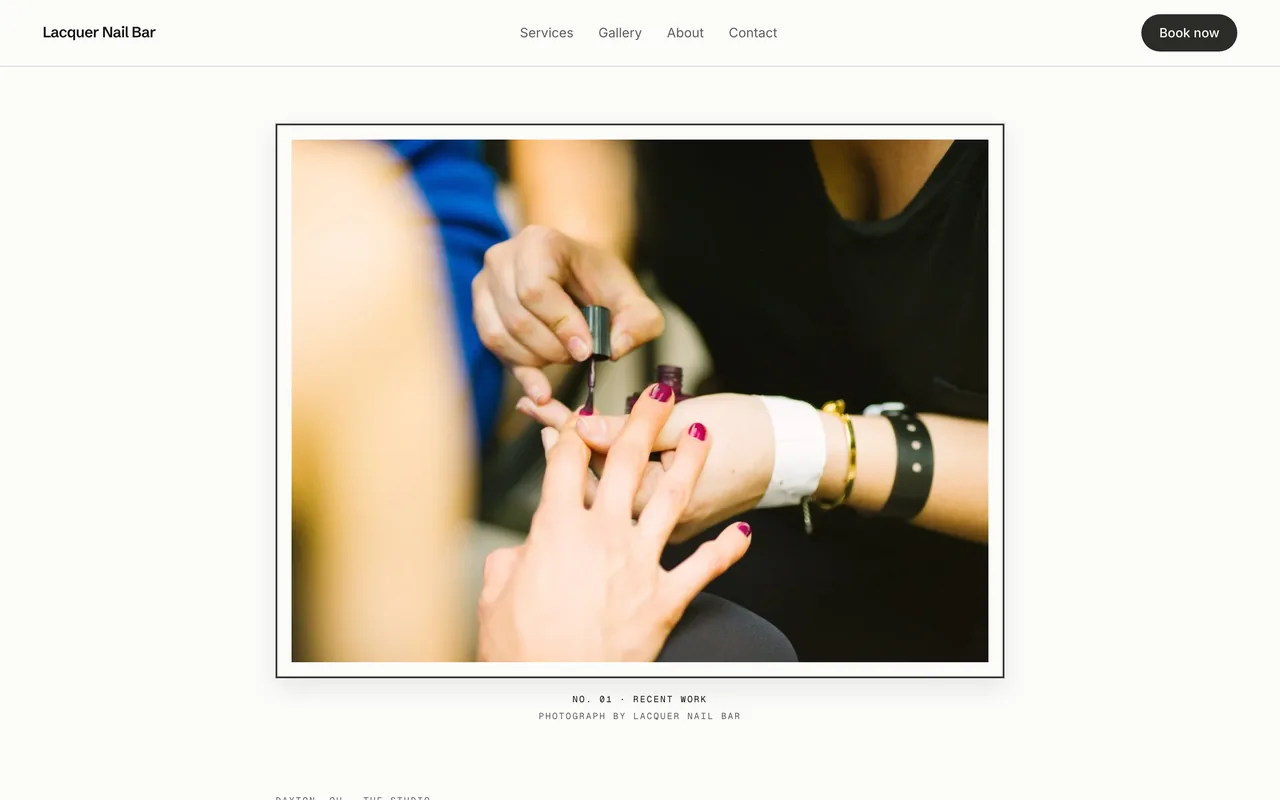 ExhibitSee it live (opens in a new tab)
-
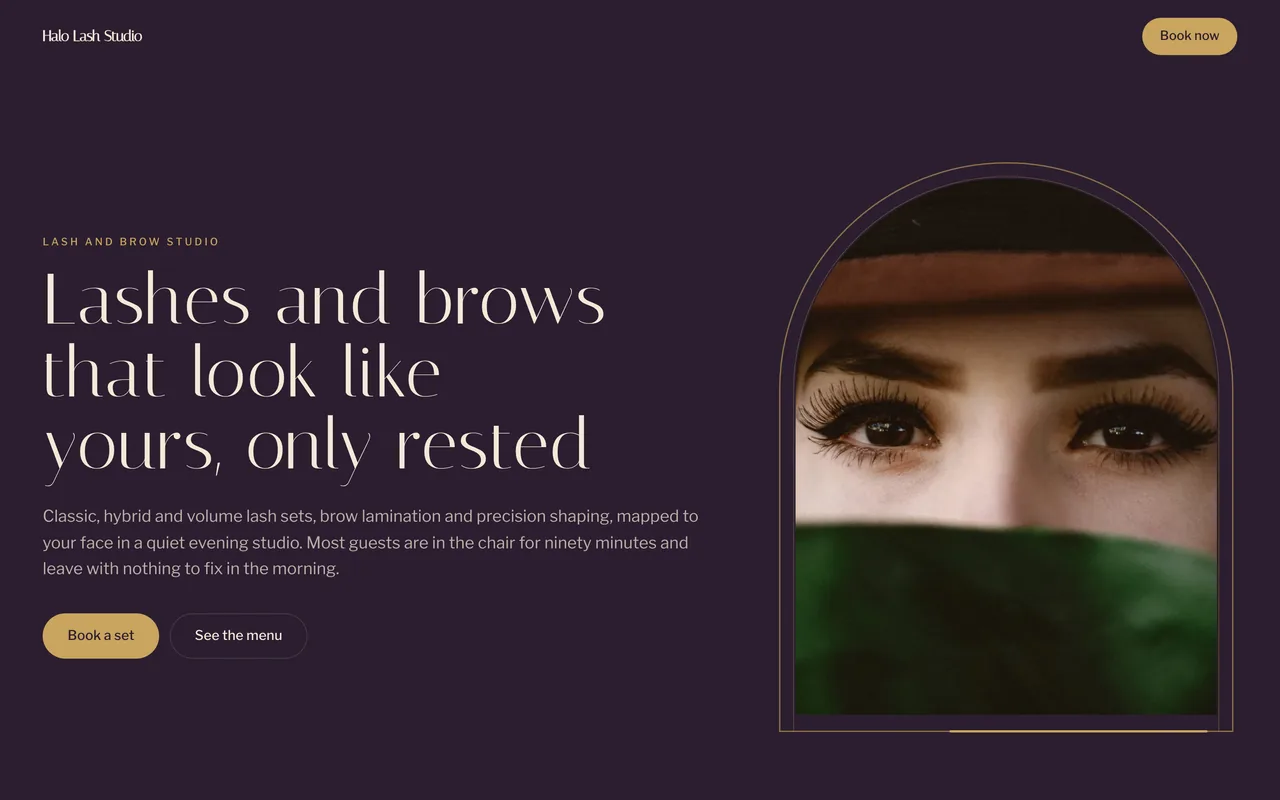 Jewel BoxSee it live (opens in a new tab)
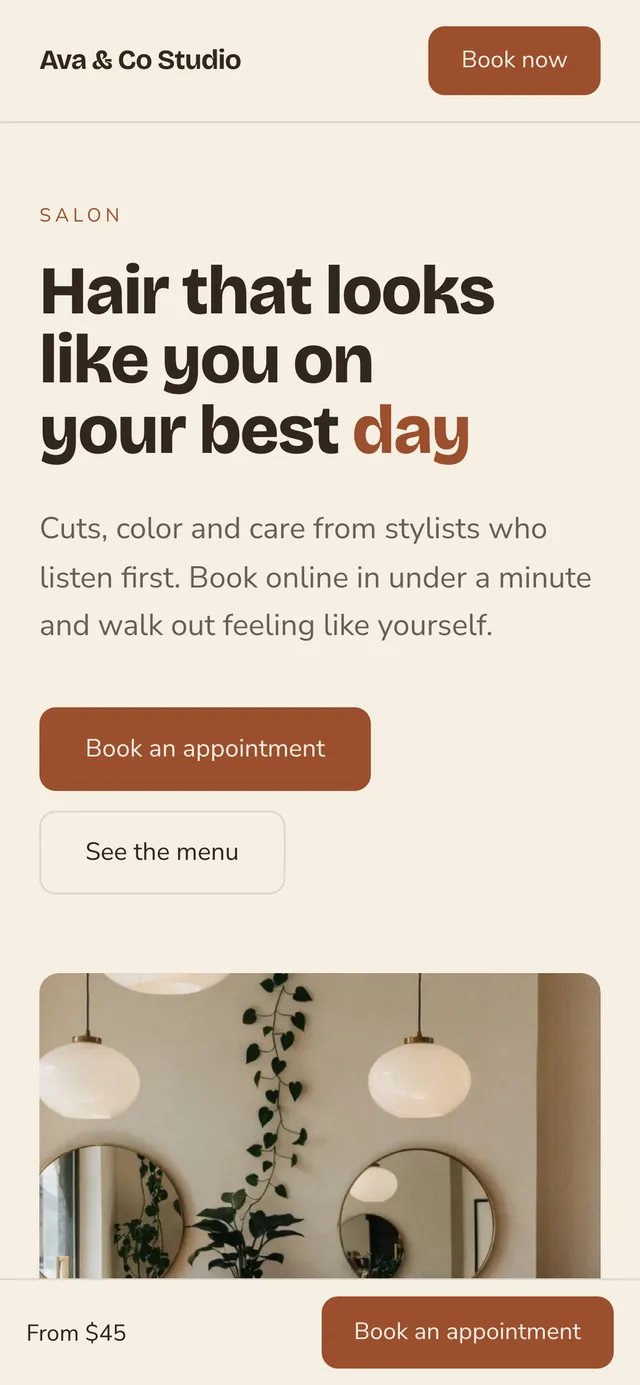
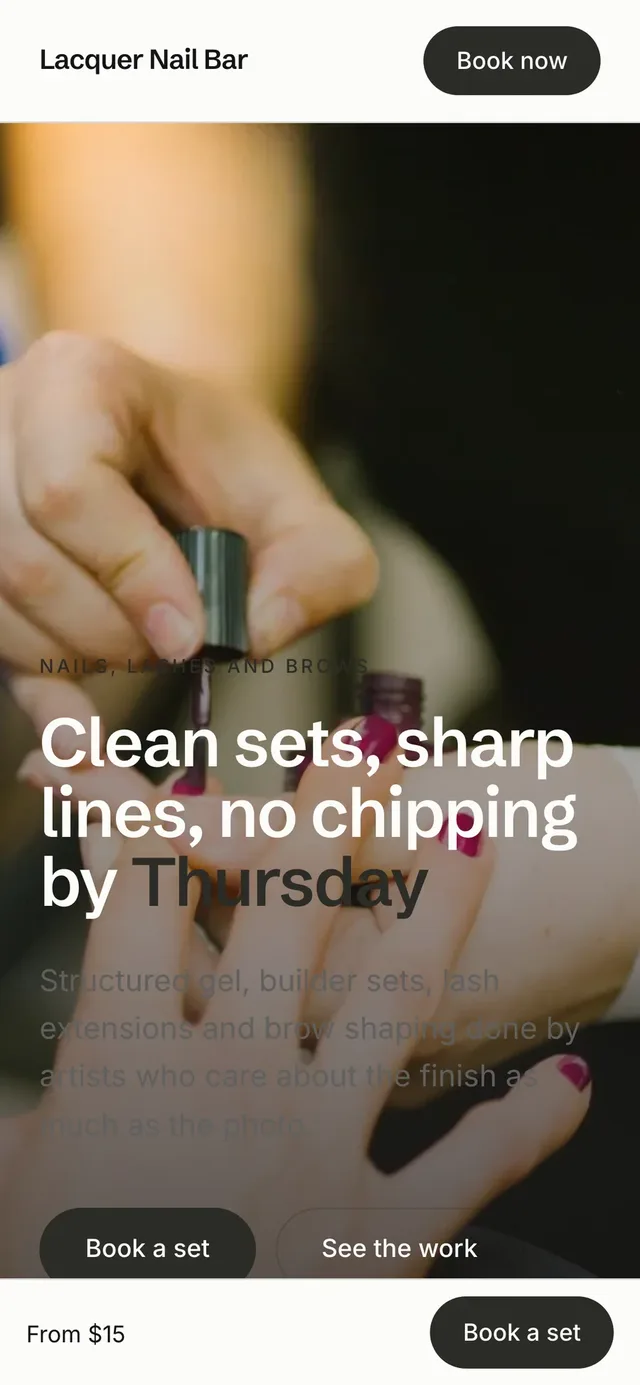

Your booking page built in
The Book button on your site opens your booking page, with your salon's name on it. Visitors pick a service and an open time in a few taps. Bookings land in the same calendar as the rest of the salon.
Your own domain and search settings
Your site runs on your own domain name. Write your page titles and descriptions, and your sitemap is made for you.
Service menu with prices
List each service with its price and length. Clients know what a visit costs before they book.
Team pages and a look book
Introduce each stylist and show your best work. Clients see who will do their hair.
Link in bio page
A page for your Instagram bio with your booking link. Followers go from a post to a booked appointment in a few taps.
Salon app for iPhone and Android
Run your day from your phone between clients: check the schedule, answer requests and take payment. The app uses the same account as your dashboard, so your book, clients and money match on both.
Today's schedule
See every appointment for the day, with the client, the service and whether it is confirmed or still a request. Block off time for a lunch or a day off from the same screen. You know what is next without walking to the front desk.
Take payment at the chair
Charge a card on file, send a pay link or use Tap to Pay on iPhone, with a tip on every ticket. The client pays before they leave the chair, and the payment lands in the same books as the dashboard.
Requests
New booking requests arrive in the app as they come in. Approve them between clients.
Messages
Reply to clients and your team from one inbox on your phone. A question gets an answer between appointments.
Client records
Look up a client's formula, notes and photos from your phone. The record is with you at the chair.
More features for salons
Client portal
One place for each client's appointments, deposits and receipts. Clients open it from a link, with nothing to download.
Client texts and emails
Text and email clients from the dashboard, and their replies come back to you. Solo includes 100 client texts a month.
Automatic messages
Confirmations, reminders and follow-ups go out in your own words. You write them once, and they send on time.
Review requests
Ask happy clients for a review on Google or Facebook after their visit.
Check-in and front desk
Check clients in as they arrive and see who is in the chair. The front desk runs from one screen.
Retail and backbar inventory
Track retail products and backbar stock with counts. You see what is running low before it runs out.
QuickBooks sync
Send your sales to QuickBooks. Your bookkeeper works from the same numbers.
CSV import and export
Bring your client list in from a CSV file, and take it with you anytime. Moving to Turbo Link does not mean starting your client list over.
Social Studio
A paid add-on for planning and posting to your social accounts. Add it whenever you are ready.
What the Solo plan costs
Solo
Salons$29a month, billed annually
or $35 a month, month to month
- 100 client texts a month included
- Card payments at 2.9% + 15¢
- Instant payout at 1.5%, only when you want it
- A team of up to nine is $89 a month, with no per-seat charge
- Month to month, cancel any time
Questions salon owners ask
How much does salon booking software cost?
Turbo Link Solo is $29 a month billed annually, or $35 a month, month to month, with your website, online booking, deposits and 100 client texts a month. A team of up to nine people is $89 a month billed annually, or $95 month to month, with no per-seat charge. Ten or more is Team Plus at $149 a month billed annually, or $155 month to month. Card payments are 2.9% + 15¢, and a text bundle is $15 a month if you need more texts. See pricing for every number, or compare Turbo Link with GlossGenius and Vagaro.
Can I take deposits and charge a no-show fee?
Yes. Set a deposit for each service as a share of its price. You can also ask clients to save a card when they book, either every client or only new ones. If a client misses the appointment or cancels late, you keep the deposit, and you can charge a no-show fee to the card on file. Write your policy once and it shows on your booking page. A plain sample policy: "A 25% deposit holds your appointment. Cancel or move it at least 48 hours ahead and your deposit carries to the new time. Cancel later than that, or miss the appointment, and the deposit is kept." Our guide to a salon deposit policy has more wording you can copy.
Does it work for booth renters and independent stylists?
Yes. An independent stylist runs their own book on Solo. In a booth-rent studio, each renter keeps their own book and client list private, and the owner sees totals and rent, never a renter's clients. Everyone on the team plan is covered by one price: up to nine people for $89 a month billed annually, with no per-seat charge. More for booth renters.
Can I move my clients from GlossGenius, Vagaro or Square?
Yes, yourself. Export your client list as a CSV file from GlossGenius, Vagaro, Square or the tool you use now, then import it into Turbo Link. Names, phone numbers, emails, birthdays and notes come across. Past appointments and saved cards stay in your old tool. How to switch from Vagaro or GlossGenius.
Is there a contract?
Not on the software. It is month to month and you can cancel any time. A contract applies only to a custom site build or the Premium Marketing add-on, if you choose one.
Set up salon booking and deposits today
Add a card to start. You are not charged today, and you can cancel any time.