The Turbo Link app for salons
Check the day, answer a request and take payment from your phone, between clients.

Schedule and booking requests
See today's appointments the moment you open the app, and approve new requests between clients. The app and the dashboard share one account, so the book is the same on both.
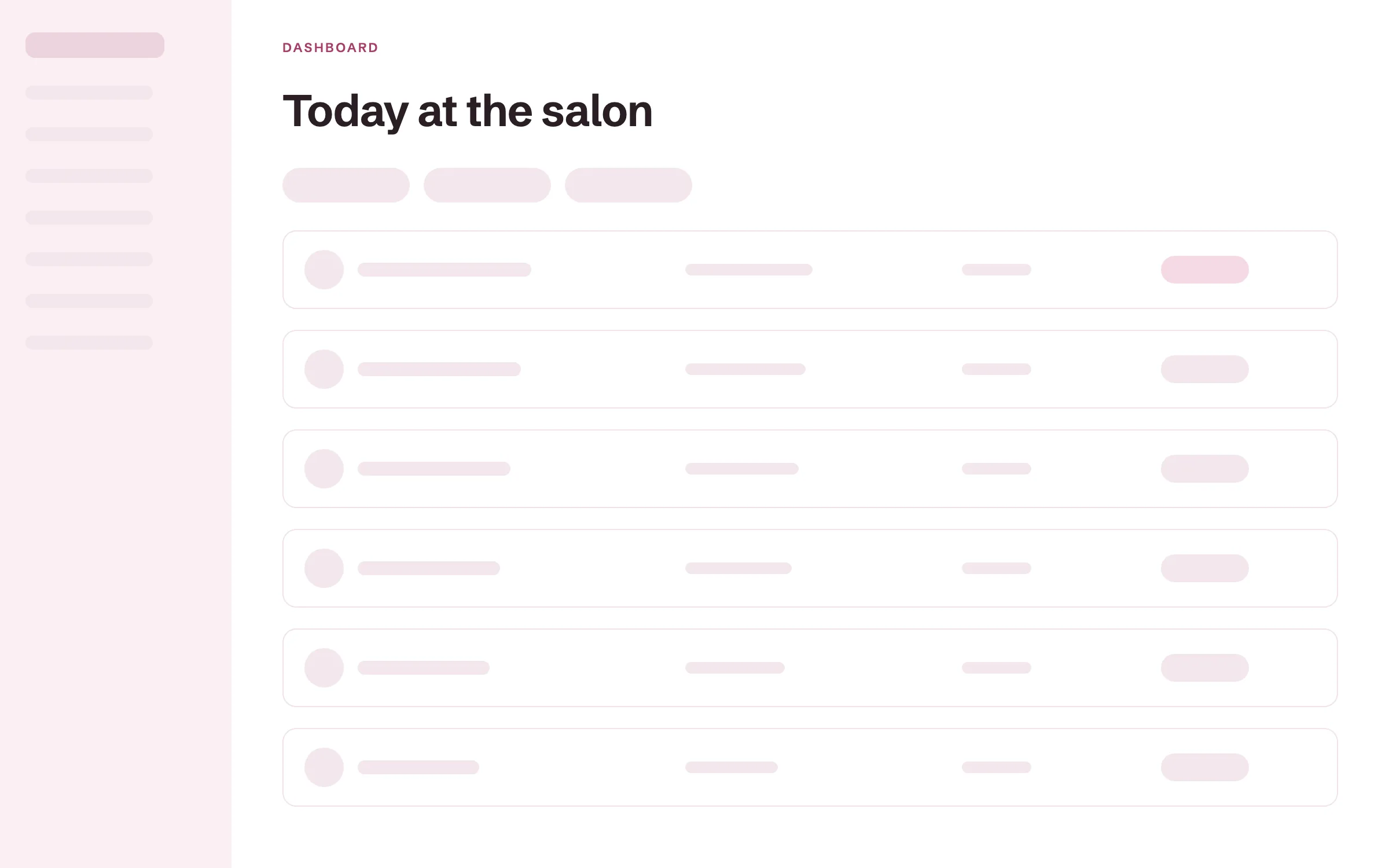
Today's schedule
Every appointment for the day, with the client, the service and the time, marked completed, confirmed or requested. You know what is next without walking to the front desk.
Requests to approve
Requests for services set to approval arrive in the app as they come in. Approve one between clients, and the client gets a confirmation by email. A request never sits until you are back at a computer.
Block off time
Block off a lunch, a class or a day off from your phone. Those hours stop showing as open.
Inspiration photos
Photos a client added to their booking show on the appointment. You see the look before they sit down.
Payments and Tap to Pay on iPhone
Take payment at the chair with a tip on every ticket. Charge a card on file, send a pay link or use Tap to Pay on iPhone, with no card reader to buy.
Tap to Pay on iPhone
Take a card in person with just your iPhone. The client taps their card or their phone to pay. The money lands with your other card payments.
Tips on every ticket
Key in the amount, and the client adds 18, 20 or 25 percent, or a custom tip. Each tip is recorded with the stylist who did the service.
Card on file
Charge the card a client saved when they booked. Checkout takes one tap.
Pay links
Send a pay link by text or email from the app. The client pays from their own phone.
Record cash
Record a cash payment so the day's total stays right.
Client records on your phone
Look up a client's formula, notes and photos from your phone at the chair. The record is the same one the front desk sees.
Formulas and patch tests at the chair
Open the client's record before you mix. Their color formula, with every change dated, and their patch test date are right there. You never walk to the front desk to check a card.
Notes and photos
Read the last visit's notes and see the before and after photos. Add a note as soon as the client leaves, while it is fresh.
Visit history
See every past appointment for the client. You know how often they come in.
Lifetime spend and last visit
See what each client has spent and when they were last in.
Messages with clients and your team
Reply to clients and your team from one inbox on your phone. A question gets an answer between appointments instead of at the end of the day.
Client messages
Clients write to you from their portal, and you answer from the app. Solo includes 100 client texts a month for the times a text is quicker.
Team chat
Message the stylists and the front desk from the same app. Flag a late client or ask about a booking without a separate group chat.
Team and booth renter access
Every stylist signs in to the app with their own account and the access you give them. Booth renters see their own book and clients.

Their own sign-in
Give each renter and employee their own sign-in with the right access. Nobody shares a password.
Private books for renters
A booth renter's book and client list stay private to them. You see totals and rent, never a renter's clients. The team plan covers up to nine people for $89 a month billed annually, with no per-seat charge.
More of Turbo Link for salons
Questions about the salon app
Is the app the same as the dashboard?
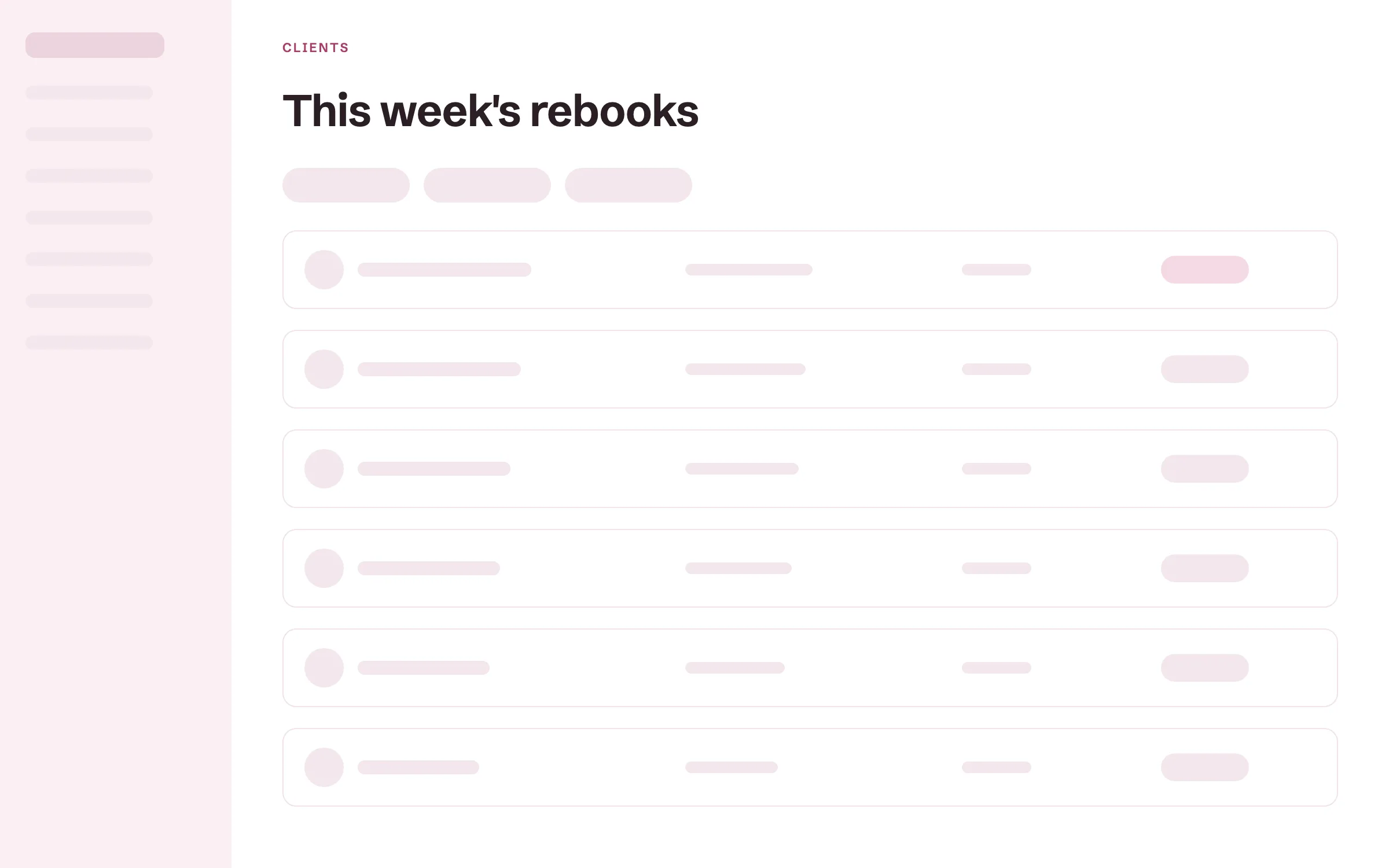
Yes. It is the same account and the same data, sized for your phone. Anything you change in the app shows in the dashboard.
Do I need extra hardware to take a payment?
No. On an iPhone, Tap to Pay on iPhone takes a card with no card reader to buy. On Android, send a pay link or charge a card on file.
Do booth renters get their own login?
Yes. Each renter signs in with their own account and runs their own book inside the salon. The Team plan covers up to nine people for $89 a month billed annually.
Can clients use the app too?
Yes, if they want it. Clients book and pay from a link in their browser, with nothing to download. If a client wants the app, it is the same Turbo Link app: the first time it opens, it asks whether they are a professional or a client and takes them to their side. See what clients see.
Is the app on iPhone and Android?
Yes. The Turbo Link app is on the App Store and Google Play.
Run your day from your phone
Add a card to start. You are not charged today, and you can cancel any time.