A salon website with your booking page built in
Pick a design made for hair, nail, lash or brow work. Visitors read your menu and prices, then book from the same site.
Salon website templates
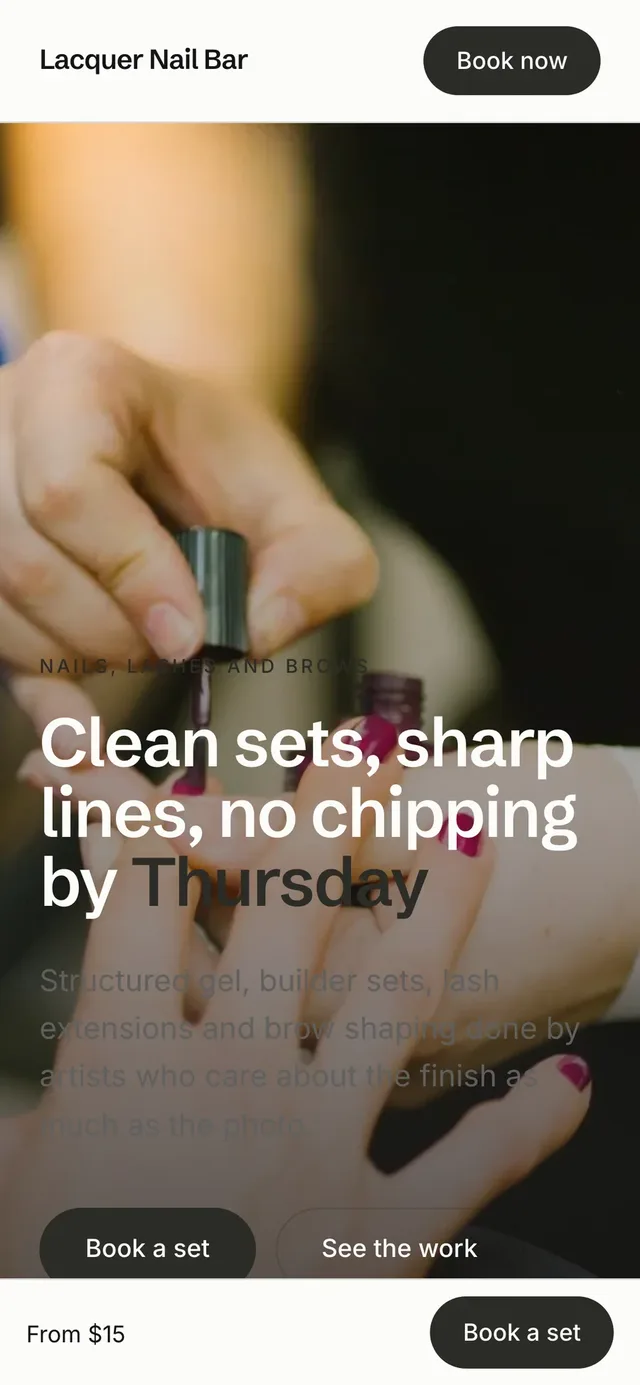
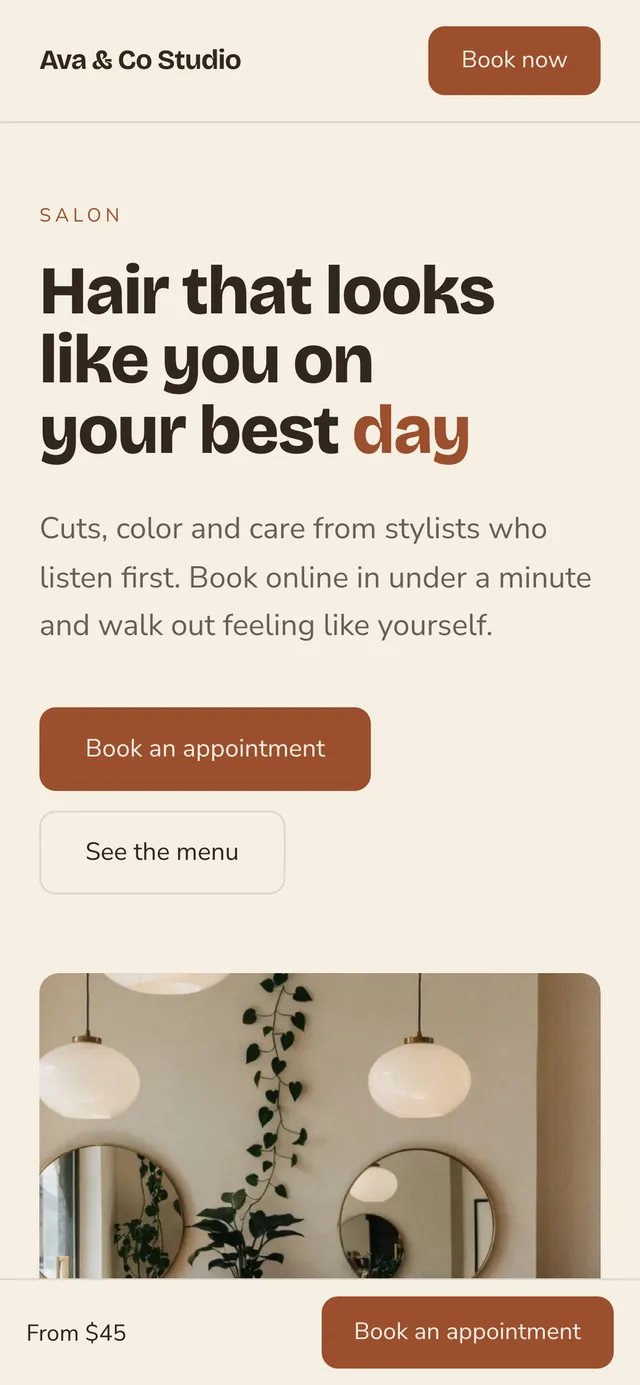
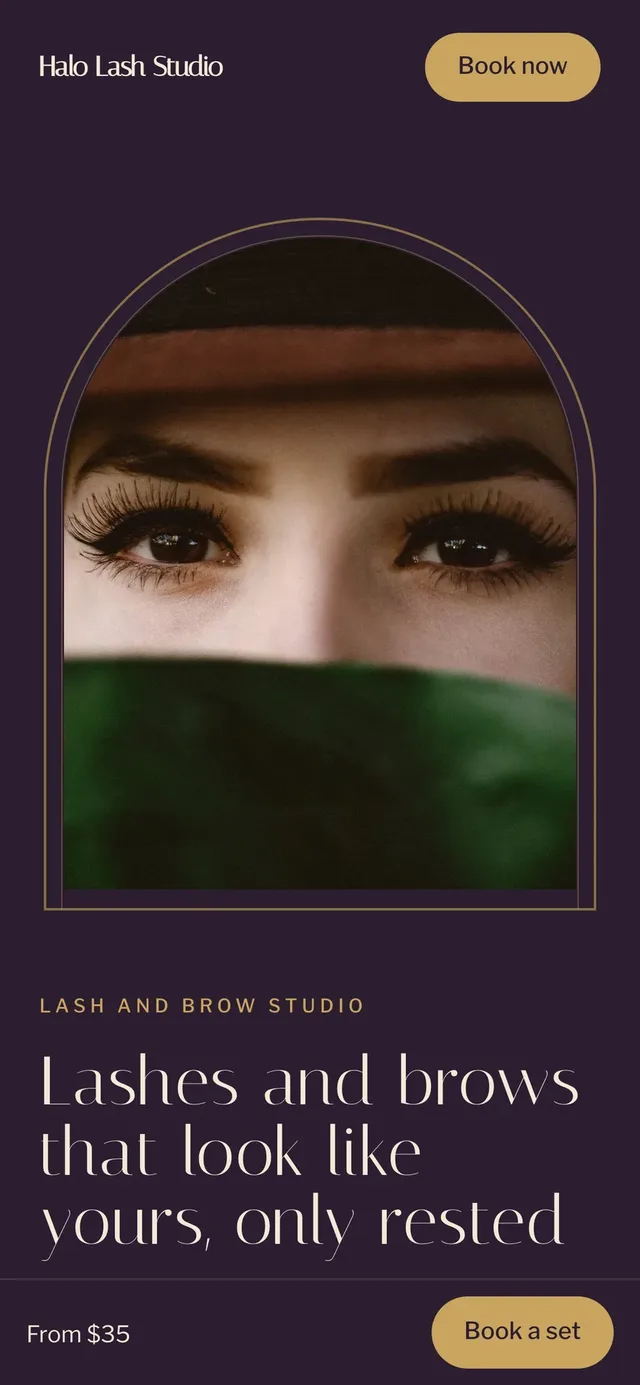
Pick one of ten designs, add your services, photos and words, and publish. Each design is made for the kind of work you do. Your site looks like a salon.
-
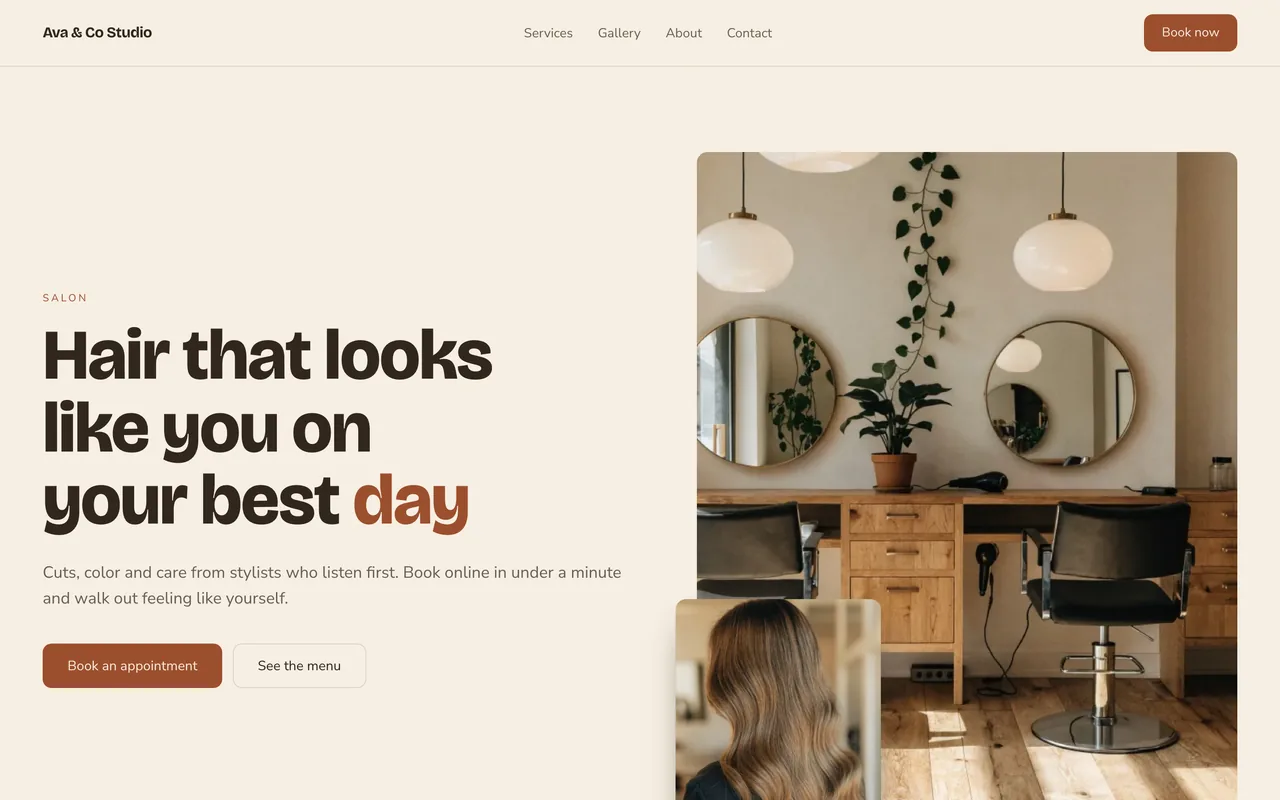 HarborSee it live (opens in a new tab)
-
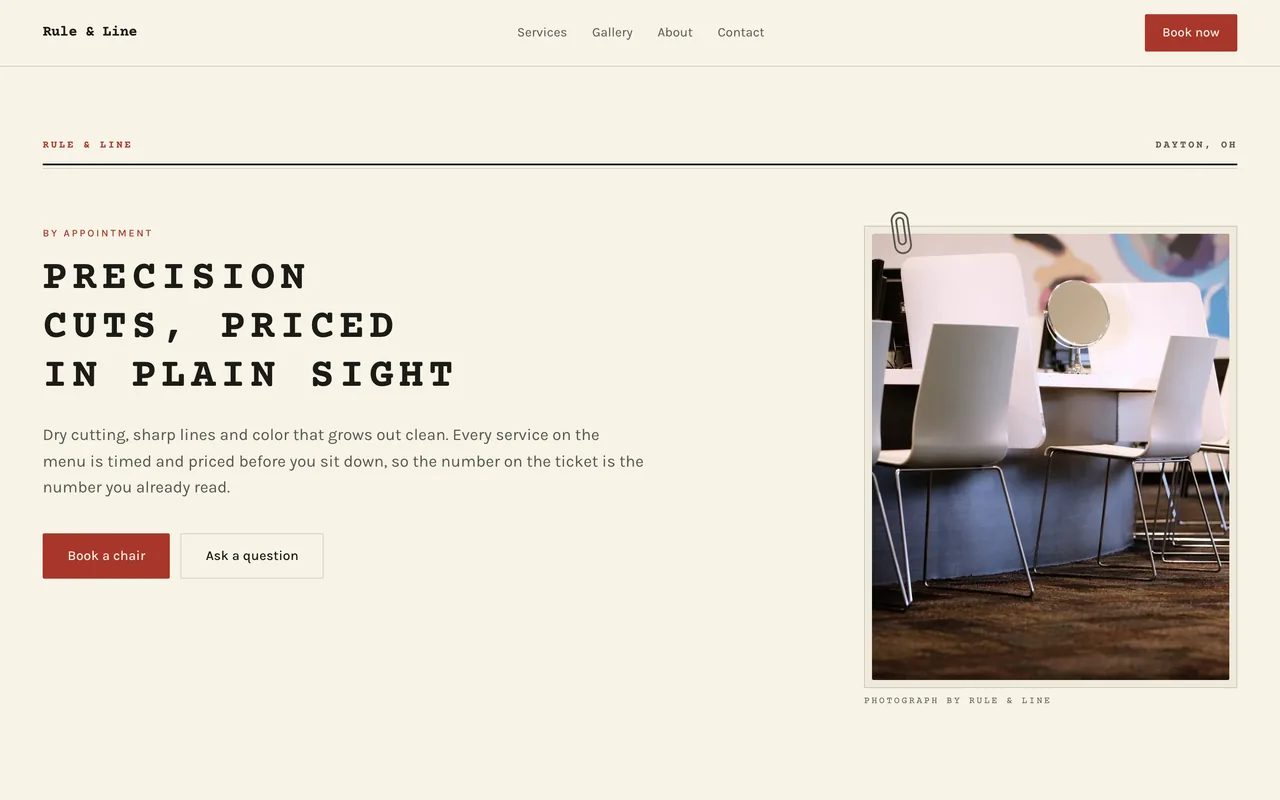 TypewriterSee it live (opens in a new tab)
-
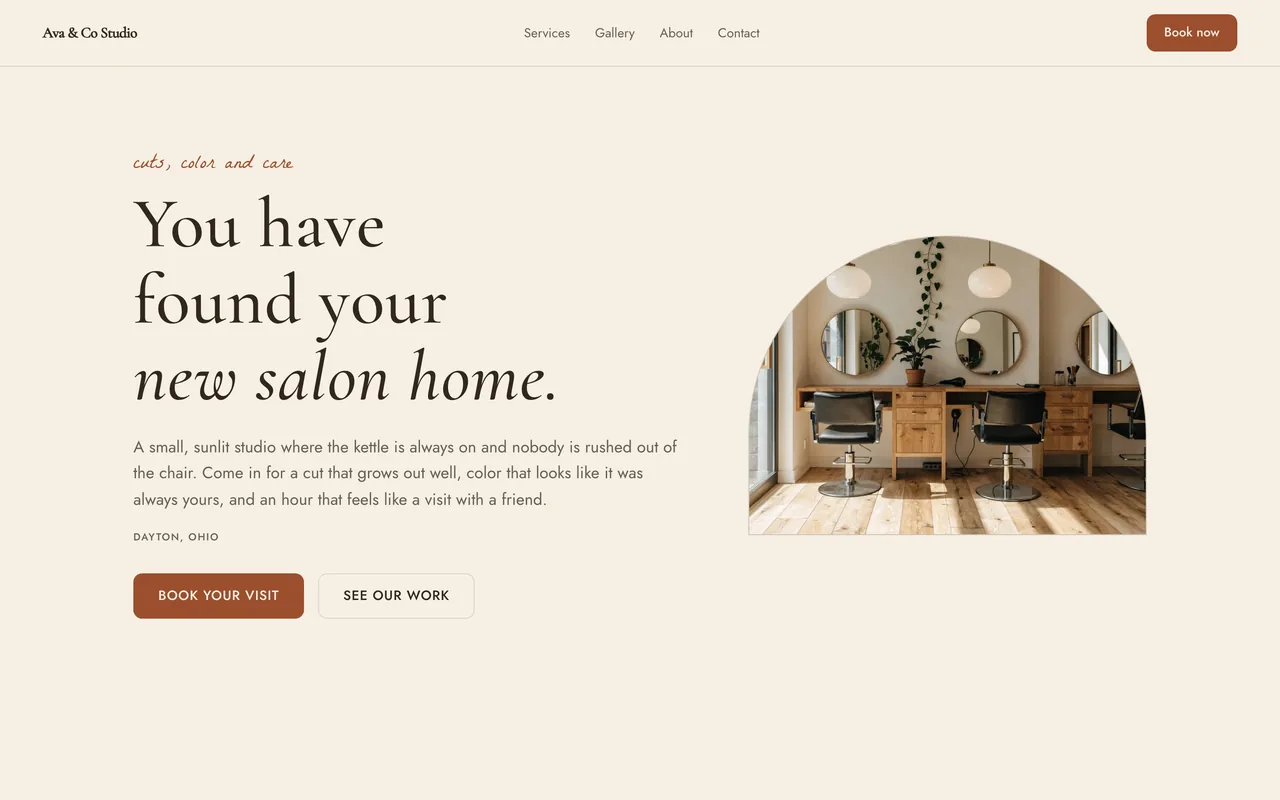 ArborSee it live (opens in a new tab)
-
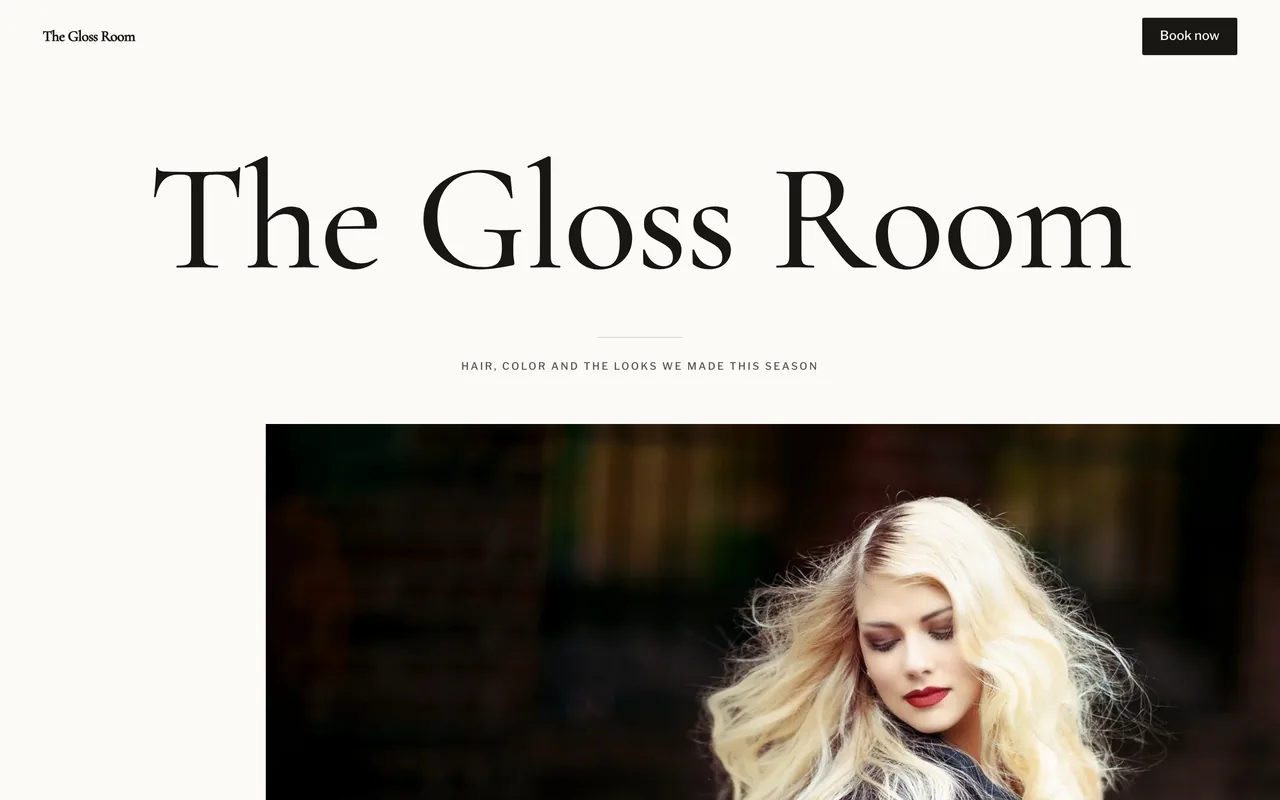 MastheadSee it live (opens in a new tab)
-
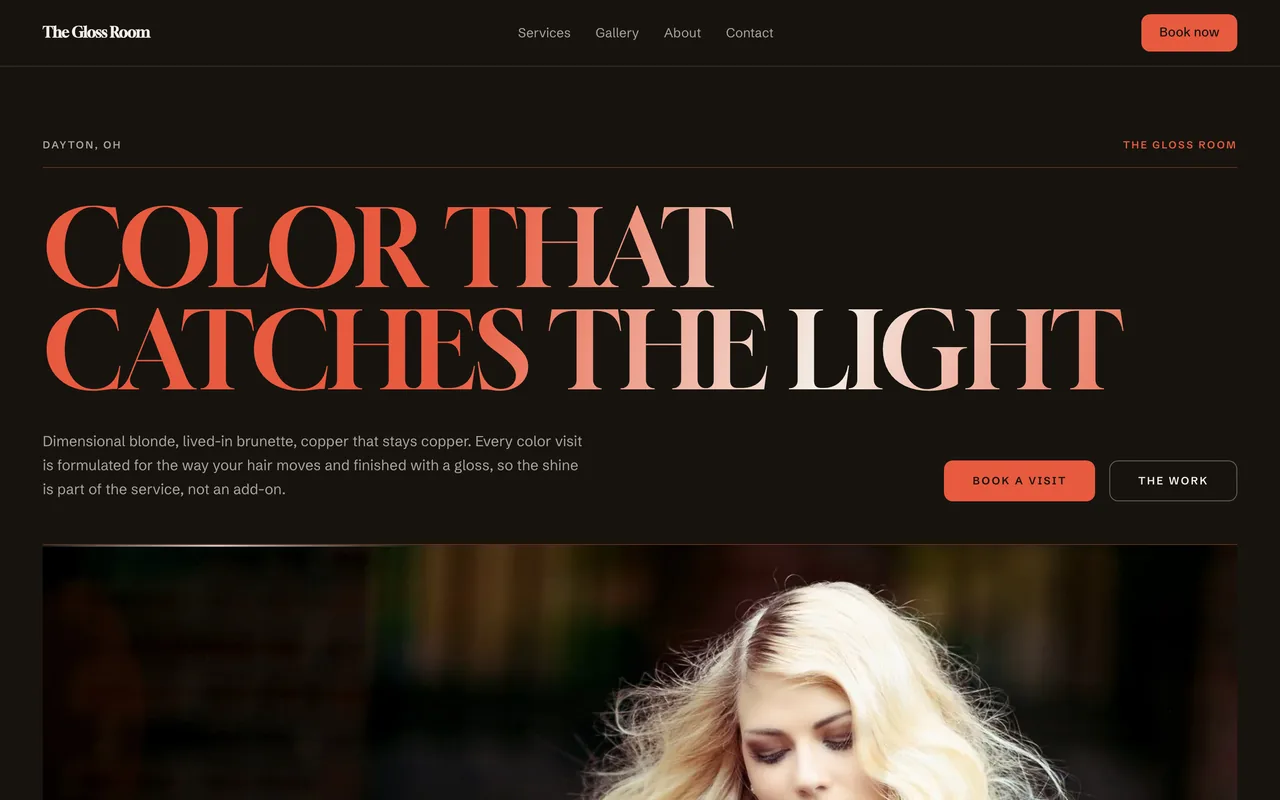 PolishSee it live (opens in a new tab)
-
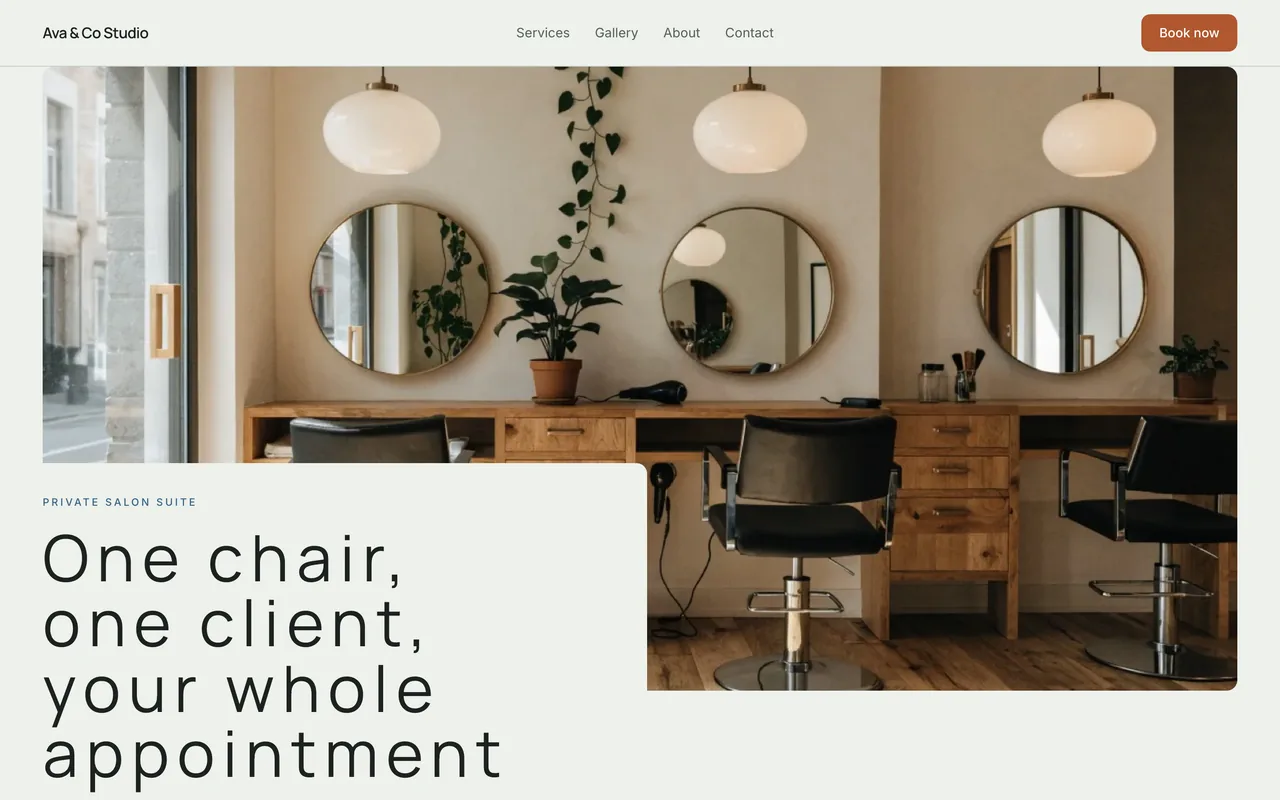 SuiteSee it live (opens in a new tab)
-
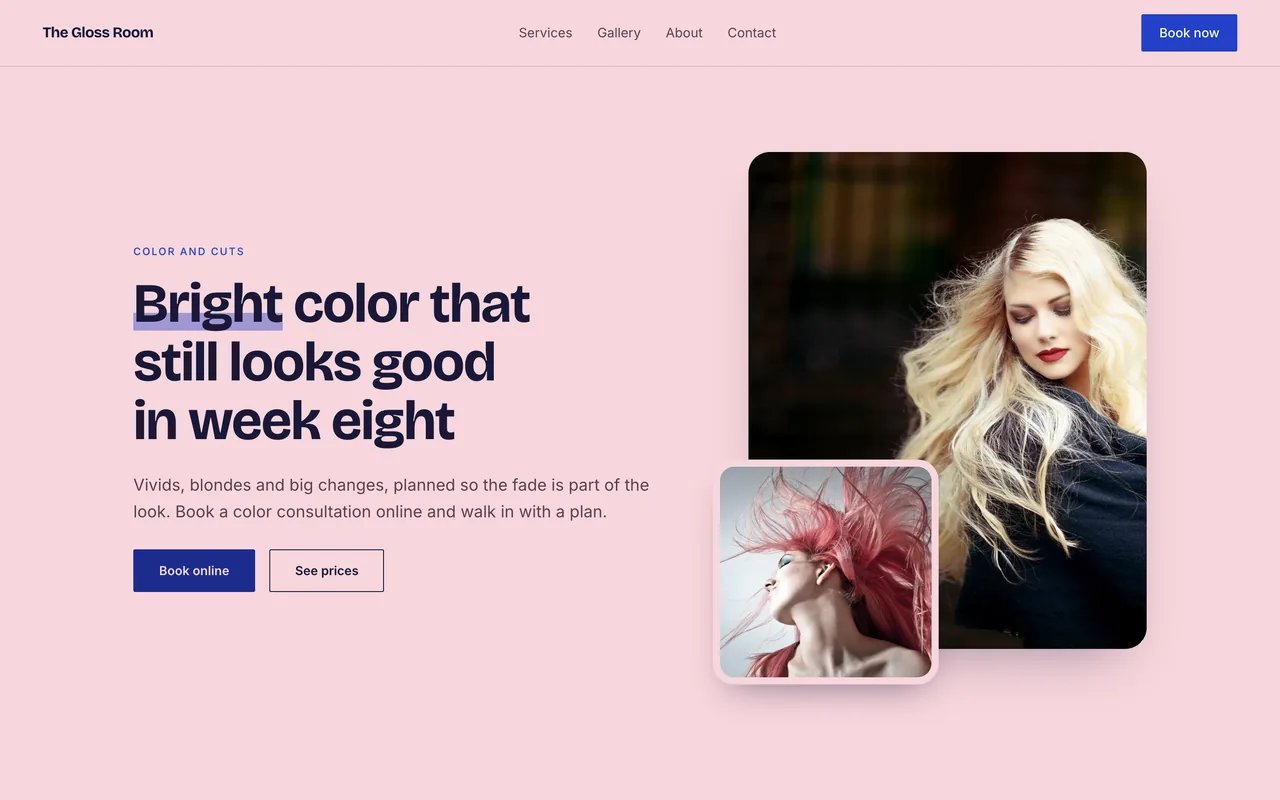 BloomSee it live (opens in a new tab)
-
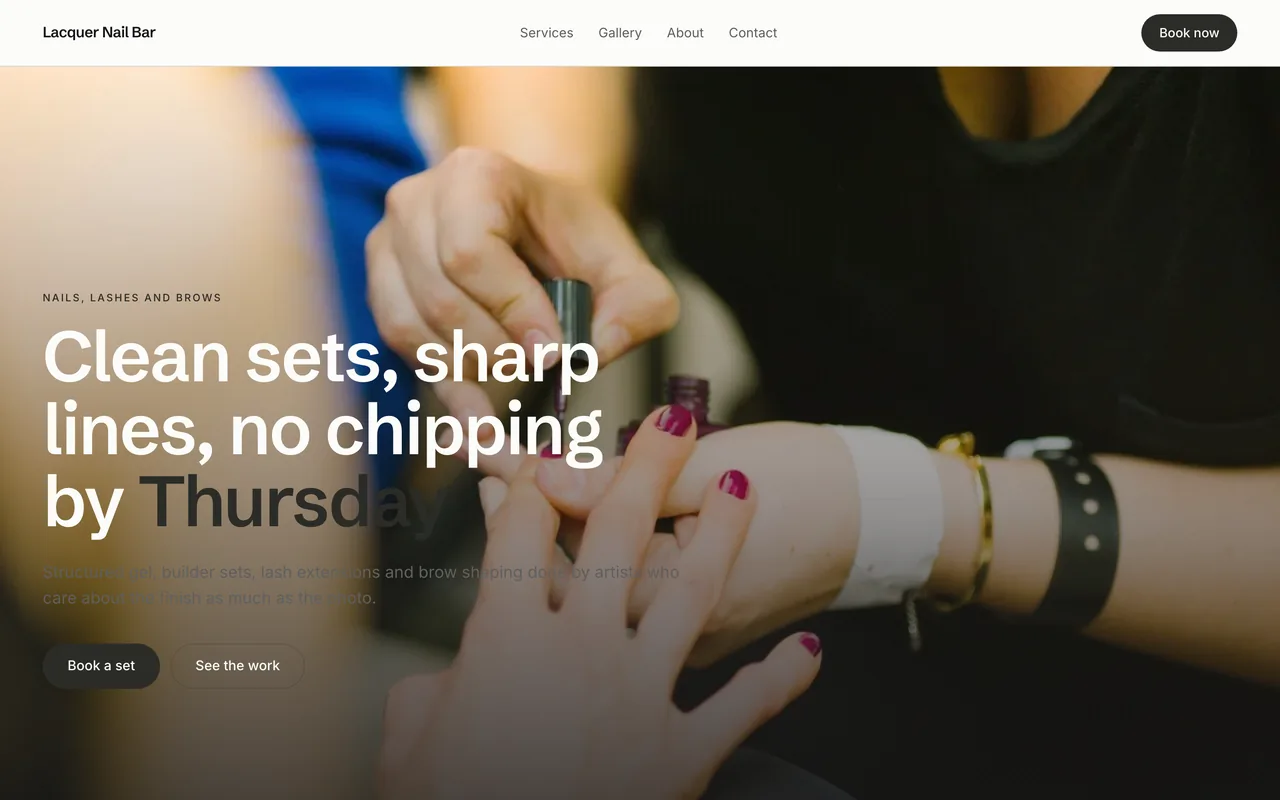 PlinthSee it live (opens in a new tab)
-
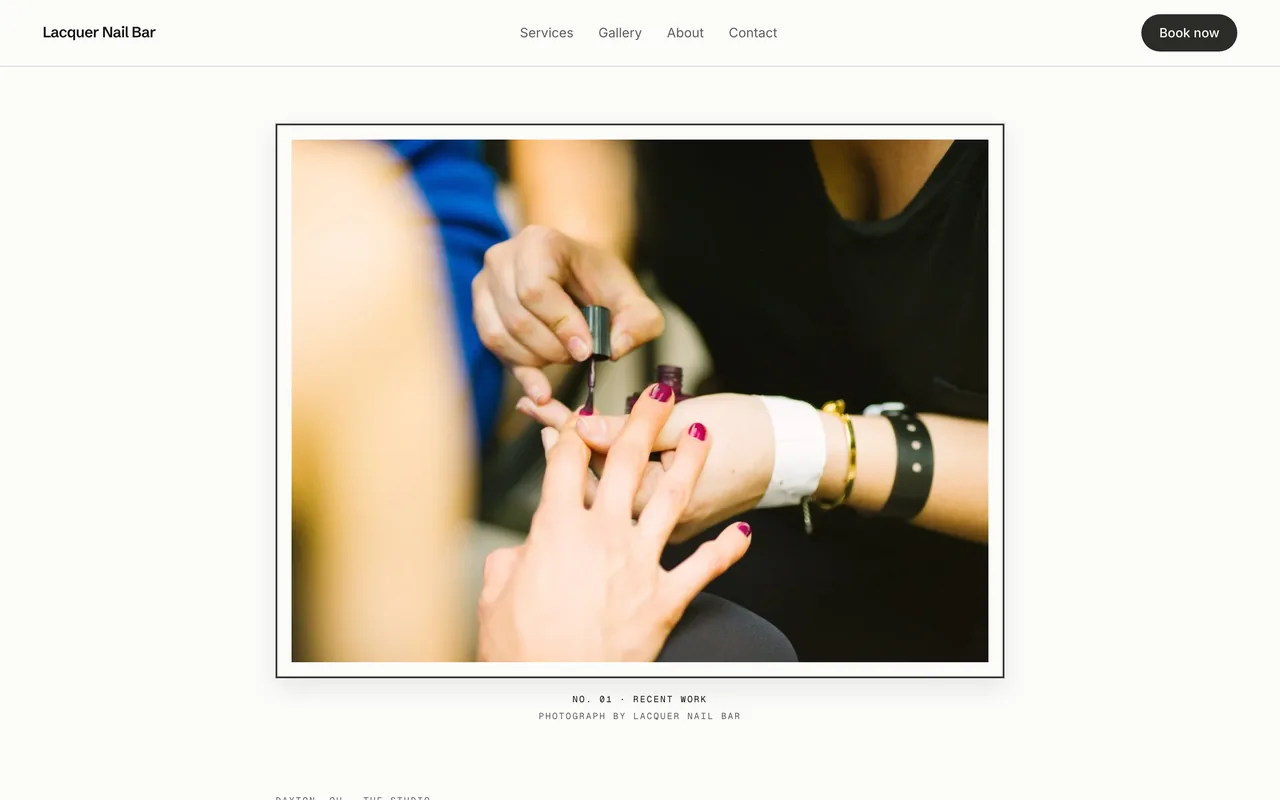 ExhibitSee it live (opens in a new tab)
-
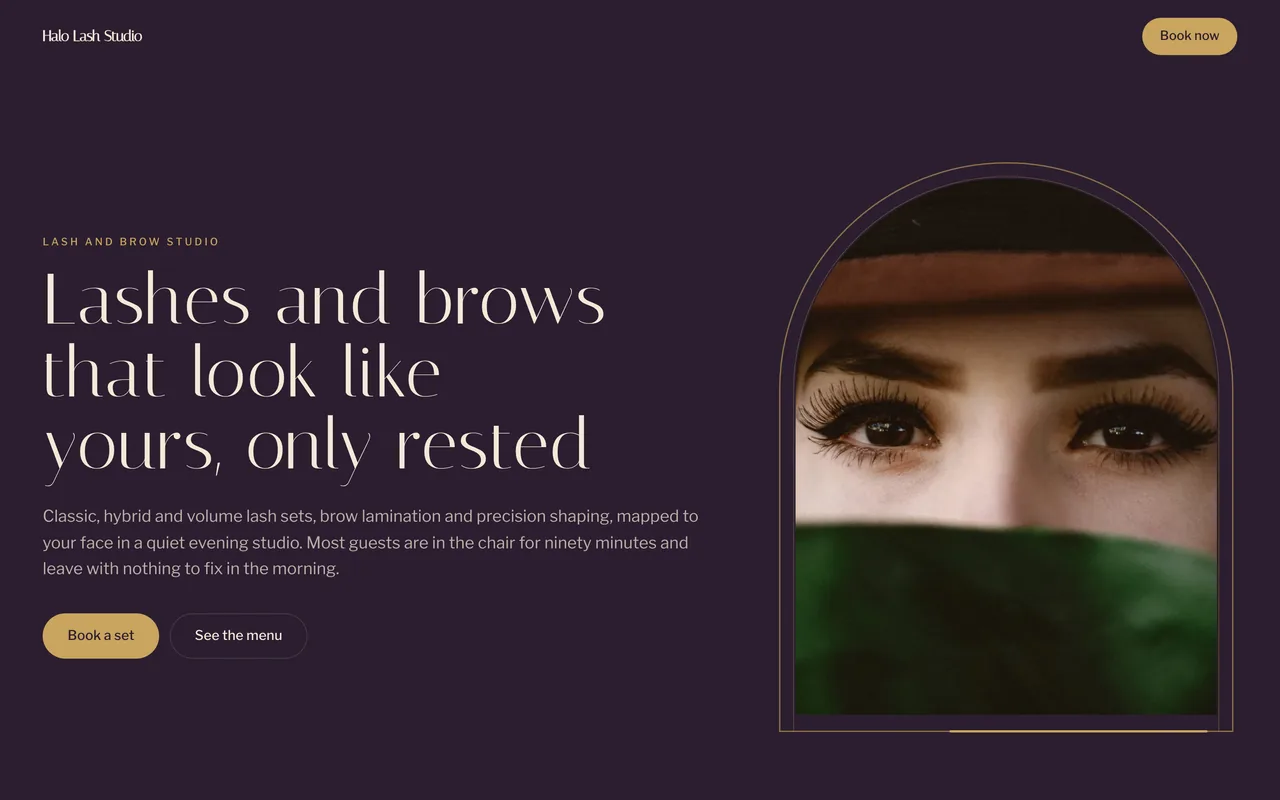 Jewel BoxSee it live (opens in a new tab)
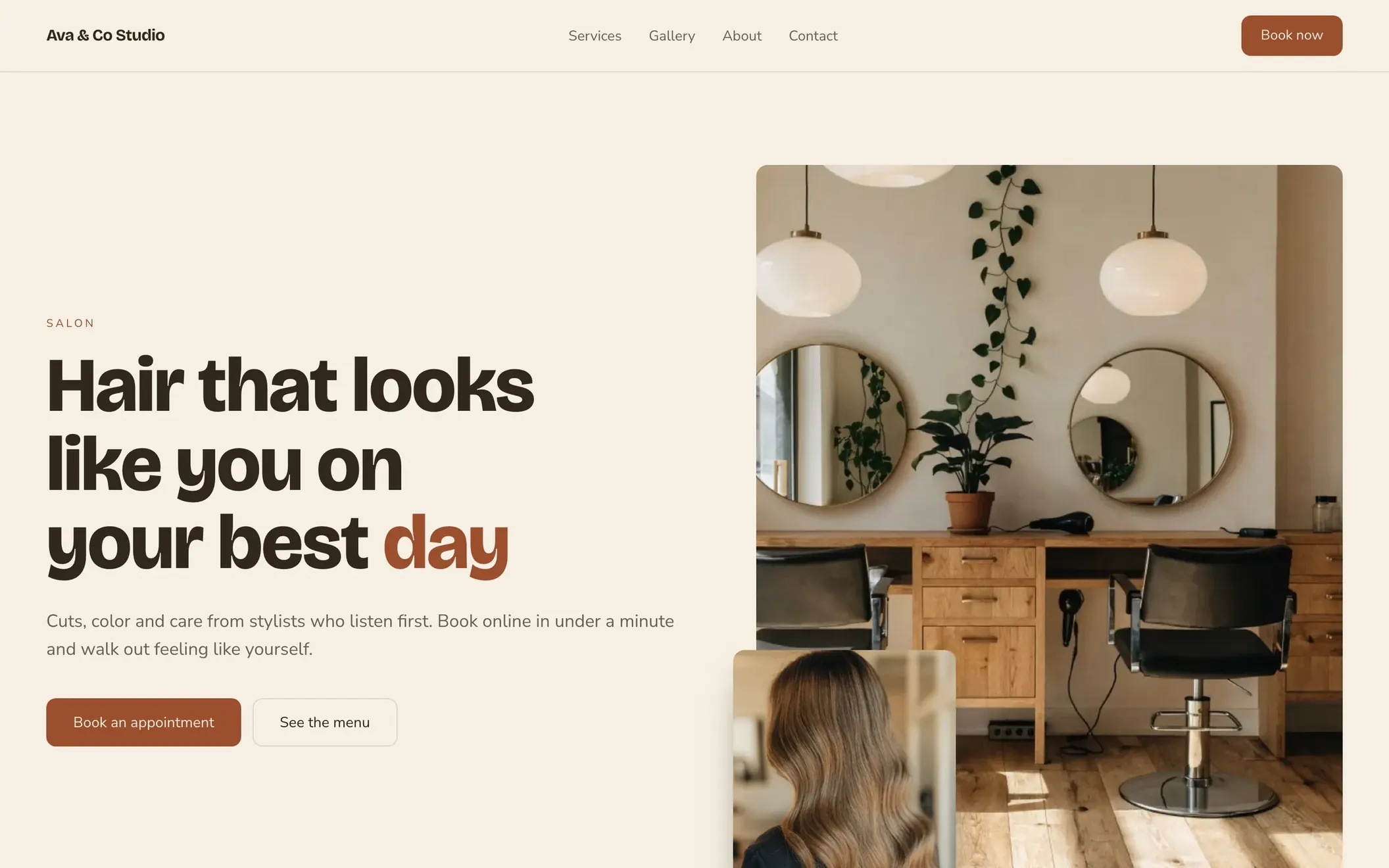
Designs for hair, nails, lashes and brows
Seven designs are made for hair salons: Harbor, Typewriter, Arbor, Masthead, Polish, Suite and Bloom. Plinth and Exhibit are made for nail bars, and Jewel Box for lash and brow studios. Each one sets the type, colors and photo layout for that kind of work. You start from a site that already fits your salon.
Every design works on a phone
Each design reads as well on a phone as it does on a laptop. Clients who find you from Instagram or a text land on a site that fits their screen, with the Book button in reach. You never build a separate mobile site.
A page for each design
Open any design on its own page before you choose. You pick a look with the full design in front of you.
Change the design later
Pick another design in the site editor whenever your salon's look changes.
Custom design from $349
Our designers build a custom site from $349 on the same platform. Your booking page and client list stay where they are.
Online booking on your website
The Book button on your site opens your booking page, with your salon's name on it. Visitors pick a service and an open time without calling or sending a DM. Every booking lands on the salon's calendar.
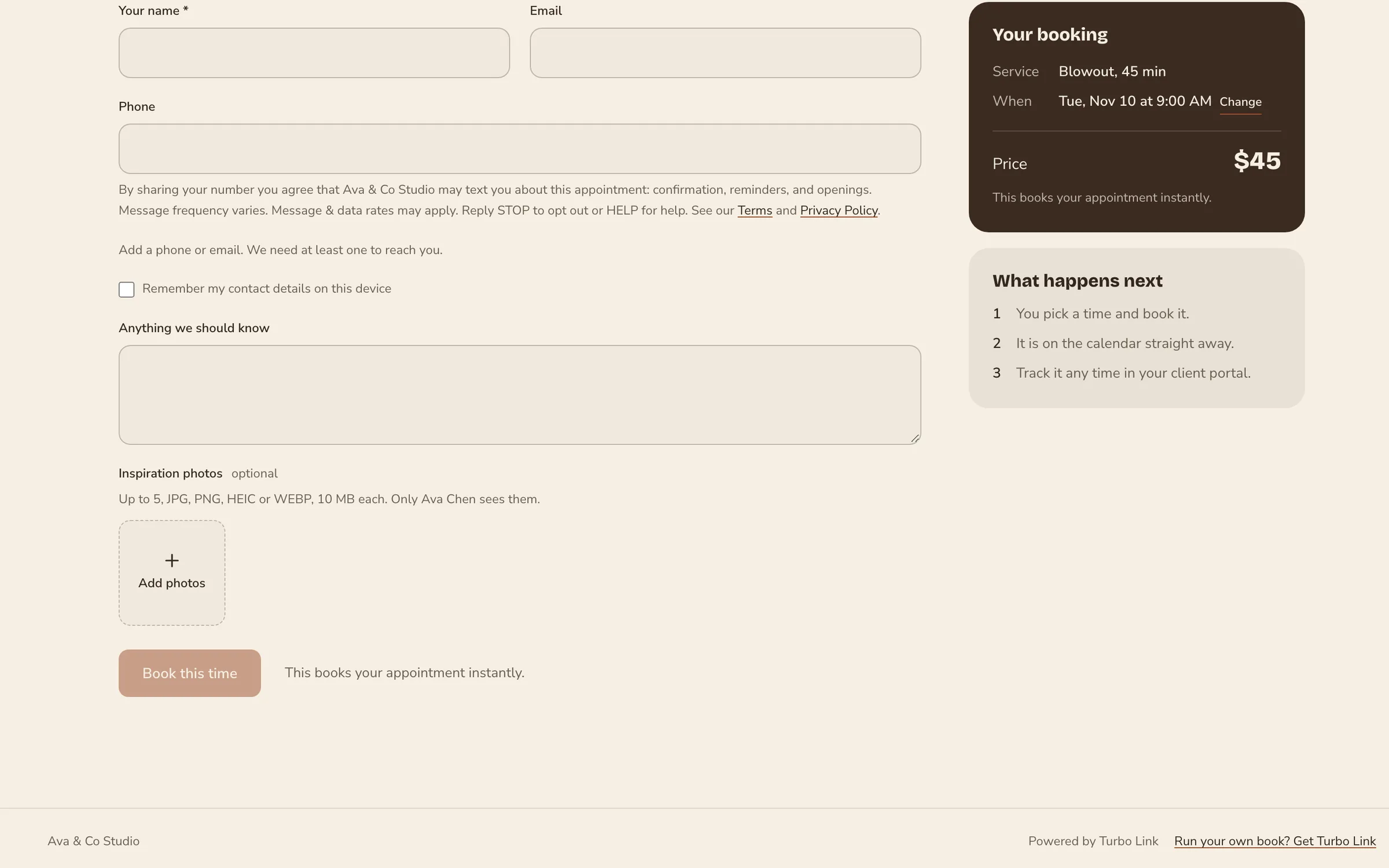
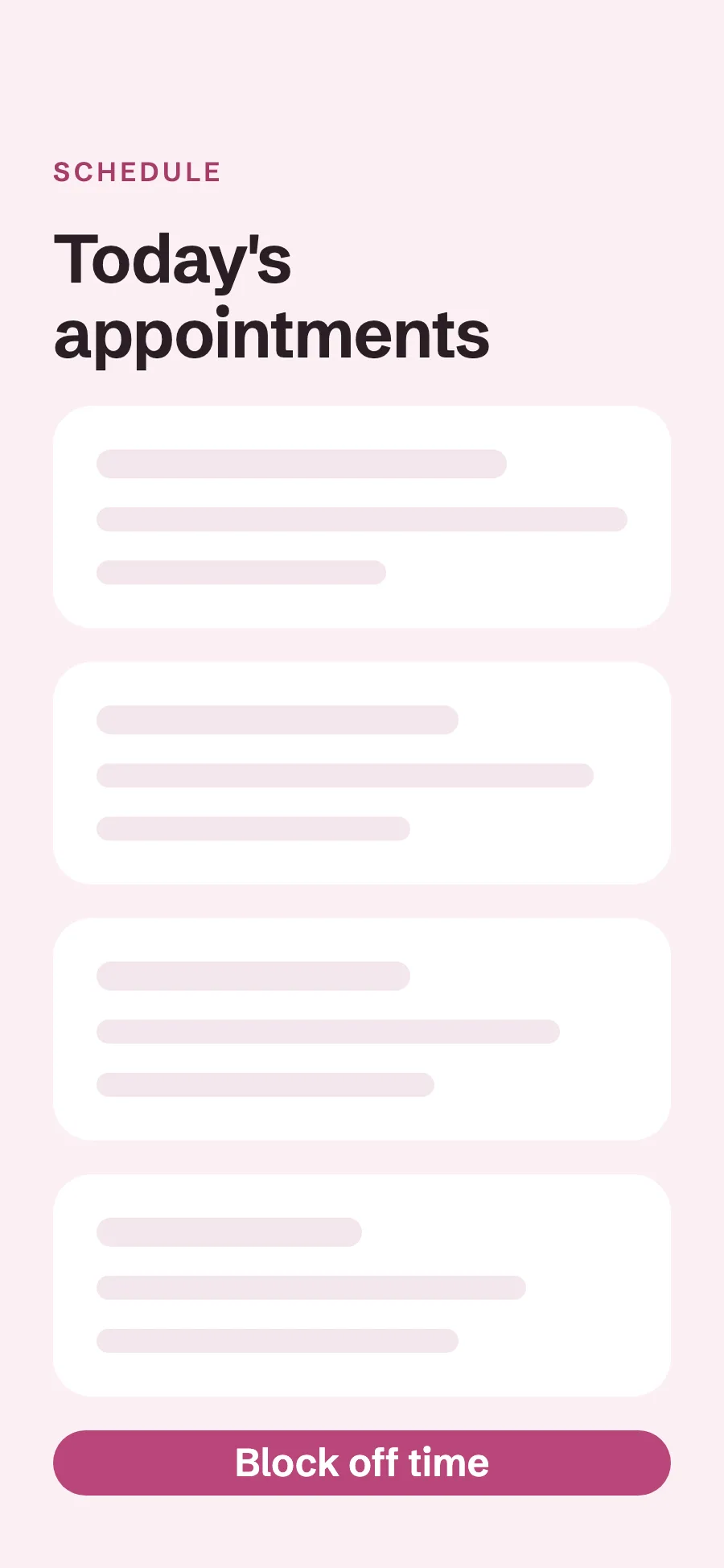
A Book button that opens your booking page
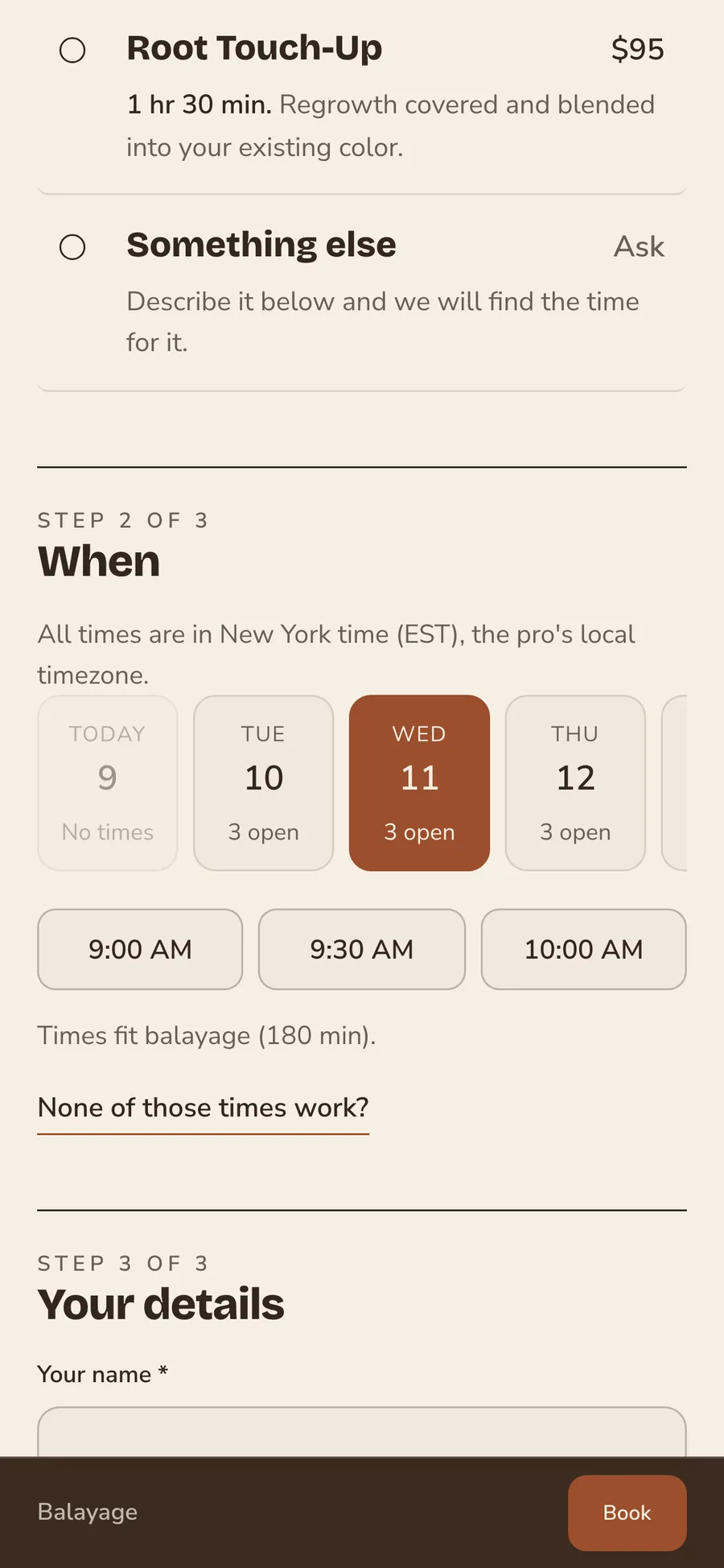
Visitors who like what they see tap Book and land on your booking page. They pick a service, see its price and length, and choose an open time. On a team site they choose their stylist too. A visitor can go from your home page to a booked appointment in a few taps.
Instant booking or approval, set per service
A blowout can book straight away while a color correction comes to you for approval first. The client sees which one applies before they send it. You keep a say over long services without slowing down the quick ones.
Deposits at booking
Ask for a deposit on the services you choose, as a share of the price. If a client cancels late or misses the time, you keep it.
Reminders before every visit
Clients get a reminder by email and text 48 hours ahead.
Waitlist
When a day is full, clients join the waitlist. When a time opens up, it is offered to them by email and text.
Service menu and team pages
List every service with its price and length, and introduce the people who do the work. Clients know what a visit costs and who they will see before they book.
Service menu with prices
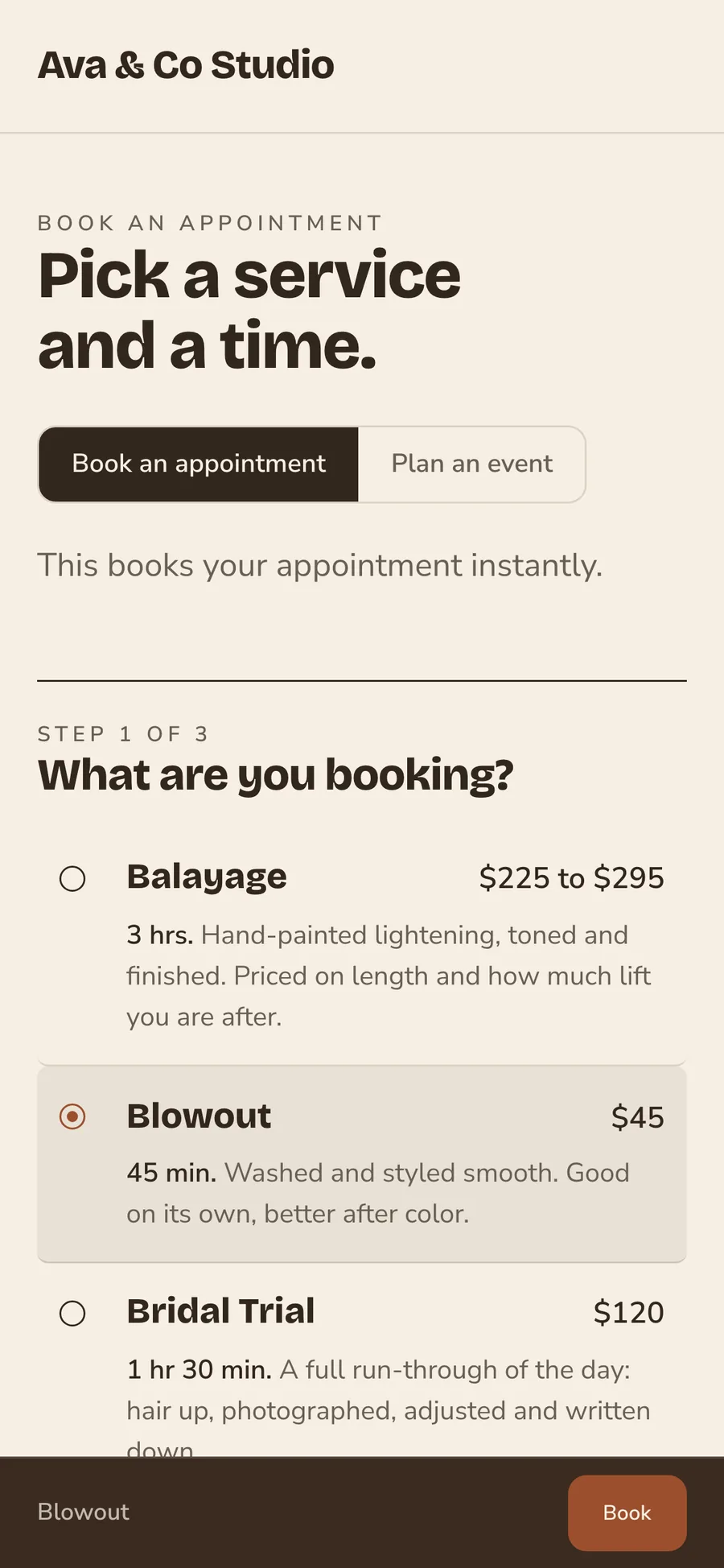
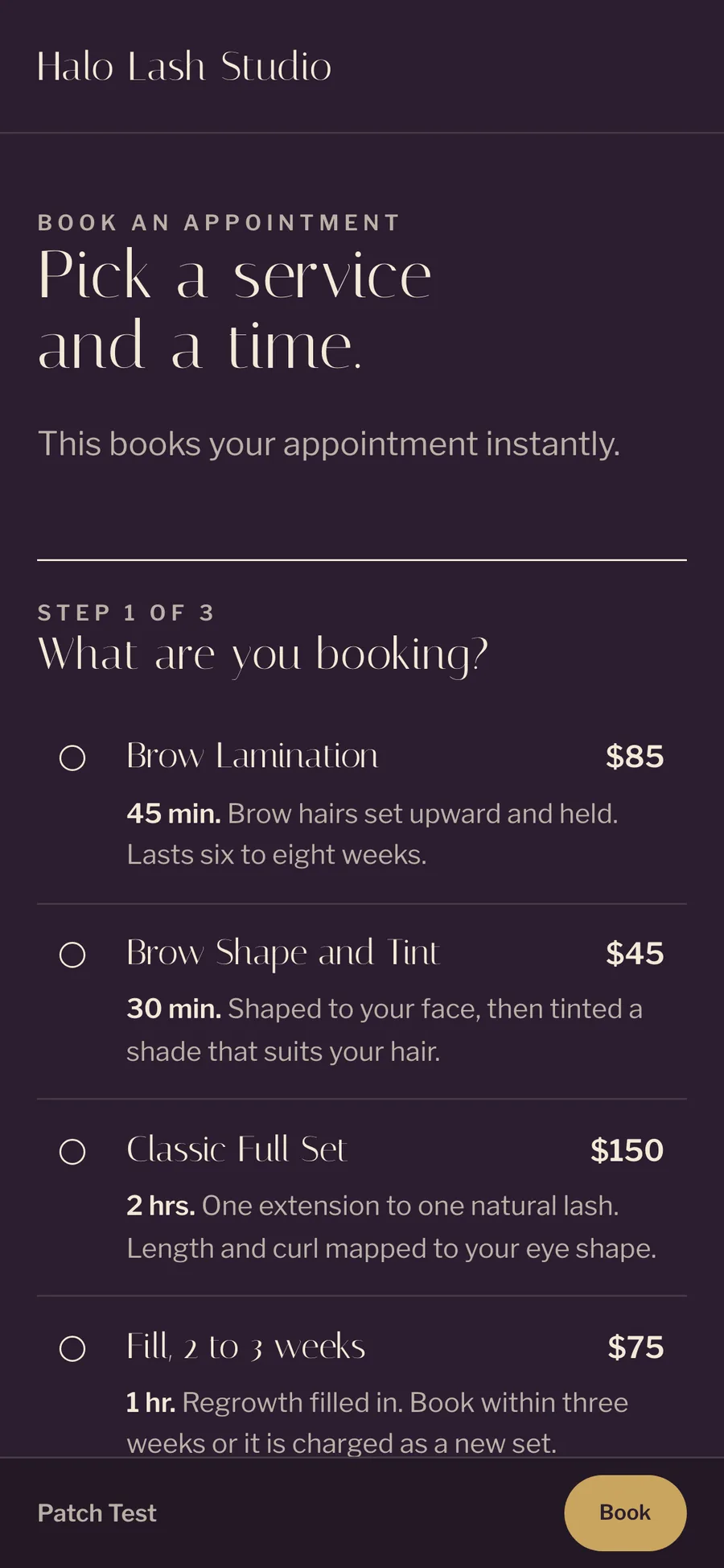
Add each service with its price, its length and a short description. A service with a range, such as a balayage, shows a starting price and a top price. Clients compare services on their own time instead of asking you by text.
Team pages
Give each stylist a photo, a role and a short bio. Clients see who will do their hair before they sit down. A new client picks the stylist who suits them, and a regular finds their stylist by name.
Hours and address
Show your opening hours and where to find you. Clients plan their visit without calling to ask.
Announcement bar
Put a short note across the top of your site, such as a holiday closing or a new stylist. Take it down when it is over.
Questions answered
Add a section of common questions, such as parking or what to bring. You answer them once instead of in every DM.
Look book
Show your best work in a look book on your site. New clients see the cuts, colors, sets and lashes you do before they book. Lead with the work you want more of.
Your work, sorted by kind
Sort your photos into categories such as color, cuts or extensions. Visitors find the kind of work they came for without scrolling past everything else. A client looking for blonding sees your blonding first.
A caption on each photo
Add a caption to any photo in your look book. A line about the service or the stylist helps a client ask for the look by name.
Add new work anytime
Add new work from the site editor as soon as it is done.
Photos that work on a phone
The look book reads well on a phone. Clients who find you from Instagram see the same work there.
SEO for salon websites
Write the page titles and descriptions that search results show, on your own domain, and your sitemap is made for you.
Page titles and descriptions
Write the title and description search results show for your site, in your own words. Name your town and the services you are known for. Change them anytime as your menu changes.
Your own domain
Your site runs on your own domain at no extra cost, registered in your name. We connect a domain you already own and handle the certificate. If you leave, you take the domain with you.
A share image
Choose the picture that shows when your site is shared in a text or a post. Your link looks like your salon wherever it goes.
Free Turbo Link address
Every site also gets a free Turbo Link address. It keeps working after you connect your domain, so nothing you already shared breaks.
Link in bio
A page for your Instagram bio with your booking link on it. Followers go from a post to a booked appointment in a few taps, with no stop at a third-party link page.
Booking from your bio
Put one link in your Instagram or TikTok bio. It opens a page with your salon's name and your booking link. A follower who loves a post can book the same look before they scroll away.
One link for everything
Use the same link in your bio, your texts and your Google profile. Every place you share it leads to the same booking page and the same calendar.
More of Turbo Link for salons
Questions about salon websites
Can I use my own domain?
Yes, at no extra cost. Every site also gets a free Turbo Link address. Connecting a domain you already own is included: we point it at the site and handle the certificate. The Turbo Link address keeps working, so nothing you already shared breaks.
Can I change my salon website later?
Yes. Change your design, services, prices, team and photos in the site editor whenever you like. If you want a full rebuild, our designers build custom sites from $349 on the same platform.
Where do bookings from my website go?
Every booking lands in the salon dashboard and on the right stylist's calendar, and shows in the app.
What does a salon website cost?
The website comes with every plan. Solo is $29 a month billed annually, or $35 month to month. A team of up to nine is $89 a month billed annually. See pricing for every number, and our guide to what a salon website costs compares the options.
Pick a design and take bookings from it
Add a card to start. You are not charged today, and you can cancel any time.