The salon dashboard
The book, the clients, the money and the rent, in one place at the front desk.
Appointment book and requests
See every stylist's day side by side, and approve booking requests as they come in. The appointment book and the app show the same day, so the front desk and the chair agree.
Every stylist's day on one screen
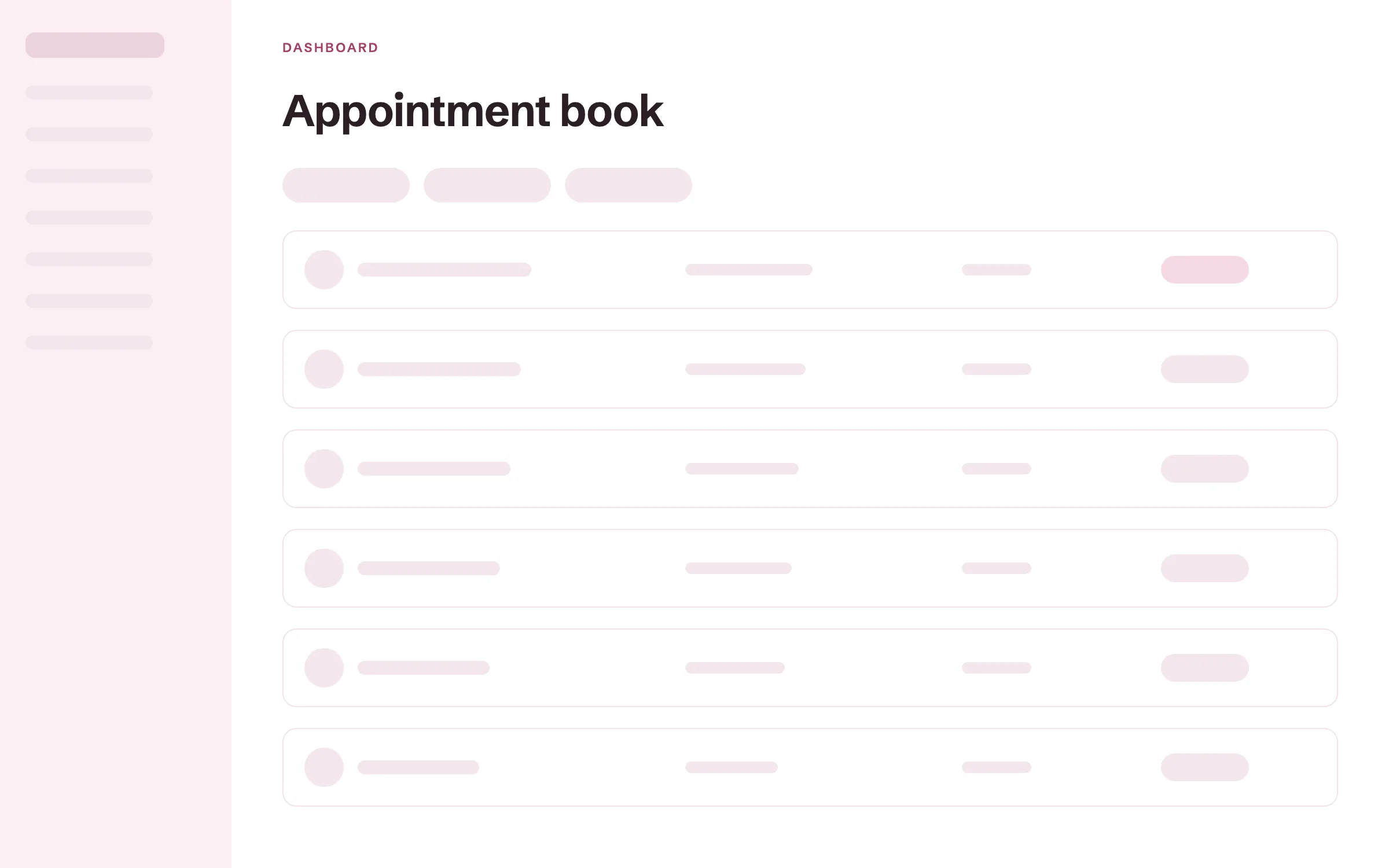
The appointment book shows each stylist's appointments for the day, with the client, the service and the time. Confirmed appointments and requests are marked apart. Block off a lunch, a class or a vacation, and those hours stop showing as open. Anyone at the front desk can answer when a client asks what is free.
Requests in one inbox
Services set to approval arrive as requests, with the client's details and any inspiration photos. Approve one and it moves onto the calendar, and the client gets a confirmation by email. Nothing waits in a DM thread.
No double bookings
Notice times, buffers between appointments and daily limits protect each stylist's day. A time that is taken never shows as open.
Calendar sync
Bookings sync to Google Calendar, or you can subscribe to the calendar feed. You see the salon where you already plan your week.
Waitlist
When a day is full, clients join the waitlist. When a time opens up, it is offered to them by email and text.
Deposit tracking and no-show fees
Set a deposit for each service as a share of its price, and see which appointments are paid. When a client misses an appointment, you keep the deposit and can charge a no-show fee to the card on file from the same screen.
Deposits set per service
Choose the share of the price each service asks for, such as 25 percent for color and nothing for a trim. Clients pay it right after they book, or later from their client portal. Each deposit is recorded against its appointment, so you know who has paid toward their time.
No-show and late-cancel fees
You can ask clients to save a card when they book, either every client or only new ones. If a client misses the appointment or cancels late, you charge your fee to that card. You decide each time whether to charge it, so a regular with a sick child can be let off.
Your cancellation policy on the booking page
Write your policy once, and it shows on your booking page. Clients read your terms before they book.
Reminders 48 hours ahead
Clients get a reminder by email and text two days before, and you can change the timing.
Client records at the front desk
Each client's formulas, patch tests, notes and photos live on one record. Open it before the client sits down, and any stylist can pick up where the last one left off.
Color formulas with every change kept
Write the formula on the client's record in your own shorthand. Each change is kept and dated, so you can see what you used three visits ago. The formula stays with the client even when they switch chairs.
Patch tests with a valid-until date
Record each patch test with the date it stays valid until. When it lapses, a warning shows on the client's next appointment, so you see it before the color is mixed.
Notes log
Add a dated note after every visit. The next stylist reads what happened last time.
Before and after photos
Keep photos of the work on the client's record. You can show a client their last result before you start.
Consultation forms
Clients fill in your intake or consultation form before the visit. Their answers wait on the record.
Payments and tips
Check clients out with a tip on every ticket, and see what the salon collected today. The money goes to your own Stripe or Square account.
Checkout with tips
Ring up the service, and the client adds a tip of 18, 20 or 25 percent, or a custom amount. Charge a card on file, send a pay link or record cash from the same screen. Each tip is recorded with the stylist who did the service.
The day's money in one place
Every payment, deposit and tip from the dashboard and the app lands in the same list. You see the day's total without adding up receipts. Send your sales to QuickBooks so your bookkeeper works from the same numbers.
Pay links
Send a pay link by text or email, and the client pays by card from their phone. It works for a balance or a product they forgot to buy.
Paid to your own account
Money goes to your own Stripe or Square account. You keep your own payment history and payouts.
Automatic receipts
Clients get a receipt by email as soon as they pay.
Booth rent tracking and commission payouts
See which renters have paid this month's rent and who is due, and work out commission for the stylists on your payroll. Each renter keeps their own book and client list.
Booth rent per renter
Set each renter's rent and see who has paid and who is due. Year-end 1099 payout totals are ready for every renter.
Private books for renters
Each booth renter keeps their own book and client list. You see totals and rent, never a renter's clients. Renters know their clients stay theirs.
Commission payouts
Work out commission for each stylist on your payroll.
Revenue per stylist
See what each stylist brings in. You know who is busy and who has room.
Renter and employee roles
Give renters and employees their own sign-in with the right access. Nobody shares a password.
More in the salon dashboard
Check-in and front desk
Check clients in as they arrive and see who is in the chair. The front desk runs from one screen.
Retail and backbar inventory
Track retail products and backbar stock with counts. You see what is running low before it runs out.
QuickBooks sync
Send your sales to QuickBooks. Your bookkeeper works from the same numbers.
CSV import and export
Bring your client list in from a CSV file, and take it with you anytime.
More of Turbo Link for salons
Questions about the salon dashboard
Can I see the dashboard before I sign up?
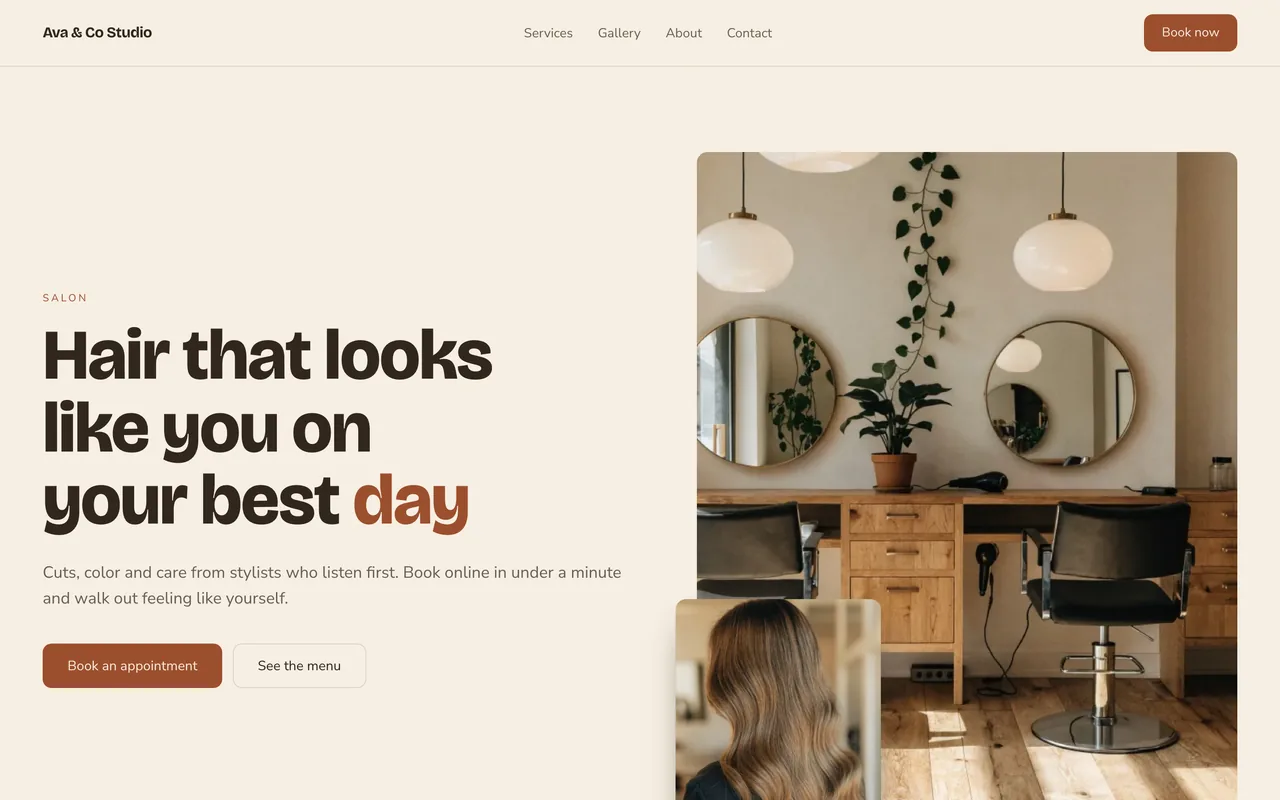
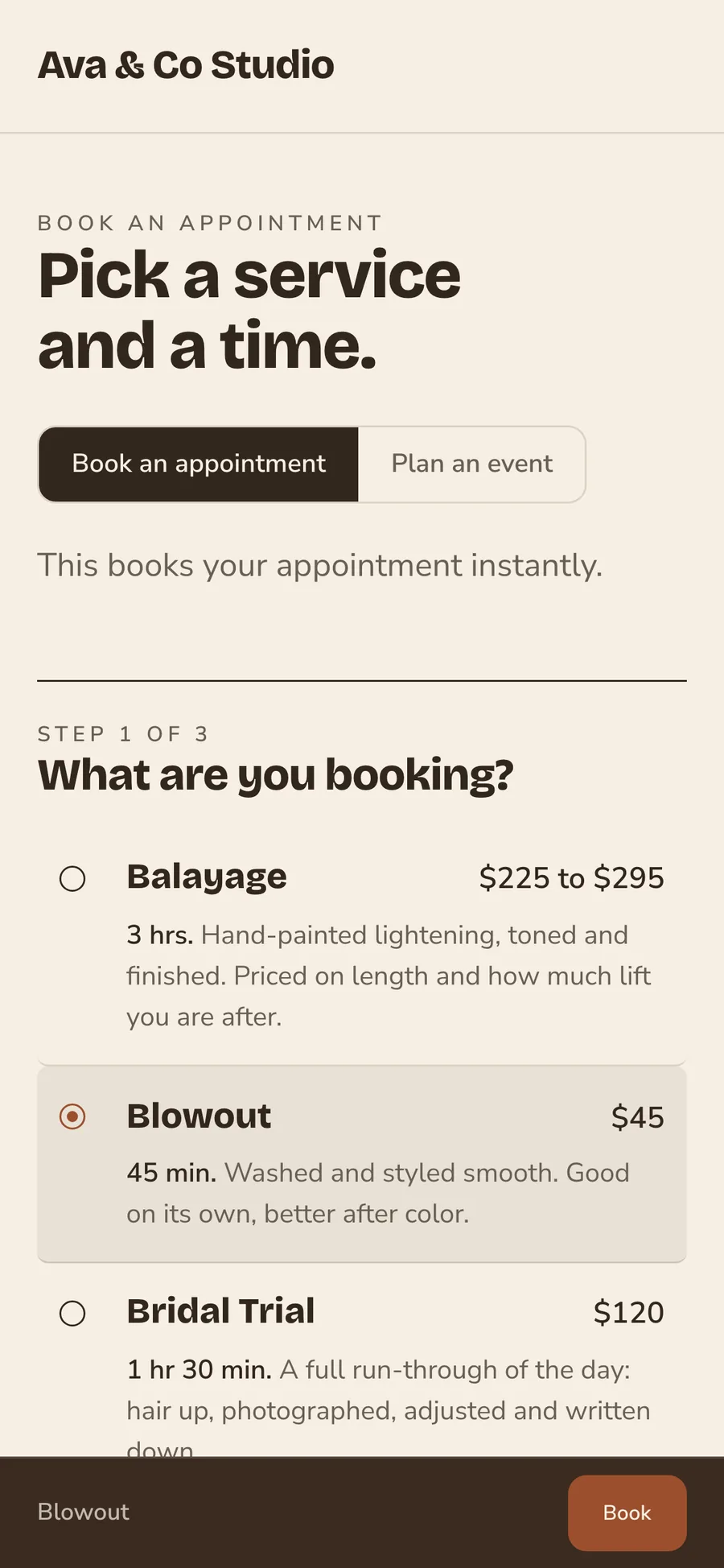
The live demo shows a sample salon, Ava & Co Studio, with its website and booking page. Your dashboard has the same book, clients and payments, with your salon's name on it. Get a demo and we walk you through it.
I work alone. Is the dashboard too much?
No. The dashboard runs a book of one just as well. Solo is $29 a month billed annually, and the Team plan only matters once a second person joins the book.
What about booth renters?
The Team plan covers up to nine people for $89 a month billed annually, with no per-seat charge. Booth rent is tracked per renter, and each renter's clients stay private to them.
Can I take my client list with me if I leave?
Yes. Your client list and records belong to the salon. Export them as a CSV file anytime.
Run the salon from one dashboard
Add a card to start. You are not charged today, and you can cancel any time.