What your salon clients see
Clients book, pay and check their appointments from a link on their phone, with nothing to download.
Online booking on a phone
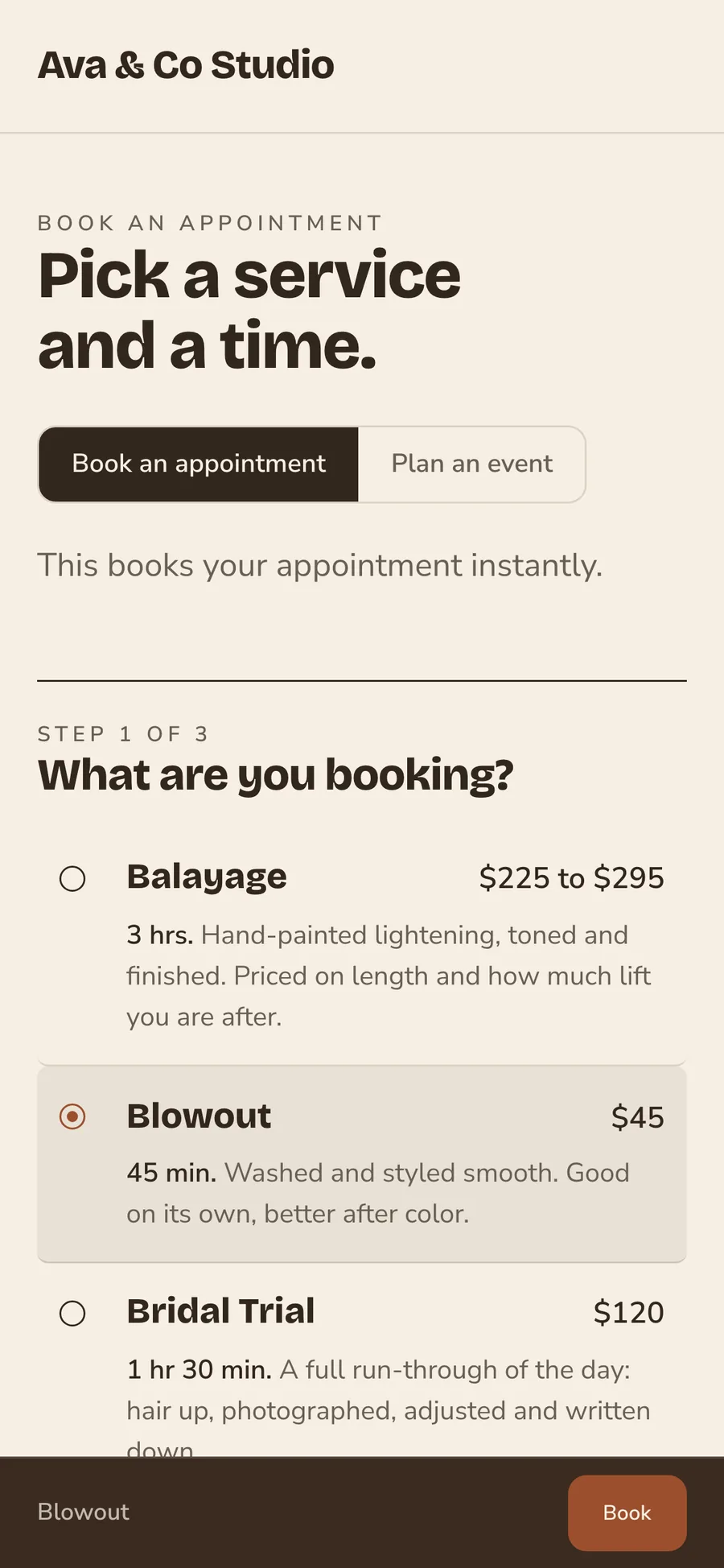
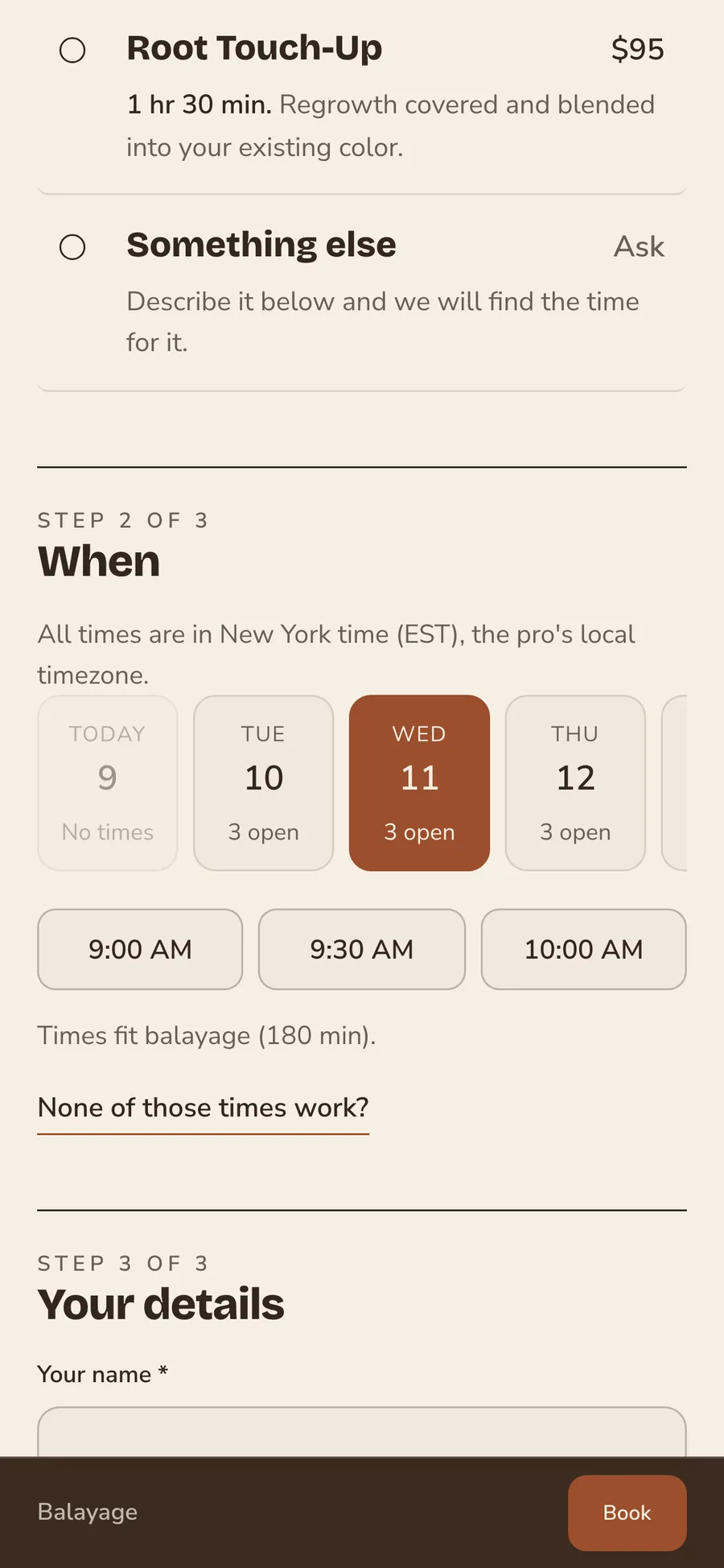
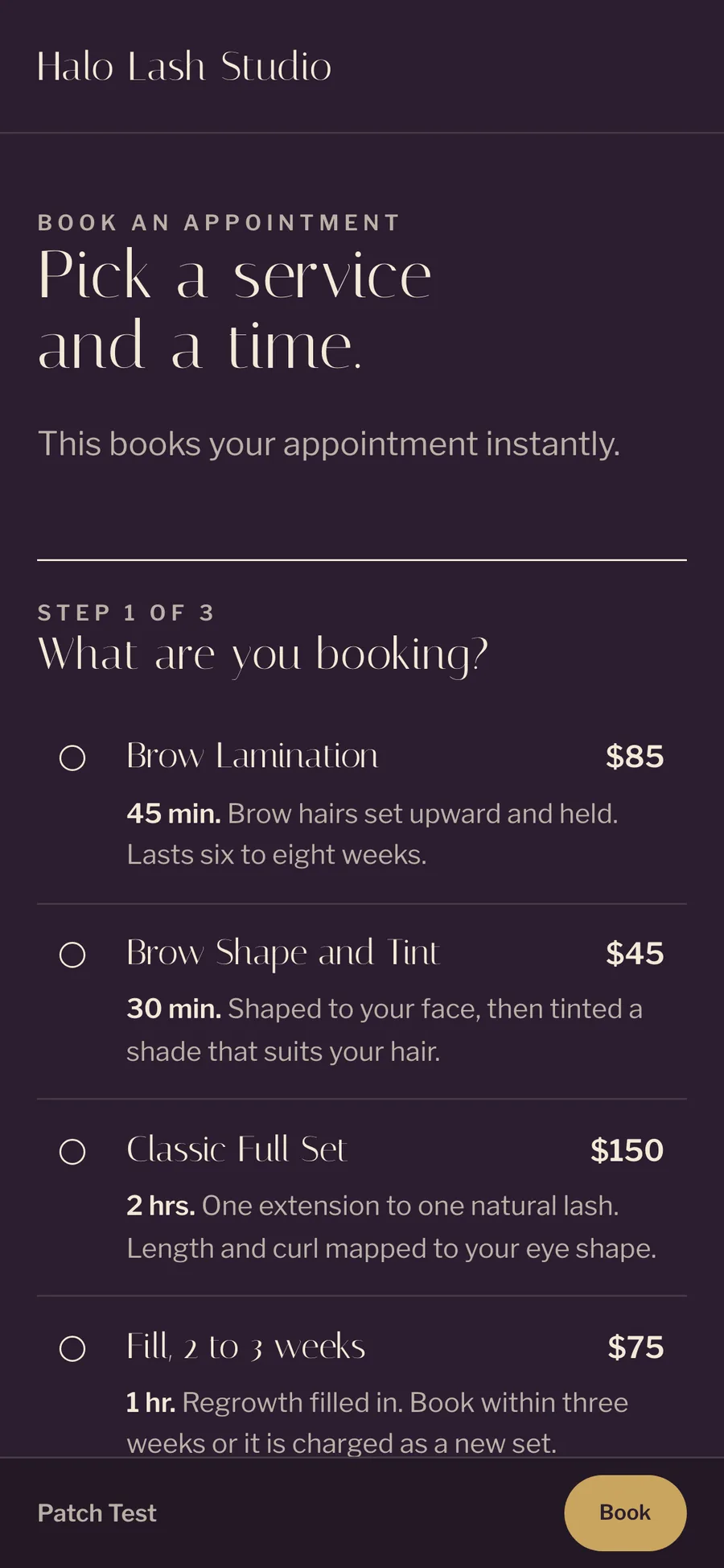
Clients pick a service, then a day and an open time, then add their details. They book in a few taps from your Instagram bio or a text, without waiting for you to answer a DM.
Service, time, then details
Clients see your menu with prices and lengths, pick a service, then choose a day and an open time. On a team page they choose their stylist too, and a solo stylist's page skips that step. Then they add their name, email and phone, and the booking is on your calendar.
Booked now, or sent for you to confirm
Each service is set to book instantly or to wait for your approval, and the page tells the client which one applies. A blowout is booked on the spot. A balayage goes to the stylist to confirm first, with the price range shown up front.
Inspiration photos
Clients add up to five photos of the look they want. You see it before they sit down.
Event requests
A client planning a wedding or a party sends an event request from the same page. You answer one request instead of a long DM thread.
A clear note about texts
When a client gives a phone number, the page says what texts they will get. They agree to them knowing what is coming.
Deposits and card on file
After a client books, they see the deposit for that service and pay it from their phone. The deposit holds their time. If you ask clients to save a card, it covers a late cancellation or a missed appointment.
A deposit that holds the time
The deposit is a share of the service's price, set by you for each service. Clients pay it right after they book, or later from their client portal. If they cancel late or miss the appointment, you keep the deposit.
Card on file
You can ask clients to save a card when they book, either every client or only new ones. If a client misses the appointment or cancels late, you can charge a no-show fee to that card. You decide each time whether to charge it.
Your cancellation policy up front
Your policy shows on the booking page. Clients read your terms before they book.
Receipts by email
Clients get a receipt by email for a deposit and for every payment.
Reminders and confirmations
Clients get a confirmation as soon as a booking is made or approved, and a reminder by email and text before the visit.
Confirmations
A confirmation goes out by email the moment a booking is made, or the moment you approve a request. It has the service and the time.
Reminders 48 hours ahead
A reminder goes out by email and text two days before each visit, and you can change the timing. You write the words once, and every reminder sends on time without you.
Rebook nudges
When a client is due back on their usual cycle, they get a nudge to book in your words.
Birthday emails
Clients get a note from the salon on their birthday, sent automatically.
Consultation forms
Send your intake or consultation form before the visit, and the client fills it in on their phone. Their answers are on the record when they sit down.
Filled in before the visit
Clients answer your questions from their phone, before they arrive, so nobody fills in a clipboard in the chair. A new client's history, goals and concerns are in front of you before you start.
Answers saved on the record
Each form is saved on the client's record next to their formulas and notes. Every stylist who sees the client reads the same answers.
Client portal
Each client has one place for their appointments, deposits, receipts and messages. It opens from a link in their browser, with nothing to download and no password to forget.
Nothing to download
The portal opens from a link in a text or an email, and it works inside Instagram and Facebook too. Clients who want an icon on their phone can use the Turbo Link app, which reaches the same portal.
Appointments, payments and messages
Clients see their upcoming appointments, pay a deposit or a balance, and message the salon from the same page. They request their next booking from it too. Questions come to you in one thread instead of across texts and DMs.
Forms in one place
Any form you sent waits in the portal until the client fills it in.
Receipts
Every receipt the client has had from the salon is in the portal.
Waitlist offers
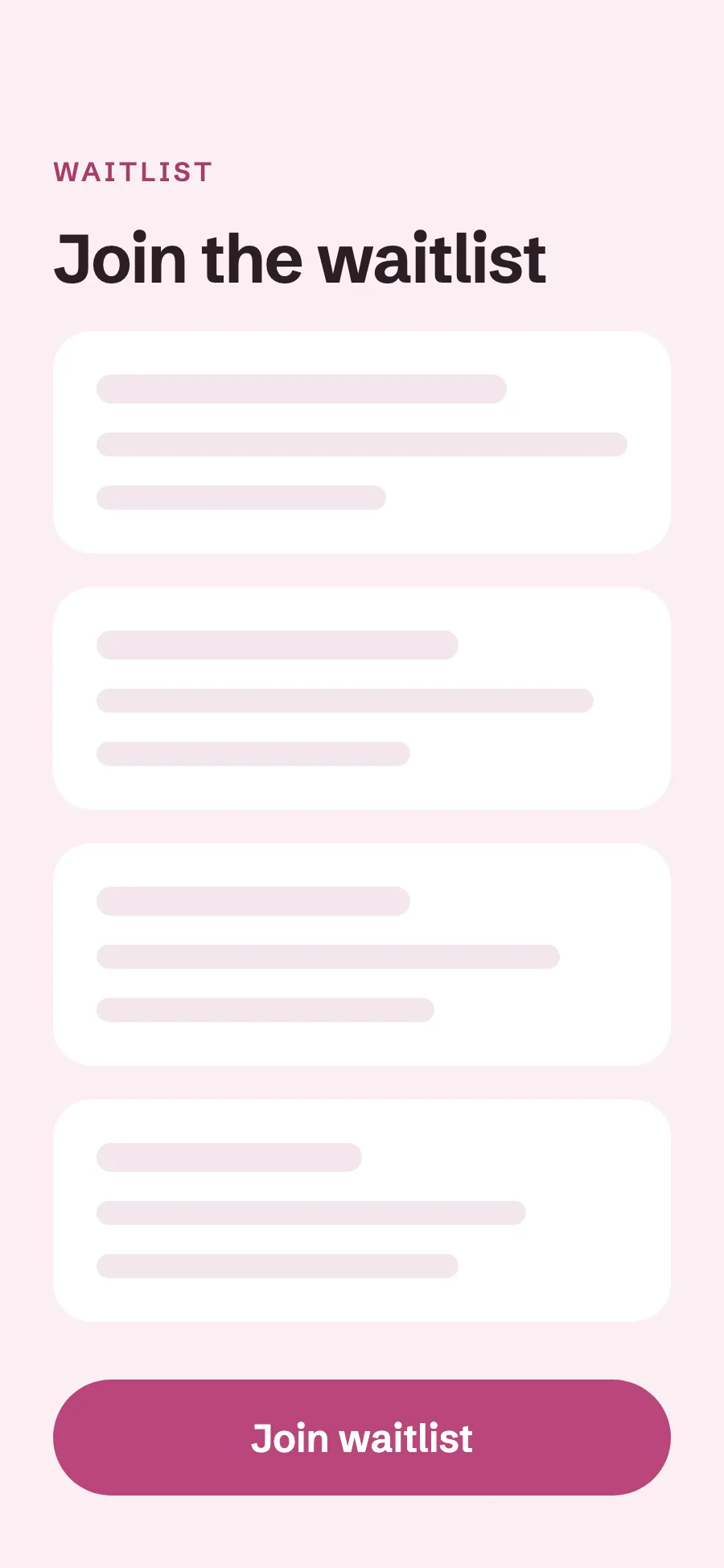
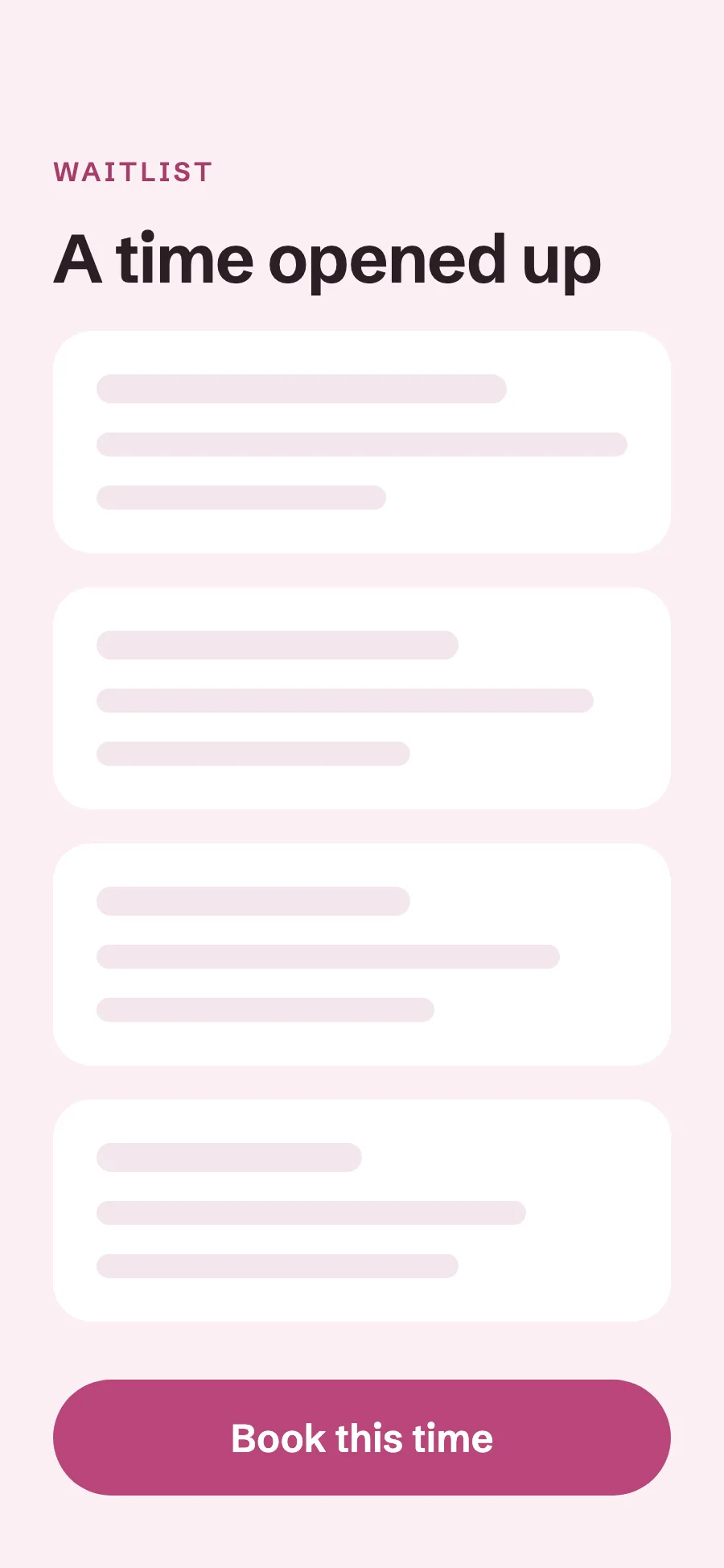
When the day a client wants is full, they join your waitlist. When a time opens up, it is offered to them by email and text, and they book it in a few taps.
Join from the booking page
A client who finds no open time joins the waitlist from your booking page. They do not have to message you to ask about cancellations.
An offer when a time opens
When a booking is canceled or moved, the freed time is offered to clients on the waitlist by email and text.
More of Turbo Link for salons
Questions about the client experience
Do my clients need the app?
No. The portal opens from a link in their browser and works inside Instagram and Facebook, with nothing to download. The Turbo Link app is there for clients who want it: the first time it opens, it asks whether they are a professional or a client and takes them to their side.
Do reminders cost extra?
No. Confirmations and reminders are part of every plan, and Solo is $29 a month billed annually. Text reminders use your plan's client texts: Solo includes 100 a month, and a text bundle is $15 a month if you need more. See pricing.
Can I make clients pay a deposit to book?
Yes. You set a deposit for each service, and clients pay it after they book. Our guide to a salon deposit and no-show policy has wording you can copy.
What if a client wants to change their appointment?
They message you from their client portal, and you move the appointment from the dashboard or the app.
Can clients choose their stylist?
Yes, on a team page. Clients choose the service, then their stylist, then an open time. A solo stylist's booking page skips that step.
Give clients a booking page with your name on it
Add a card to start. You are not charged today, and you can cancel any time.