Salon CRM with rebooking reminders
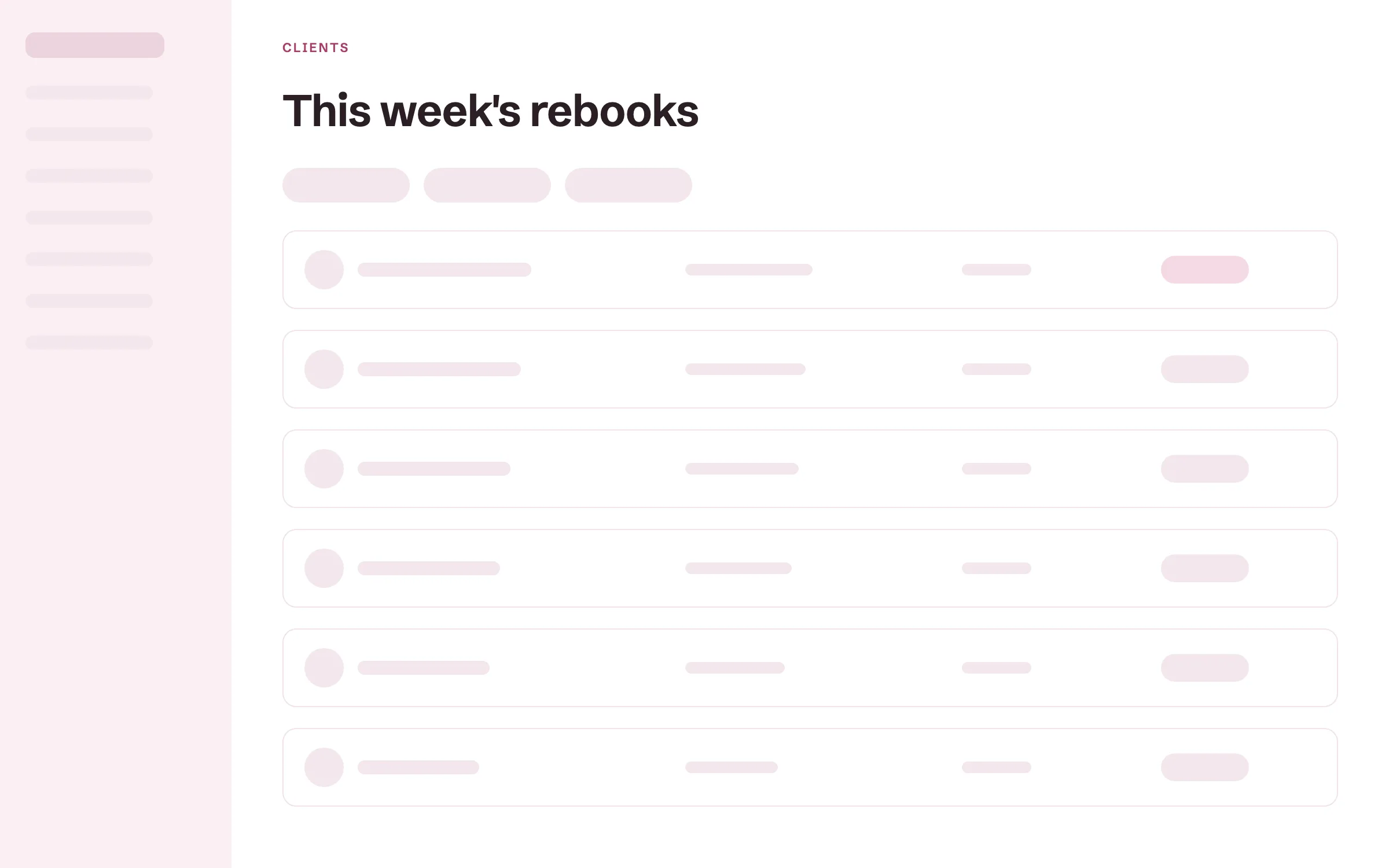
Each client's own cycle sets when they are due back, and the list shows you who to invite this week.
Rebooking reminders
Set a rebook cycle for each client, and they show up as due when it comes around. Rebook nudges go out on their own, in your words.
Due a rebook
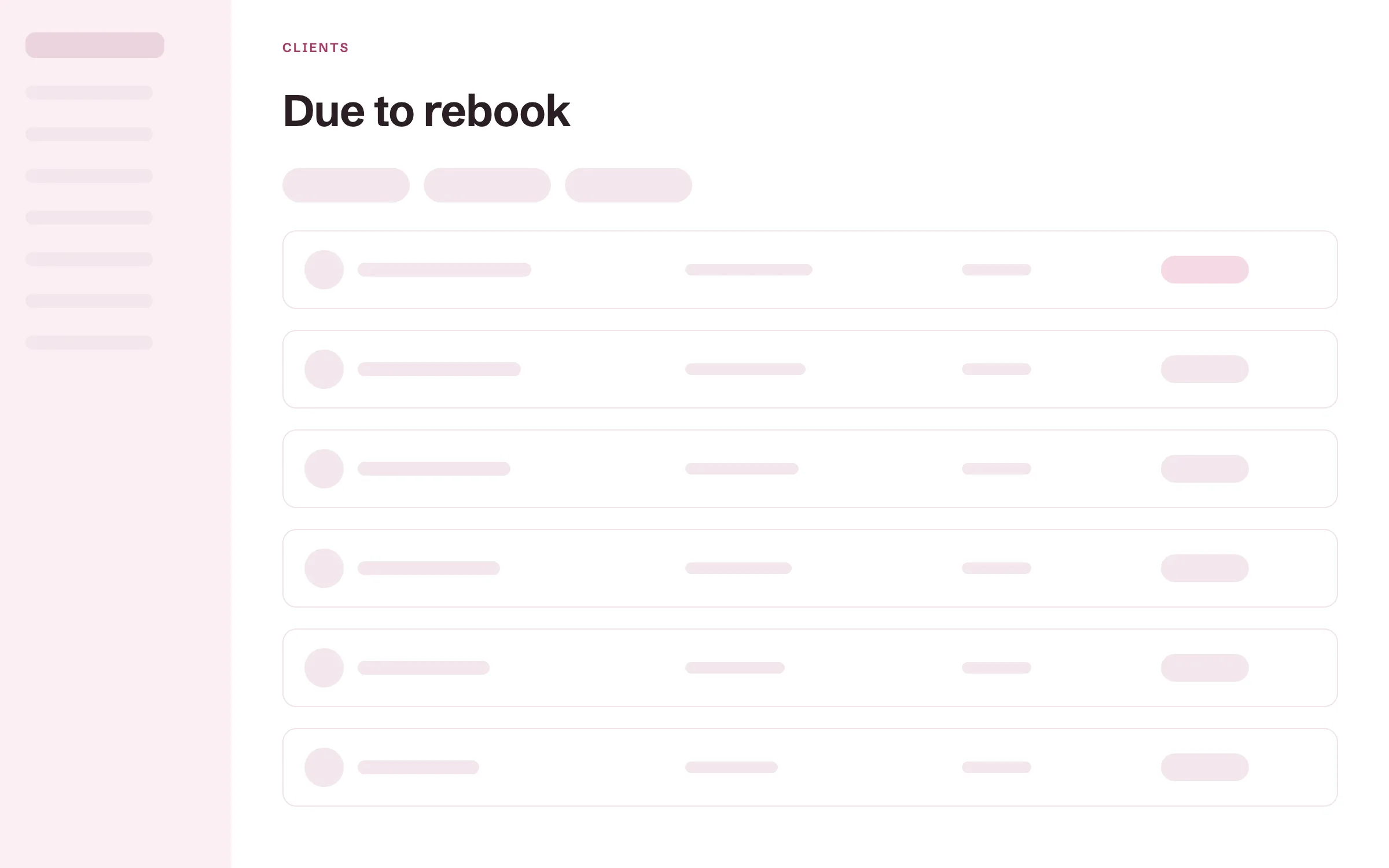
Give each client a cycle, such as six weeks for a root touch-up or three weeks for a lash fill. Clients without one follow your salon's own cadence. When a client is due, they show up under Due a rebook in your client list, so rebooking stops depending on what you remember.
Automatic rebook nudges
When a client is due, they get a nudge to book, written in your words. You write the message once and it goes out on time for every client.
Lifetime spend and last visit
See what each client has spent with you and when they were last in. You know who your best clients are.
Birthday emails
Send a note on each client's birthday, automatically.
Labels and saved views
Tag clients with your own labels and save the filters you use most. Find every bridal client or every color client in one click.
Client records and color formulas
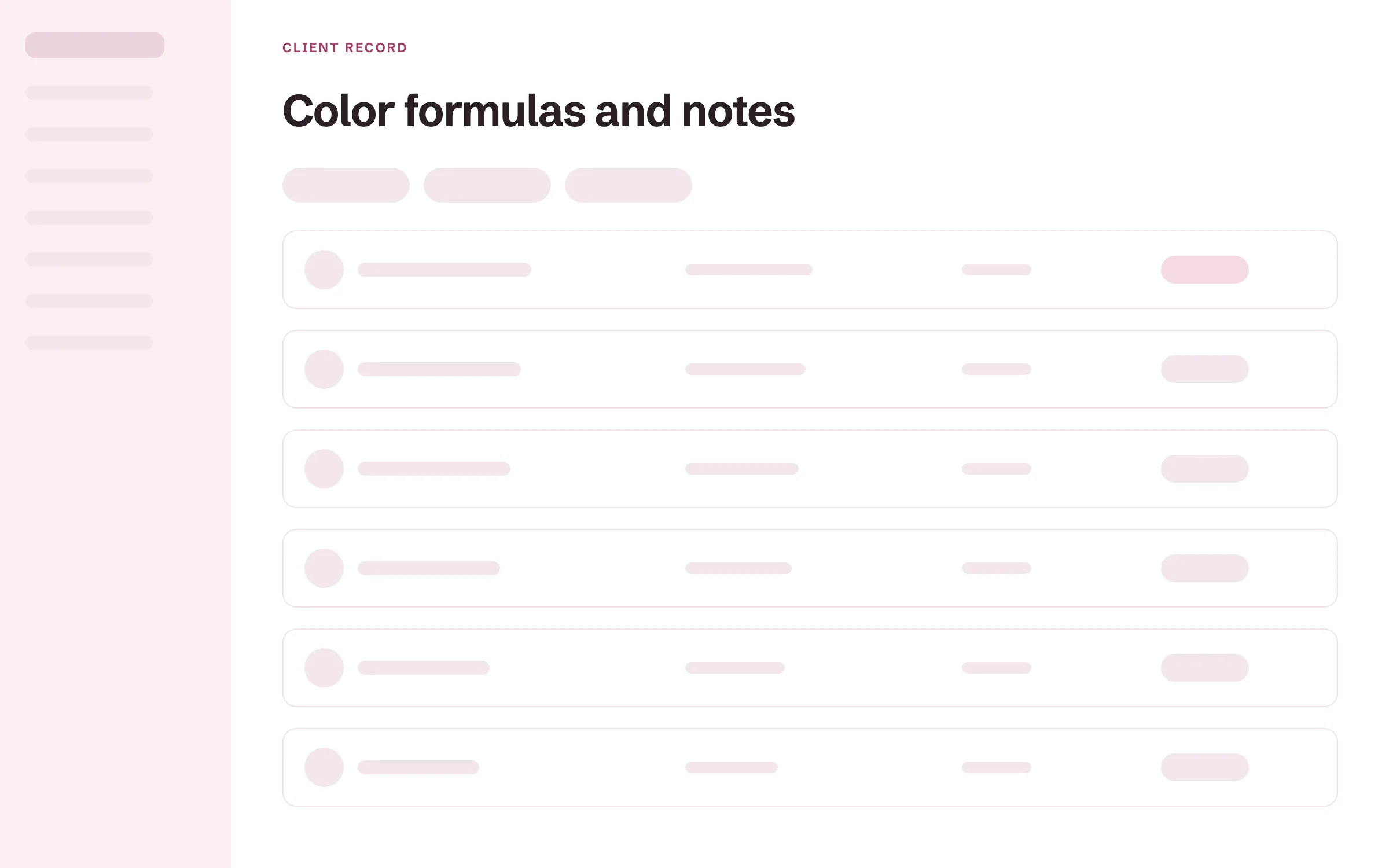
Each client's formulas, notes, photos and visit history live on one record. Any stylist who sees the client works from the same information.
Color formulas with every change kept
Write the formula on the client's record in your own shorthand. Each change is kept and dated, so you can see what you used three visits ago and why it changed. The formula stays with the client even when they switch chairs.
Notes and before and after photos
Add a dated note after every visit, and keep photos of the work on the record. Show a client their last result before you start, and the next stylist reads what happened last time.
Visit history
Every past appointment and service on one record. You see how often a client comes in.
Lifetime spend
See what each client has spent with the salon.
Patch tests and consultation forms
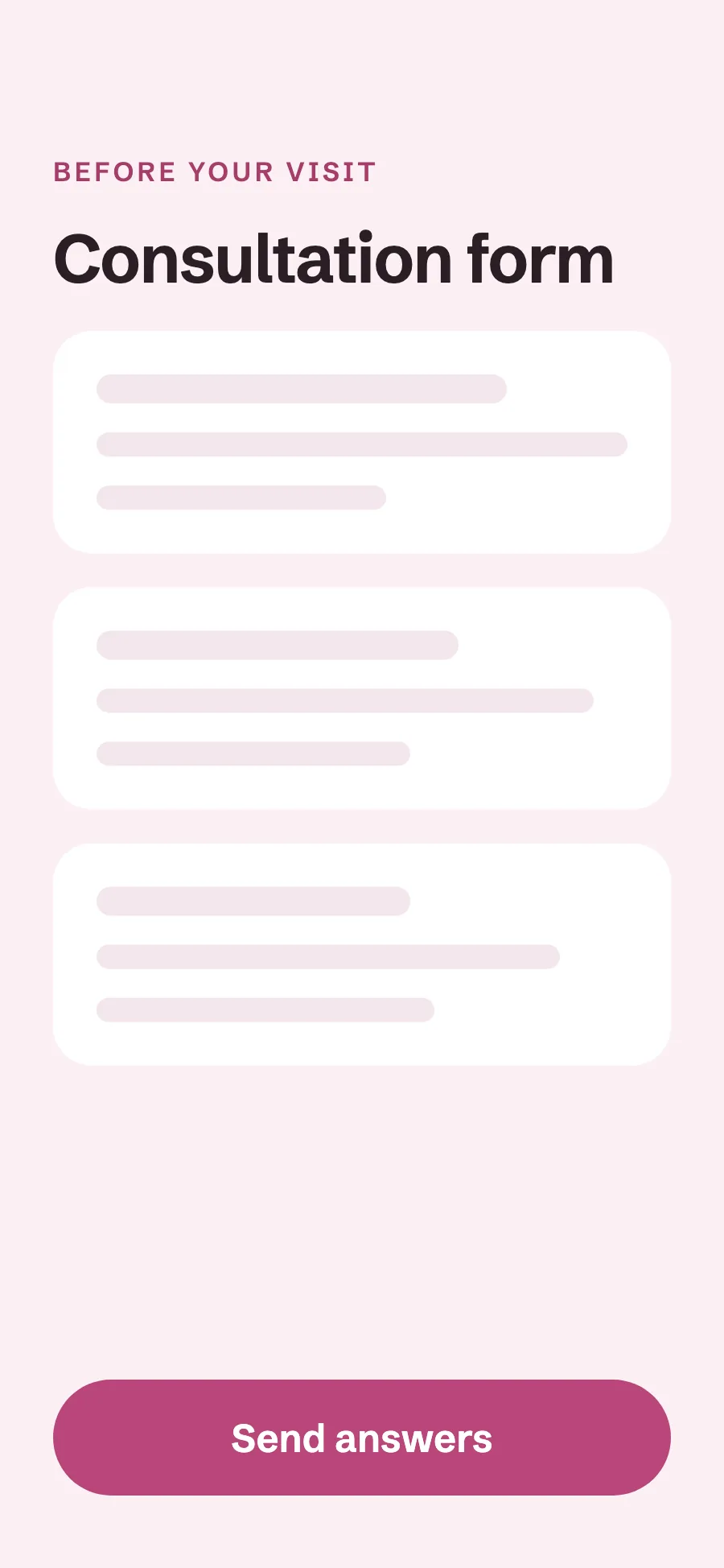
Record each patch test with the date it stays valid until, and send consultation forms before the visit. What you need to know before you start is already on the record.
Patch tests with a valid-until date
Record the date of each patch test and how long it stays valid. When it lapses, a warning shows on the client's next appointment. You see it before the color is mixed, and the client can still book while you sort it out.
Consultation forms
Clients fill in your intake or consultation form on their phone before the visit. Their answers are saved on the record next to their formulas.
Win-back emails
Find the clients you have not seen in a while and send them all a win-back email in your own words, in one send.
Clients not seen lately
Filter your client list by last visit: not seen in 30, 60, or 90 or more days. You see who has drifted before they are gone for good.
Win-back in one send
Write a win-back email in your own words and send it to everyone in that filter at once. Change the wording anytime you want a different tone.
Email clients in one send
Announce an open Saturday or a new stylist to your whole client list at once.
Review requests
Ask happy clients for a review on Google or Facebook after their visit.
Nail and lash records
Nail and lash techs keep the details their work depends on: nail notes, a lash map, and a fill cycle that sets when each client is due.
Lash maps and fill cycles
Record each client's lash map on their record. The fill cycle sets when each client is due, so a fill shows up as due at the right time. Your booking page can ask clients to book a fill within the window.
Nail notes
Keep notes on each client's nails, shape and finish on their record. The next set starts from what the client liked last time.
CRM for salon teams and booth renters
Employees share the salon's client records, so any stylist can see a client's history. Booth renters keep their own client list, private to them.
Shared records for your team
Stylists on your payroll work from the same client records. A client who moves from one chair to another keeps their formulas, notes and history.
Private client lists for renters
Each booth renter keeps their own book and client list. The owner sees totals and rent, never a renter's clients. Renters and employees each get their own sign-in with the right access, so nobody shares a password.
More of Turbo Link for salons
Questions about the salon CRM
Is my client list mine?
Yes. Your clients, their history and their contact details belong to the salon. Export them as a CSV file anytime, and if you leave, your list goes with you.
How do I find clients who have not been back?
Filter your client list by last visit: not seen in 30, 60, or 90 or more days. Then send that list a win-back email in one send.
Can I write my own win-back message?
Yes. You write the win-back email in your own words, and you can change it anytime.
Do I pay extra to message clients?
Email messages are part of every plan. Solo is $29 a month billed annually and includes 100 client texts a month, and a text bundle is $15 a month if you need more. See pricing.
Can I bring my clients from another salon tool?
Yes, yourself. Export your client list as a CSV file from GlossGenius, Vagaro, Square or the tool you use now, then import it into Turbo Link. Names, phone numbers, emails, birthdays and notes come across. Past appointments and saved cards stay in your old tool. How to switch from Vagaro or GlossGenius.
See who is due back this week
Add a card to start. You are not charged today, and you can cancel any time.